
How To Cancel Your Take 5 Car Wash Membership Easily
Cancel your Take 5 Car Wash membership through your account or the location where you joined, and keep written proof; if charges continue, file a dispute with your card issuer. If you skip confirmation, billing can continue after you think the plan is over. This guide covers the fastest cancellation paths, what proof to save, and the fallback steps if Take 5 does not stop billing.
What to know before you cancel
Take 5 car wash memberships are recurring subscriptions tied to an account, a vehicle, or a license plate, with plan-specific benefits that usually remain active until the billing period ends. The membership agreement can control notice requirements, auto-renewal, and refund limits, so check those terms before you rely on a same-day stop.
Billing often keeps running until cancellation is processed, not just requested. That is why timing matters near the renewal date, and why a written record matters even more if the first request does not stick.
What to gather first
- Your membership account details, if you have them.
- The vehicle plate number or the vehicle linked to the plan.
- The payment method on file, such as a credit card, debit card, or bank account.
- Your contact information so support can send a confirmation.
- The date and time you request cancellation.
If you still have a receipt, membership email, or account screen, save it before you start. A common first-timer mistake is calling support without the plate number or card last four digits, which slows verification and can leave the request unfinished.
The shortest path is simple: find the membership terms, request cancellation through the channel Take 5 provides, and save proof before you leave the conversation. If the first channel fails, move to the next one without losing the record of your first attempt. That matters more than speed alone.
Use the same account details each time so the cancellation request stays tied to the right membership. If you have multiple vehicles, multiple cards, or an old plate on file, call that out clearly so support does not cancel the wrong record or leave the active one untouched.
If you need to stop billing today, act before the renewal date, use the fastest channel available, and ask for a dated confirmation before the call or visit ends. If the membership agreement allows cancellation only after a processing delay, the best protection is a time-stamped request and a saved confirmation.
Do not rely on a verbal promise alone. If the plan is still active in the portal or on your next statement, the paper trail is what gives you leverage with support, the bank, or the card issuer.
Can you cancel online?
You may be able to cancel through an online account or portal if Take 5 offers that option on your membership. Do not assume every member has self-service access. If the portal shows a cancellation or membership management menu, use it and save the screen, because the proof matters as much as the click.
What to look for in an account area
- A membership dashboard or subscription page.
- A cancel, end, or manage membership option.
- A confirmation screen with a date, time stamp, or case number.
- An email receipt or confirmation message after submission.
If online cancellation works, save a screenshot of the final confirmation and the email, if one arrives. If the portal lets you submit a request but does not issue a confirmation number, keep a dated screenshot of the submission page and any follow-up message.
If the portal does not offer cancellation, treat that as a dead end and move to support by phone or in person. Do not assume the absence of a button means the plan is canceled.
Cancel in person or by phone
If you cannot cancel online, contact Take 5 support or visit the location tied to the membership and ask to end recurring billing. Say clearly that you want the membership canceled, not paused, changed, or transferred unless that is your actual request. Ask for written confirmation before you leave the call or the counter.
What support may ask
Be ready to verify the account with the membership ID, the linked vehicle or plate number, and the payment method on file. Support may also ask for your name, phone number, or email address. If the plan is tied to a specific card or bank account, have the last four digits ready.
Ask the agent to repeat the effective cancellation date. Then ask for the confirmation email, reference number, or case number. If the agent says the request is complete but cannot provide written proof, ask how you can obtain it and when it will arrive.
Say your membership is due to renew tomorrow and you want cancellation processed before the next charge posts. That puts the timing issue on the record and makes it easier to compare the request date with the next billing event.
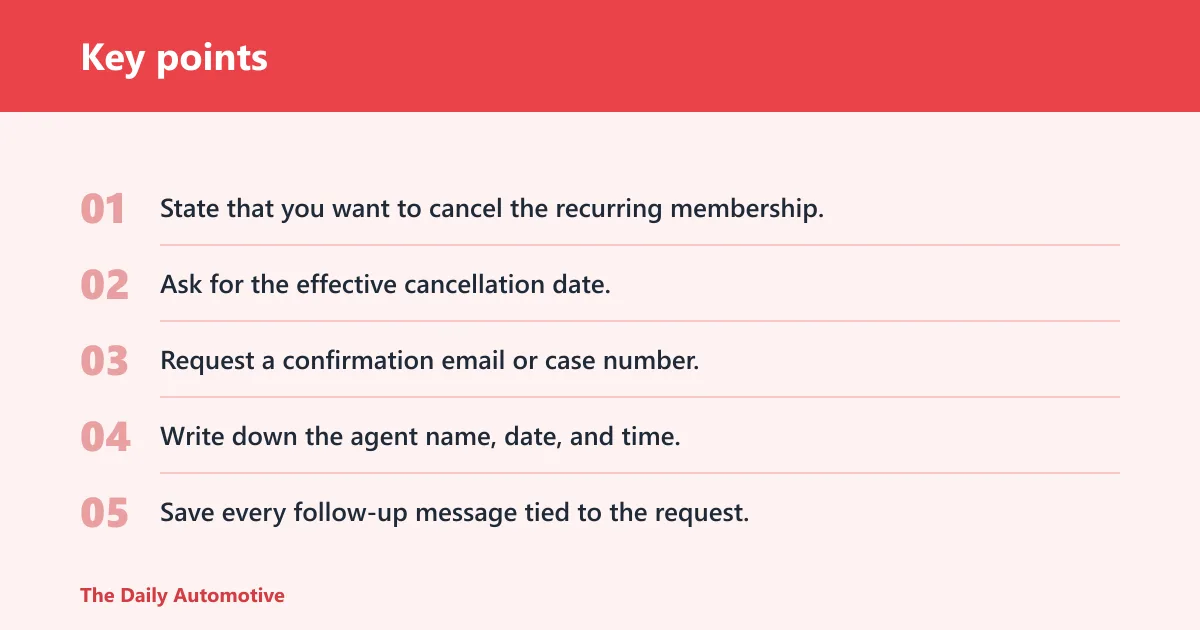
How to ask for written confirmation
- State that you want to cancel the recurring membership.
- Ask for the effective cancellation date.
- Request a confirmation email or case number.
- Write down the agent name, date, and time.
- Save every follow-up message tied to the request.
Suppose the plan is attached to a license plate and the car is sold before the next renewal. The payment card may still be charged if the membership remains active in the account, so the change of vehicle alone does not protect you from billing.
Take 5 cancellation checklist
| Action | What to save as proof | What to do if the request is denied |
|---|---|---|
| In-person cancellation request at a location | Receipt, written note, date and time, employee or manager name, and any confirmation email or case number | Ask the location to escalate the request, then contact customer support with the same details and ask for written confirmation |
| Phone cancellation request | Call log, date and time, agent name, case number, and any email or text confirmation | Ask for escalation to a supervisor or membership team, then submit the request again in writing if possible |
| Online cancellation request, if available | Screenshot of the submission page, confirmation screen, confirmation email, and any reference number | Use phone or in-person support and keep the online proof in case the portal request does not process |
| Charge dispute with your bank or card issuer | Billing statement, proof of cancellation request, confirmation email, and any prior support ticket | Ask the issuer to open a merchant dispute, then send all documents that show the membership was canceled or should have stopped billing |
Will you keep getting billed?
You may still see one more charge if the cancellation request lands too close to the renewal date or if processing is delayed. The membership agreement may also limit refunds or set a notice period, so a request made today may not stop a bill already queued for processing. Keep checking the card or bank account linked to the membership.
How final charges can appear
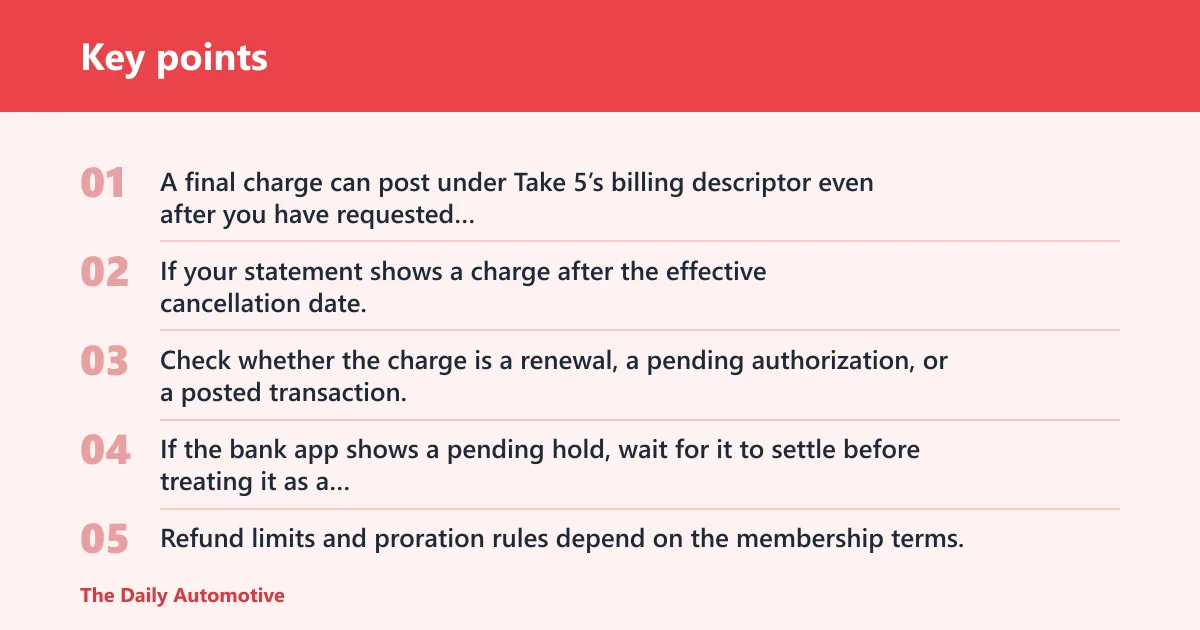
A final charge can post under Take 5’s billing descriptor even after you have requested cancellation, especially if the account was not fully closed before renewal. If your statement shows a charge after the effective cancellation date, that is the kind of mismatch you should document immediately.
Check whether the charge is a renewal, a pending authorization, or a posted transaction. If the bank app shows a pending hold, wait for it to settle before treating it as a completed charge. If it posts, save the statement image.
How refunds and proration may work
Refund limits and proration rules depend on the membership terms, not on what a front-line agent assumes. Some plans continue through the paid period, and some businesses do not refund unused time. Read the agreement before you expect a partial credit.
How to confirm cancellation
Confirmation should include the effective date, a confirmation email or case number, and enough account detail to tie the notice to the membership. That may mean the last four digits of the payment card, the vehicle plate, or the membership ID. Keep the proof in more than one place.
What to verify on the confirmation
- Your name and membership account details.
- The cancellation date or end-of-billing date.
- A case number, reference number, or confirmation email.
- The agent name and time stamp, if the request was handled by phone or in person.
Match the confirmation against the last statement and the next scheduled renewal. If the email shows the wrong vehicle or a different account, contact support again right away. A mismatched account is one of the easiest ways for recurring billing to continue.
Keep a copy of the original cancellation request too. If billing continues later, you want both the request and the confirmation in the same folder.
What if Take 5 keeps charging you?
If charges keep posting after cancellation, reopen the issue with Take 5 support first and ask for the account to be reviewed against the cancellation proof. If billing still does not stop, contact your card issuer or bank and open a dispute. The strongest file includes the cancellation confirmation, the billing statement, and the dates of every contact attempt.
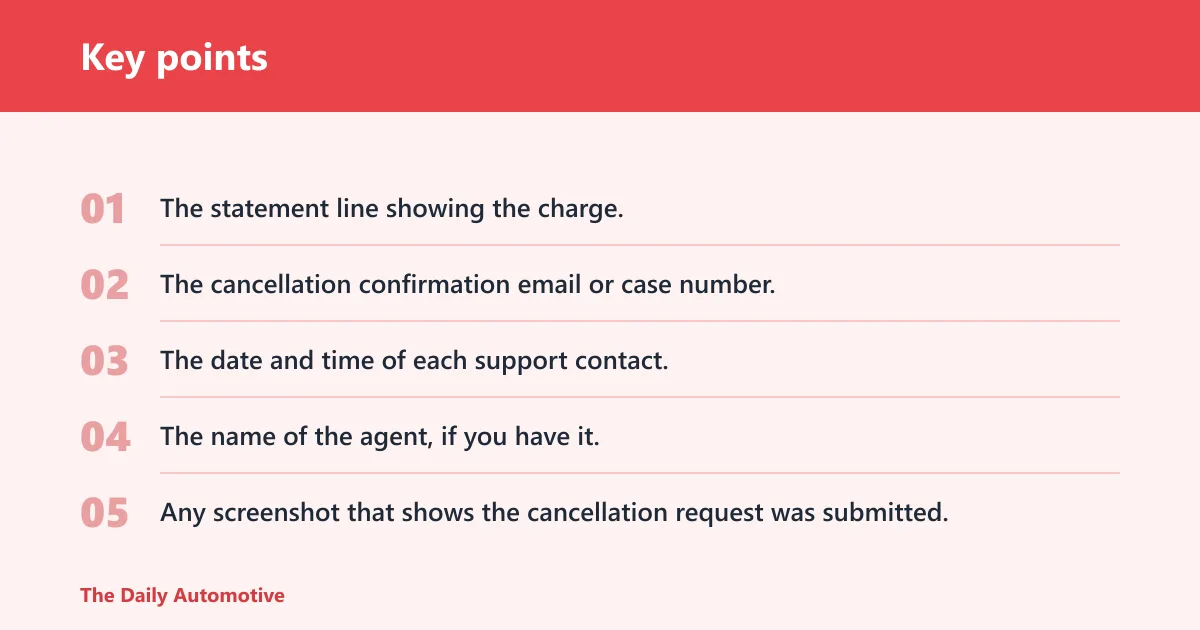
What to send your bank or card issuer
- The statement line showing the charge.
- The cancellation confirmation email or case number.
- The date and time of each support contact.
- The name of the agent, if you have it.
- Any screenshot that shows the cancellation request was submitted.
That documentation helps the issuer review whether the merchant kept billing after the subscription should have ended. If the card on file was replaced, closed, or reissued, include that fact too; the account may still be linked to the same billing relationship.
A charge dispute makes sense when the merchant has not stopped billing after a documented cancellation attempt, or when support refuses to correct a charge that should not have posted. Do not wait too long; card issuers and banks have dispute windows, and those windows vary by payment network and account terms.
Frequently asked questions
How do I cancel my Take 5 car wash membership?
Cancel through the account, by phone, or at the location tied to the membership if Take 5 requires an in-person request. Have your account details ready, ask for written confirmation, and keep the confirmation email, case number, and date and time. If billing continues, contact your bank or card issuer.
Can I cancel my Take 5 car wash membership online?
You may be able to cancel online if your account or portal offers that option, but do not assume every membership includes self-service cancellation. Save a screenshot of the submission and the confirmation message. If the portal does not show a cancellation path, use phone or in-person support.
Do I need to call to cancel my Take 5 membership?
Not always, but phone support is often the fastest fallback if online cancellation is unavailable or incomplete. A call also gives you a chance to ask for an agent name, case number, and effective cancellation date. Keep the call log and any follow-up email as proof.
Will I be charged again after I cancel Take 5 car wash?
You can still be charged if the cancellation request is not processed before the next renewal or if the membership agreement allows the current billing period to finish. Check the final confirmation date and your statement. If another charge posts after that date, raise it with support and then dispute it if needed.
Is there a cancellation fee for Take 5 car wash membership?
The answer depends on the membership terms, so check the agreement for refund limits, notice rules, and any fee language before you cancel. Do not assume a fee exists or does not exist without reading the plan details. If support quotes a fee, ask where it appears in writing.
What information do I need to cancel my Take 5 subscription?
Have your membership account details, linked vehicle or plate, payment method on file, and contact information ready. If you have a membership ID, bring that too. These details help support verify the account and reduce the chance that the wrong subscription stays active.
What happens to my membership benefits after cancellation?
Benefits usually continue until the end of the billing period unless the terms say otherwise. That means cancellation can stop renewal without stopping access immediately. Check the confirmation date and your agreement so you know when washes should end.
Can I freeze or pause my Take 5 car wash membership instead of canceling?
That depends on whether Take 5 offers a pause or freeze option for your plan. Ask support directly and get the answer in writing before you assume the membership is suspended. If there is no written pause confirmation, the account may still renew and bill.
How do I confirm my Take 5 membership was canceled?
Look for a confirmation email, case number, and the effective cancellation date. Match those details to your account, payment card, and vehicle or plate information. Save the email, a screenshot, and any agent notes so you can show proof if a later charge appears.
What should I do if Take 5 keeps charging me after cancellation?
Contact Take 5 support again with your cancellation proof and ask for the account to be reviewed against the posted charge. If the charge still remains, call your bank or card issuer and open a dispute. Send the confirmation email, statement line, and every contact date you saved.
Products related to this article
Sponsored / affiliate links. As an Amazon Associate I earn from qualifying purchases. I may earn additional commission from eligible campaigns.