Toyota Key Fob Battery Replacement: Smart and Flip Key Guide
To change the battery in a Toyota key fob, release the hidden mechanical key if your fob has one, split the case at its seam, and swap the coin cell for one with the exact same code printed on it. Do not buy by model name alone: the cell code differs between Toyota key designs, and the code on your old battery is the only answer that is right for your fob.
This guide covers the three common Toyota key styles, a battery check that goes beyond “CR2032 fits everything”, the opening steps, and a Toyota-specific troubleshooting table for when the car still will not start after the swap, which is often not the fob at all. It also covers the part many guides skip: what to do if a child swallows one of these cells.
Quick Answer
Pull out the mechanical key (if your fob has a release), pry the case open at its seam with a small flat tool, note which way the + side faces, and fit a new coin cell with the same code as the old one: CR2032, CR2025, CR2016 and CR1632 are not interchangeable. If the car will not start with a weak fob, Toyota says to hold the Smart Key next to the START button and press it, and to keep a dead coin cell away from children.
Which Toyota Key Do You Have? Smart Key, Flip Key or Remote
| Best Multi-Size Coin Cell Pick | |
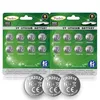 |
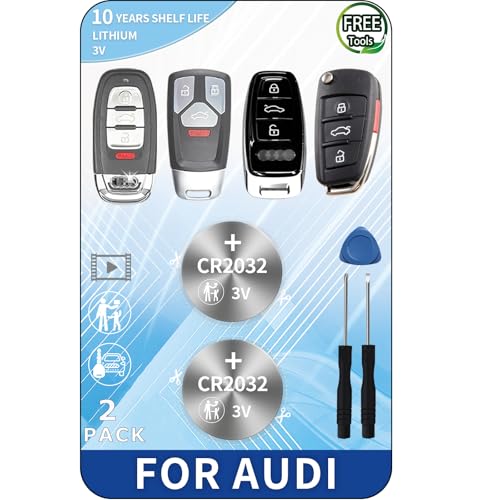
Toyohira 16-Pack Assorted 3V Lithium Coin Batteries (CR2032, CR2025, CR2016) Best for: owners who have not yet opened the fob and do not know whether it takes a CR2032, CR2025 or CR2016 Why we picked it: the listing says 8 x CR2032, 4 x CR2025 and 4 x CR2016, all 3 V lithium, and it was in stock at $5.89 when checked on 2026-10-12, so one pack covers the three most common fob sizes Main drawback: there is no CR1632 in the pack, so if your old battery reads CR1632 you need to buy that cell separately, and leftover cells must be stored out of children’s reach |
As an Amazon Associate we earn from qualifying purchases. Spec-based pick from the listing, not a hands-on test.
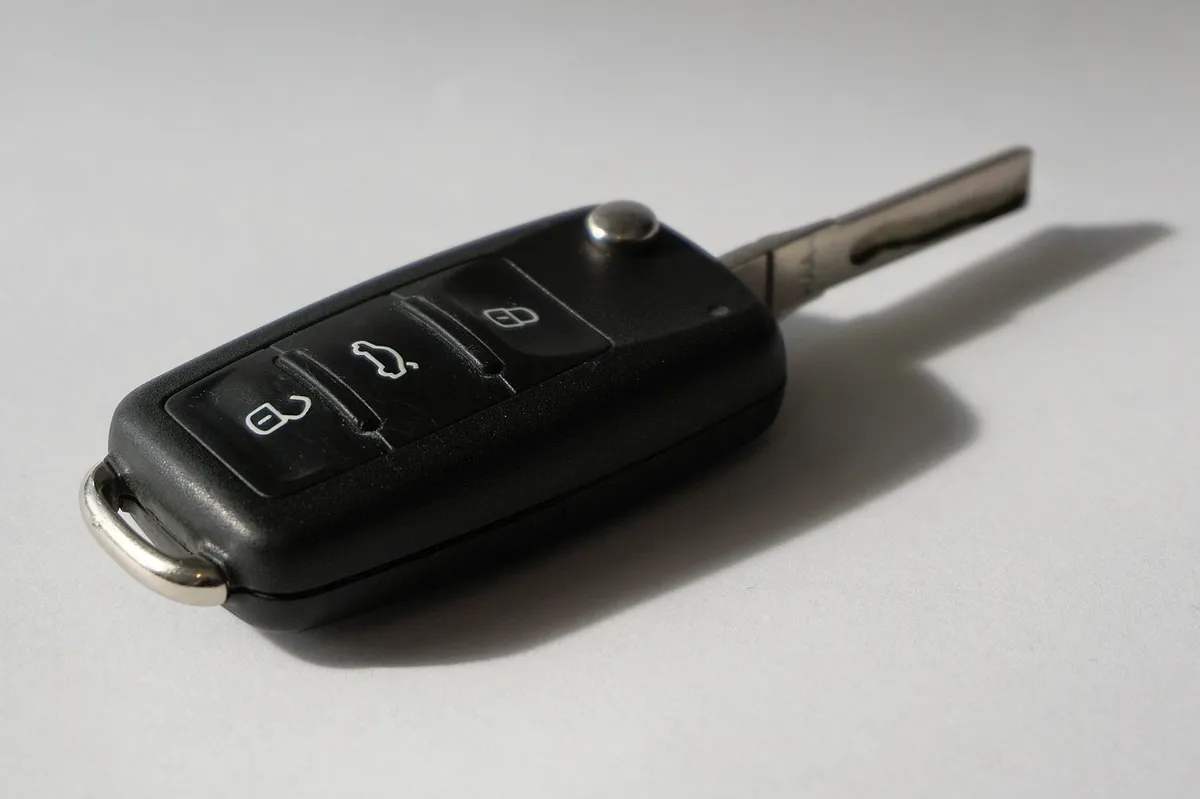
Toyota fobs fall into three groups, and the group decides how you get the case open and how you get into the car while the battery is dead. If you are unsure which one you have, our comparison of mechanical keys and remote keys explains the difference.
| Key style | How to recognise it | If the battery is dead | Opening the case |
|---|---|---|---|
| Smart Key (push-button start) | Fob with lock and unlock buttons; the car starts with a START button, not a key in a slot | Toyota support says a mechanical key inside the Smart Key opens the driver’s door; then hold the Smart Key next to the START button and press it | Release the mechanical key first; the case seam or key slot is then usually the pry point (check your manual for your model) |
| Flip key | Metal blade folds out of the fob body | Use the blade in the door lock and the ignition as normal | The case usually splits at a seam beside the pivot; use a small flat tool and go slowly |
| Older remote on a key | Separate plastic remote on the key ring, or a key head with built-in buttons | Use the metal key as normal | Usually a seam or coin slot on the remote’s edge |
The first row is the part Toyota itself documents. The opening notes for the other two rows describe the usual pattern, not every model, so treat your owner’s manual as the final word for your year and model.
Which Battery Does a Toyota Key Fob Take?
Older versions of this page said most Toyota fobs use a CR2032 and listed a handful of models. That is too neat to trust: third-party sources we looked at disagree on the cell for different model years, naming CR2032, CR2025, CR2016 and CR1632 for various fobs. Instead of guessing from the model name, open the fob and read the code on the old cell, or look up the battery section in your owner’s manual.
The codes also tell you the size. By the usual naming convention the first two digits are the diameter in millimetres and the last two are the thickness in tenths of a millimetre, so CR2032 is about 20 mm across and 3.2 mm thick, and CR2025 is the same width but thinner. A thinner cell can sit loose and lose contact, which is why you should match the code and never swap one for another. Energizer’s datasheets also show a real cost of picking the wrong one: typical capacity falls from 235 mAh for a CR2032 to 170 mAh for a CR2025 and 100 mAh for a CR2016.
| Cell code | Typical capacity (Energizer datasheet) | Size from the naming code | Use it when |
|---|---|---|---|
| CR2032 | 235 mAh | About 20 mm x 3.2 mm | The old cell reads CR2032 |
| CR2025 | 170 mAh | About 20 mm x 2.5 mm | The old cell reads CR2025 |
| CR2016 | 100 mAh | About 20 mm x 1.6 mm | The old cell reads CR2016 |
| CR1632 | 130 mAh | About 16 mm x 3.2 mm | The old cell reads CR1632 |
All four are 3 V lithium cells per Energizer. A CR2016 holds roughly 43% of the capacity of a CR2032 (100 divided by 235), so putting a thinner cell where a thicker one belongs would, even if it made contact, give you a much shorter life between changes.
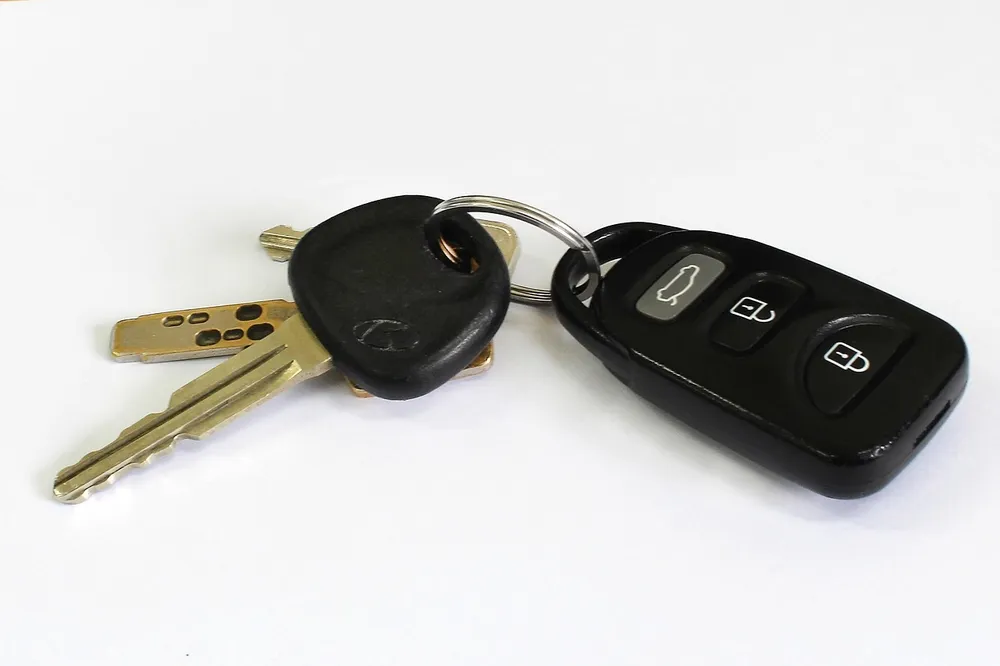
How to Change the Battery in a Toyota Key Fob
Work on a clean, soft surface, and keep the fob over a tray or towel so a spring or cell cannot roll away. These steps are the usual pattern for Toyota fobs; where your manual differs, follow the manual.
- Get the mechanical key out. On a Smart Key, slide the release lever or knob and pull out the hidden metal key. Toyota’s support pages confirm there is a mechanical key inside the Smart Key.
- Find the pry point. Look in the slot where the key sat, or along the seam of the case, for a small notch.
- Split the case gently. Use the tip of the mechanical key or a small flat tool, twist slightly, and work along the seam. Wrap tape on a screwdriver tip to avoid marking the plastic. Never use a knife, and never force it.
- Photograph the old cell. Note which side faces up and read the code before you remove it.
- Remove the cell with a plastic tool. Metal tweezers can short the contacts. Hold the new cell by its edges so fingerprints stay off the faces.
- Fit the new cell the same way up. Press it flat under the retaining tab, and check the rubber button pad and circuit board sit as they did.
- Close and test. Snap the halves together until they click, then press lock and unlock near the car. On a Smart Key car, confirm the car recognises the key at the door and the START button.
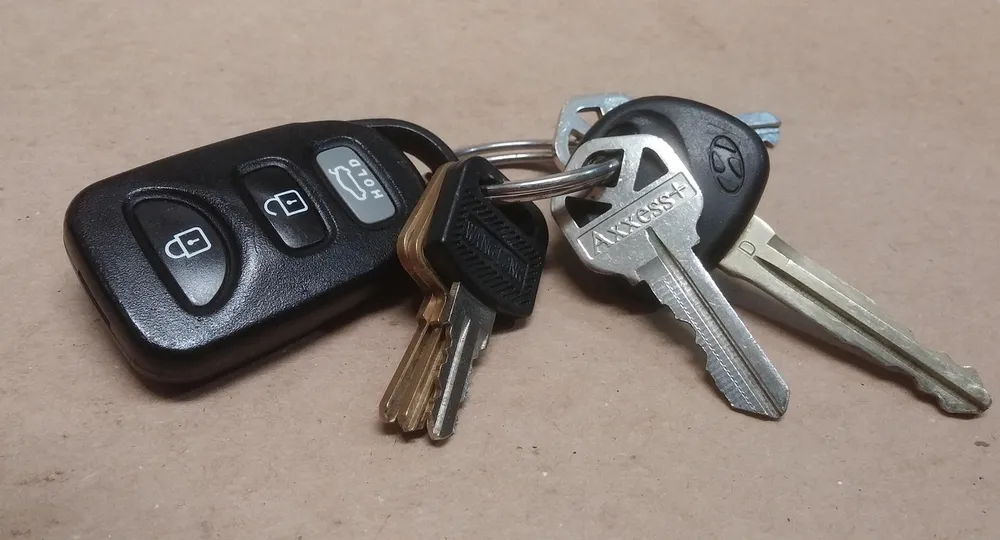
Our general guide to changing any car key fob battery has more on cell sizes across brands, and the Toyota RAV4 Hybrid fob guide covers one specific Toyota. Mercedes owners should see the Mercedes key battery guide if you drive a Mercedes.
Toyota Key Won’t Work After a New Battery? What Toyota Says
This is where most guides stop, but two Toyota support articles list causes that have nothing to do with the fob. Before you blame the new cell, check these:
| What you see | Likely cause (per Toyota support) | What to do |
|---|---|---|
| Fob buttons dead, car will not start with a push on START | Smart Key battery is weak | Hold the Smart Key next to the START button and press it, then replace the Smart Key battery per your manual |
| Car will not start even with a good fob | Foot not firmly on the brake pedal | Press the brake firmly, then press START |
| Smart entry and start do nothing at all | Smart Key deactivation switch may have been pressed; on equipped vehicles it sits at the bottom of the instrument panel directly below the steering wheel | Check the switch before assuming a faulty fob |
| Engine will not start and power door locks are inoperable | May be a weak engine battery, not the Smart Key battery | Have the engine battery tested; Toyota recommends contacting a Toyota dealership |
Source: Toyota support articles, If the battery in the Smart Key dies, is there an alternate way to enter the vehicle and start the engine? and a companion article on Smart Key start problems. If the fob still fails after a fresh cell of the correct code, a dealer can diagnose the key and the receiver.
Coin Cell Safety: Keep These Away From Children
A key fob cell is a button battery. The Consumer Product Safety Commission says these batteries can burn through a child’s throat or esophagus in as little as two hours if swallowed. Between 2011 and 2021 it counted 27 deaths and an estimated 54,300 emergency room visits tied to swallowed or inserted button or coin batteries. Energizer’s own datasheet carries the same two-hour warning.
- Do not leave a spare cell, an open fob or a dead cell on a table or in a drawer. Seal or tape new cells in their packaging until needed.
- Close the fob fully, and check that the back cover is secure after every change.
- Dispose of the old cell the same day, not in a cup holder or a pocket.
- If you think a child swallowed one, go to the nearest emergency department immediately and call the National Battery Ingestion Hotline at 800-498-8666 or the Poison Help Line at 800-222-1222. Do not wait for symptoms.
- Per the CPSC release (citing the National Capital Poison Center), honey may be given on the way to the emergency room to children 12 months and older, but never delay the trip to get or give it.
Source: CPSC news release on Reese’s Law and button cell dangers.
When to Stop and See a Professional
- The case cracks or the circuit board is damaged: a damaged fob should be replaced, not taped up.
- The fob was soaked or shows green or white corrosion on the contacts.
- The fob still fails with a correct fresh cell and the Toyota support checks above are clear.
- The car stalls, will not crank, or the door locks are inoperable: this may be the engine battery, so have it tested.
Frequently Asked Questions
What battery does a Toyota key fob use?
It depends on the fob and model year. CR2032 is common, but CR2025, CR2016 and CR1632 cells are also used in key fobs, so read the code on your old cell or check your owner’s manual before you buy a replacement.
How do I open a Toyota Smart Key?
On a Smart Key, slide the release lever or knob and remove the mechanical key, then use a small flat tool at the seam or key slot to separate the case. Check your owner’s manual for the exact pry point on your model.
How do I get into my Toyota if the fob battery is dead?
Toyota support says there is a mechanical key within the Smart Key that will open the driver’s door. Once inside, hold the Smart Key next to the START button and press it, which will most likely allow the engine to start.
My Toyota will not start after I changed the key battery. Why?
Toyota support lists other causes: your foot is not firmly on the brake, the Smart Key deactivation switch below the steering wheel was pressed, or the engine battery is weak. If the power door locks are also inoperable, suspect the engine battery and contact a Toyota dealership.
Match the cell code, keep the old and new cells away from children, and if the car still will not start, work through Toyota’s own checklist before buying anything else.
Products related to this article
Sponsored / affiliate links. As an Amazon Associate I earn from qualifying purchases. I may earn additional commission from eligible campaigns.