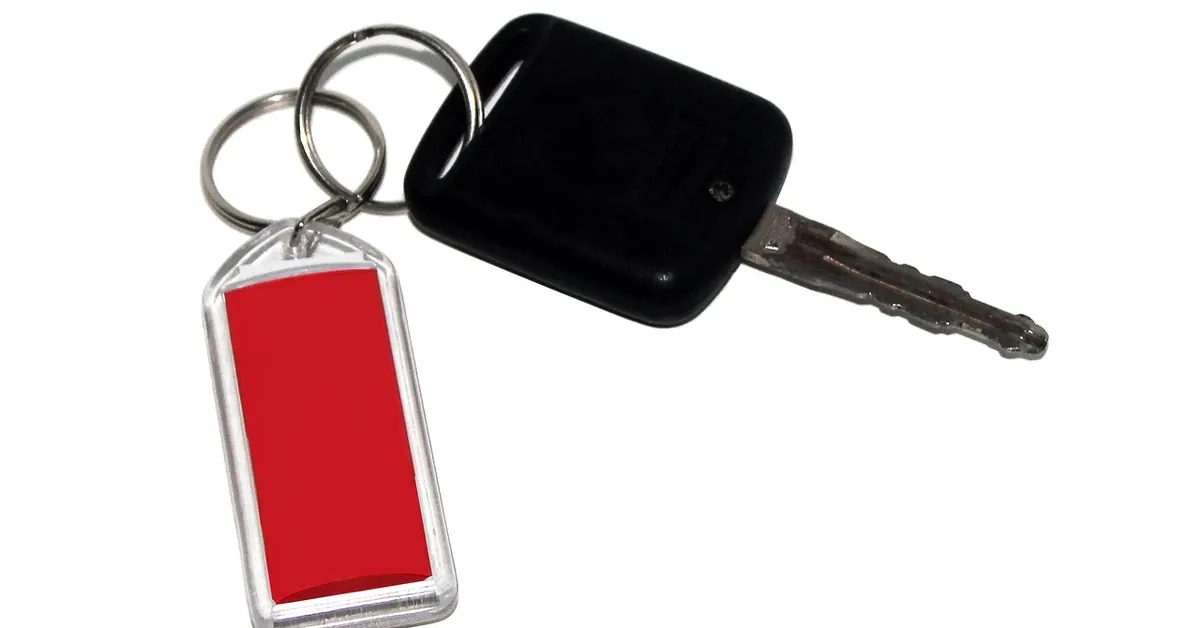
How to Change Battery in Key Fob: Find Your Size First
Open a dead key fob and you will find a small silver coin with a code printed on it, and that code is the answer to almost every key fob battery question. Buy the wrong size and the case will not close, or the cell rattles loose and the fob works only when it feels like it. This guide works for any car brand: it shows how to read your battery type, gives a coin cell size table built from the maker’s datasheets, explains what changes between flip keys, smart keys and plain remotes, and covers the part most guides skip, which is keeping that button battery away from children.
Quick Answer
Open the fob, read the code on the old battery (usually CR2032 or CR2025), and buy the exact same code. Note which side faces up before you remove it, fit the new cell the same way, and test every button. Keep old and spare cells away from children: a swallowed coin cell is a medical emergency.
Find Your Key Fob Battery Type Before You Buy
Best Child-Safe CR2032 Pick
|
Energizer Ultimate Child Shield CR2032 Batteries, 4 Pack Most key fobs take a CR2032, but confirm the code on your old cell first. This pack suits fobs that use that size and adds child-safety features.
|
As an Amazon Associate we earn from qualifying purchases. This pick is based on the product listing, not hands-on testing.
There are three reliable ways to find the right battery, in order of certainty:
- Read the old cell. The code is printed on its flat face. Take a photo of it before you do anything else.
- Check your owner’s manual. The key or key fob section normally names the battery and shows how to open that particular fob.
- Match the size code. The code itself tells you the dimensions, as the next section shows, so a code you can read is a code you can verify.
Do not rely on a parts-store lookup by car brand alone. One maker can use several fob designs across model years, which is exactly why the code on your own cell beats any brand-level chart. For a model-specific walkthrough straight from a manual, see our guide to changing a Mercedes-Benz key battery.
Key Fob Battery Size Chart: CR2032, CR2025, CR2016 and More
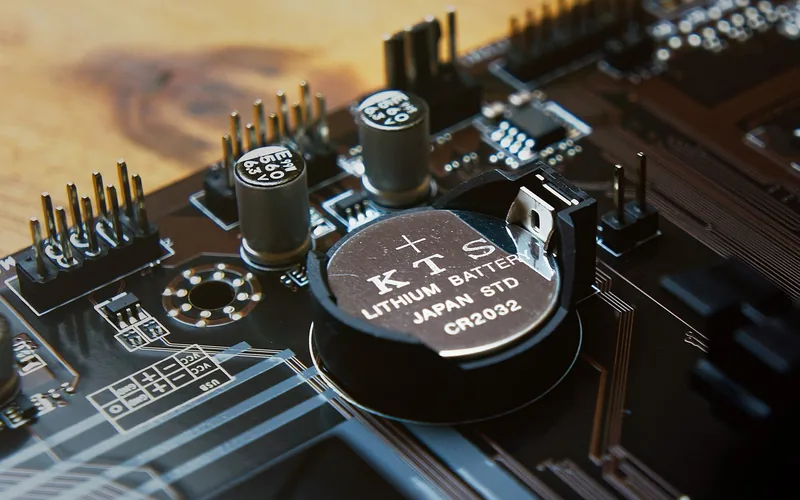
Every code follows one rule from the IEC naming system: the letters CR mean a lithium manganese dioxide coin cell, the first two digits are the diameter in millimeters, and the last two digits are the height in tenths of a millimeter. So a CR2032 is 20 mm across and 3.2 mm tall. The table below uses Energizer’s own datasheets for capacity and voltage, and the datasheet drawings for the CR2032, CR2016 and CR2450 dimensions. The other heights come from the same code rule.
| Code | Diameter | Height | Voltage | Typical capacity |
|---|---|---|---|---|
| CR2032 | 20.0 mm | 3.2 mm | 3.0 V | 235 mAh |
| CR2025 | 20.0 mm | 2.5 mm | 3.0 V | 170 mAh |
| CR2016 | 20.0 mm | 1.6 mm | 3.0 V | 100 mAh |
| CR1632 | 16 mm | 3.2 mm | 3.0 V | 130 mAh |
| CR1620 | 16 mm | 2.0 mm | 3.0 V | 81 mAh |
| CR1616 | 16 mm | 1.6 mm | 3.0 V | 60 mAh |
| CR2450 | 24.5 mm | 5.0 mm | 3.0 V | 620 mAh |
Capacity figures are Energizer’s typical values to 2.0 volts under a lab load. They are not a promise of years in a fob, because a key fob’s drain is different from the test load.
What the numbers tell you that other guides do not
- Same width, different thickness. The CR2032, CR2025 and CR2016 are all 20 mm across, so they look alike and can be confused. Only the height differs: 3.2, 2.5 and 1.6 mm.
- A CR2032 carries about 38 percent more capacity than a CR2025 (235 versus 170 mAh). Under Energizer’s identical 15,000 ohm continuous test, the datasheets list 1,245 hours for the CR2032 and 890 hours for the CR2025. That is a lab comparison, not a fob lifespan, but it shows why the thicker cell is the longer-lasting choice where the holder has room for it.
- Do not decide by fit. The extra 0.7 mm between a CR2032 and a CR2025 is the whole reason the wrong one will not seat properly: too thick and the case will not close, too thin and the contacts may not press firmly. Use the code your fob specifies.
Flip Key, Smart Key or Remote: What Changes
The battery is the same kind of coin cell in all three, but getting to it differs. Designs vary a lot between models, so treat this as a map and let your manual give the exact opening method.
| Fob style | What it usually looks like | What to watch for |
|---|---|---|
| Flip key | A metal blade that folds into a plastic head with buttons | The case often splits along a seam. Do not force it, because it is easy to crack the plastic. Keep the blade folded while you work. |
| Smart key (push-button start) | A slim fob with a hidden mechanical key inside | Many have a release catch that slides the key out first. The battery compartment is often behind the spot where the key sat. |
| Plain remote on a separate key | A small button fob next to a metal key | Often the simplest: a seam or a small screw. Confirm the code, since these frequently use a thinner cell. |
If you are not sure how your particular fob opens, our guide on how to open a car key fob shows the common opening methods. If you are choosing between a mechanical key and a remote, see mechanical key versus remote key.
How to Change the Battery: General Steps
These steps fit most fobs. Where your manual differs, follow the manual.
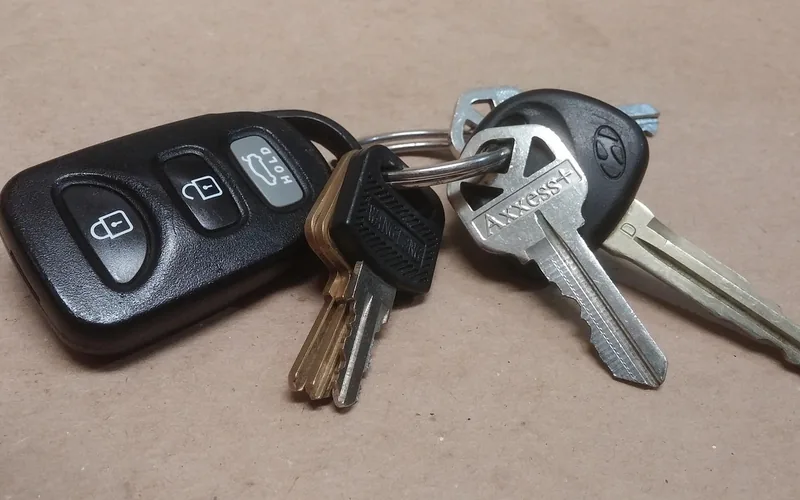
- Take a photo of the open fob’s battery and which face points up, because the plus sign matters.
- Open the case the way your manual shows. A small flat tool or coin at the seam is common, and a screw on some fobs.
- Lift out the old cell with a plastic tool or fingernail and read the code. Put it in a safe, closed place away from children straight away.
- Fit the new cell the same way up as the old one, plus side as it was in the photo.
- Close the case until it clicks or the screw is snug, then test lock, unlock and any other buttons while standing next to the car.
- If you have a spare cell, store it in its original child-resistant packaging.
If the fob has a screw, check that it is firmly tight when you finish. An unsecured battery door is the way a child gets to the cell, and Energizer’s datasheet says compartments should need a tool or coin, or two independent movements, to open.
After the Swap: Reprogramming and Troubleshooting
Whether a fob needs re-syncing after a battery change is not something one rule covers across every brand. Your owner’s manual is the authority, so look in its key or key fob section. If the manual is silent, assume nothing and test.
If the fob is still dead after the swap, work through this list:
- Is the plus side facing the right way, matching the photo you took?
- Is the code exactly the one the old cell carried?
- Is the cell seated flat against the contacts, with the case closed all the way?
- Is the cell fresh? Energizer lists a self-discharge of about 1 percent per year for these cells, so a cell that has sat in a drawer for a year or two should still be fine.
- Does the car show a key-not-detected message? Our guide to why a car says key not detected covers the next steps.
If a smart key will not start the car, your manual describes a backup method for that car. It varies by model, so read the section before you need it rather than in a dark parking lot.
Button Battery Safety: Keep Them Away From Children
A key fob battery is a button battery, and it is the same kind of cell that causes serious injuries when swallowed. Energizer’s own datasheet warns that swallowing may lead to serious injury or death in as little as 2 hours due to chemical burns and potential perforation of the esophagus. Treat the old cell as the hazard: it is the one lying on the counter after a swap.
- Close up the fob and put the old cell where children cannot reach it before you do anything else.
- Keep spare cells in their original child-resistant packaging.
- If a cell goes missing, treat that as a possible emergency and do not wait for symptoms.
- If someone swallows one or puts one in the nose or ear, call the National Battery Ingestion Hotline at 1-800-498-8666 or a poison center at 1-800-222-1222 immediately. If you can, have the battery code ready, which is another reason to photograph it first.
- Do not induce vomiting.
The National Capital Poison Center says to call right away and notes that an x-ray is usually needed to see where the battery is. It also says that if the battery was swallowed in the last 12 hours and the child is able to swallow, giving 2 teaspoons of honey every 10 minutes on the way to the emergency room is advised, but never at the cost of delay. This is general first-aid information, not medical advice, so follow the hotline’s guidance for your situation.
Frequently Asked Questions
Can I change my car key battery myself?
Yes, in most cases. A key fob battery swap usually needs only a small flat tool and a replacement coin cell. Check your owner’s manual first, because some fobs hide the battery behind a release catch or a screw, and the manual shows the right opening method for yours.
Do I need to reprogram my key fob after changing the battery?
Not necessarily, and no single rule covers every brand. Your owner’s manual is the authority: look in the key or key fob section for any re-sync step. If the fob does not work after a fresh, correctly sized battery in the right way up, go back to the manual or ask a dealer.
How do I know which battery my key fob takes?
Open the fob and read the code printed on the old cell, such as CR2032 or CR2025. The code gives the size: the two digits after CR are the diameter in millimeters and the last two are the height in tenths of a millimeter. Your owner’s manual also names the battery.
Can I use a CR2025 instead of a CR2032?
Do not swap them on your own. A CR2032 is 3.2 mm tall and a CR2025 is 2.5 mm tall, the same 20 mm across, so a thinner cell may sit loose in a holder made for the thicker one. Use the size your fob or manual specifies.
What should I do if a child swallows a key fob battery?
Act at once. Call the National Battery Ingestion Hotline at 1-800-498-8666 or your poison center at 1-800-222-1222, and do not induce vomiting. Per the National Capital Poison Center, a swallowed battery can cause severe damage in as little as 2 hours, so do not wait for symptoms.
Conclusion
Read the code on the old cell, buy the same one, fit it the same way up, and test every button. Keep a photo of the cell as your reference, and keep every old and spare coin cell out of reach of children. Your owner’s manual settles anything this general guide cannot, including how your fob opens and whether it needs a re-sync step.
Products related to this article
Sponsored / affiliate links. As an Amazon Associate I earn from qualifying purchases. I may earn additional commission from eligible campaigns.