How to Change Car Key Battery for 2020 Toyota RAV4 Hybrid
For a 2020 Toyota RAV4 Hybrid key fob, replace the coin cell with a CR2032, with the battery side facing up in the holder after you open the case and transfer the old emergency key. A wrong battery or poor reassembly can leave you locked out, trigger a no-start warning, or make the doors stop responding to remote commands. This guide shows the exact fob opening points, battery swap, and the checks to do if the RAV4 still will not open or start.
What battery does it use?
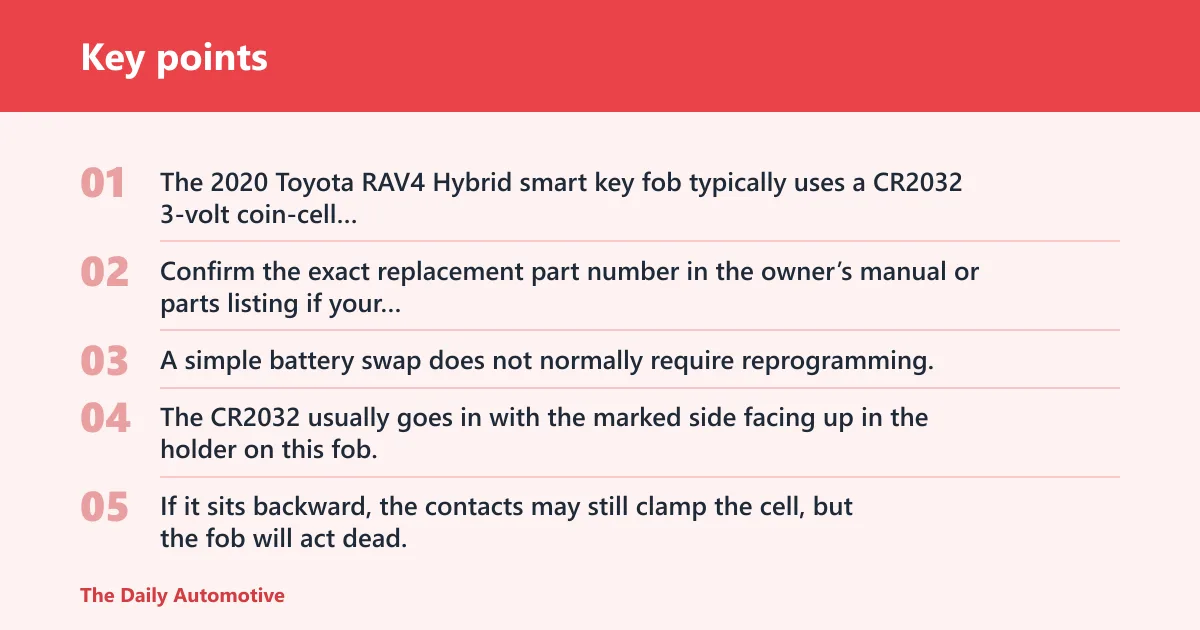


The 2020 Toyota RAV4 Hybrid smart key fob typically uses a CR2032 3-volt coin-cell battery. Confirm the exact replacement part number in the owner’s manual or parts listing if your fob shell or market differs, but the common size and voltage for this model are CR2032 and 3V. A simple battery swap does not normally require reprogramming.
Why polarity matters before you close the case
The CR2032 usually goes in with the marked side facing up in the holder on this fob. If it sits backward, the contacts may still clamp the cell, but the fob will act dead. That is the most common no-response mistake after a battery change.
Say your doors open again only when you hold the fob within an inch of the start button. That usually points to a weak cell, a reversed battery, or a contact that did not seat flat when the shell snapped shut.
What tools you actually need
You do not need a dealer tool or special programming gear for a normal battery swap. A small flathead screwdriver with a 3 to 4 mm blade, or a thin plastic pry tool, is enough, along with the correct CR2032 battery. A plastic pry tool is safer because it lowers the chance of gouging the snap-fit shell.
| Item | Why it matters | What to confirm |
|---|---|---|
| CR2032 coin cell | Correct size and voltage for the fob | 3V, fresh stock, clean wrapper |
| Small flathead screwdriver or plastic pry tool | Opens the seam without forcing the shell | Flat tip, used gently at the seam |
| Owner’s manual or parts listing | Confirms exact part number if needed | Match your model year and market |
📊 MotorTrend says the 2026 RAV4 PHEV gets 52 miles of all-electric driving range. Source: Motortrend.
How to open the fob
Start by removing the emergency key blade, then pry the case at the seam, not across the button face. Use light pressure at the opening notch so the snap-fit clips release instead of cracking. The shell is plastic and can break if you twist the tool hard.
Remove the emergency key blade first
Slide the release tab on the fob and pull the metal emergency key blade out of the housing. That blade gives you manual door access if the battery is dead, so keep it nearby. Do not lose it before you reassemble the case.
Find the seam and pry point
On the 2020 RAV4 Hybrid smart key, the battery-access seam runs around the case body. Insert the tip of a small flathead screwdriver or plastic pry tool at the seam near the slot left by the removed emergency key blade. Work slowly along the edge until the shell separates.
A common first-timer mistake is to pry near the center seam by the buttons. That can scar the case and bend the clips. Stay at the seam opening point and keep the tool flat to the plastic.
Use light, steady pressure without cracking the shell
Press only until the clip releases, then move a few millimeters and repeat. Do not twist the tool like a lever. If one side resists, switch to the other side of the seam rather than forcing the same spot.
RAV4 key battery step table
This table maps each replacement step to the failure risk it prevents. Use it as a quick check while you work.
| Step | What to do | Failure risk it prevents |
|---|---|---|
| Opening point | Pry at the seam near the emergency-key slot with light, even pressure | Clip breakage and gouged housing |
| Battery removal | Lift the CR2032 straight out without bending the holder | Damaged contacts and loose fit |
| Polarity check | Install the new cell with the marked side facing up in the holder | No-response symptom from reversed polarity |
| Contact inspection | Check that the metal tabs are clean and aligned before closing | Intermittent open/close response and weak signal |
| Reassembly test | Snap the shell fully closed, then test lock, open, and start near the vehicle | Weak range from a case that is not latched |
| Emergency-start fallback | Use the mechanical key and the fob’s backup start method if the battery is dead | Being stranded with a dead fob battery |
Replace the coin cell
Once the shell is open, lift out the old CR2032 and seat the new one flat in the holder. The marked side goes up. Before snapping the shell shut, inspect the contacts, then press the case halves together until every clip seats cleanly.
Lift out the old battery
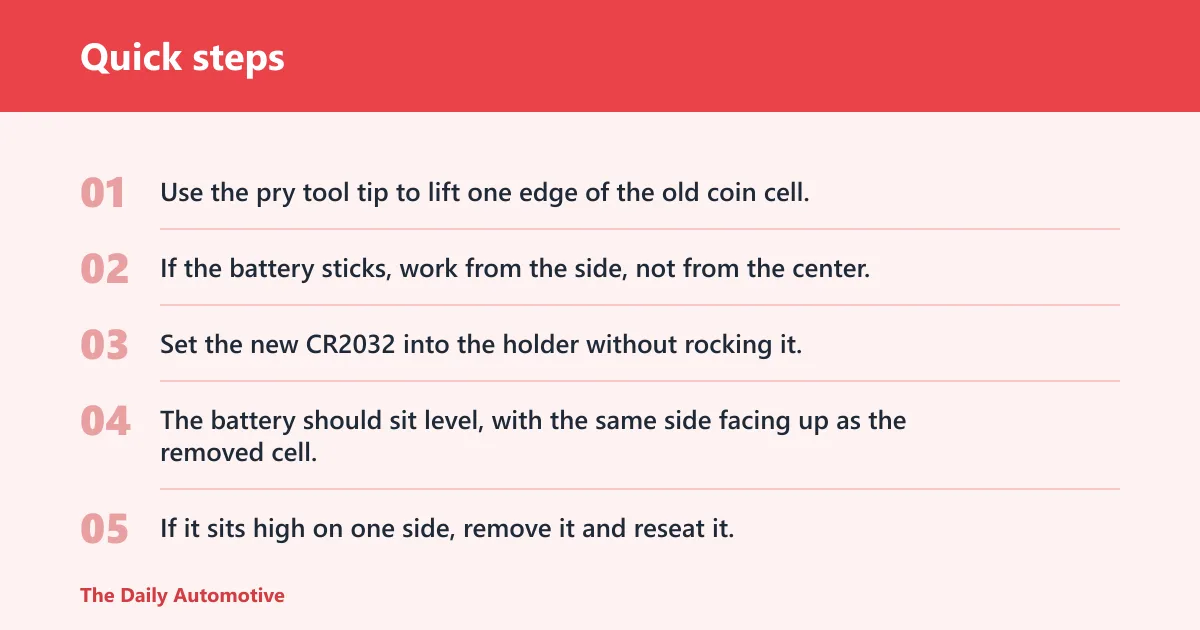
Use the pry tool tip to lift one edge of the old coin cell. Do not dig under the metal contact strips. If the battery sticks, work from the side, not from the center, so you do not bend the retaining spring.
Seat the new battery flat and in the correct direction
Set the new CR2032 into the holder without rocking it. The battery should sit level, with the same side facing up as the removed cell. If it sits high on one side, remove it and reseat it. A crooked cell can work loose when the case snaps shut.
Inspect the contacts before snapping the shell shut
Look for dust, white residue, or bent metal tabs. A dry cotton swab with tight cotton can remove light debris from the holder and tab edges. If a tab is visibly bent away from the battery, the fob may still fail even with a fresh cell. If the housing is cracked or the contacts are corroded, replacement of the shell or professional repair is the better next step.
Picture a fob that opens the driver door only when you hold it right against the handle. If the new battery is correct but the range stays short, the case may not be fully latched or one contact may be missing the battery edge.
Will the fob need reprogramming?
A simple battery swap does not normally erase programming on the 2020 Toyota RAV4 Hybrid smart key fob. If the car still will not respond, look first at battery orientation, clip alignment, and the contact surfaces. Programming trouble is less likely than a bad seat or damaged shell after a battery change.
What a simple battery swap changes and what it does not
Replacing the coin cell restores power to the fob. It does not usually change the fob’s identity or pairing with the vehicle. If the fob worked before the battery failed, it should usually work again after a correct replacement.
When a damaged shell or contact issue can mimic programming trouble
A cracked shell, bent contact, or loose cell can look like a lost-programming problem because the buttons may do nothing. Check the battery first, then the shell seam, then the contacts. If all of that looks right and the fob still fails, a dealer or locksmith can confirm whether the fob electronics are damaged.
When a dealer or locksmith is the right next step
Use professional help if the case will not snap closed, the emergency blade is damaged, the contacts are loose, or the fob still fails after a correct battery swap. A dealer or locksmith is also the safer choice if you need a replacement shell or a deeper electrical diagnosis.
Troubleshoot a dead fob
If the fob still acts up after a new battery, check the symptoms one by one. Most post-swap problems come from the wrong cell, reversed polarity, bent contacts, or a shell that did not close fully. The emergency key blade still gives you door access, and the backup start method can still work with a weak or dead fob battery.
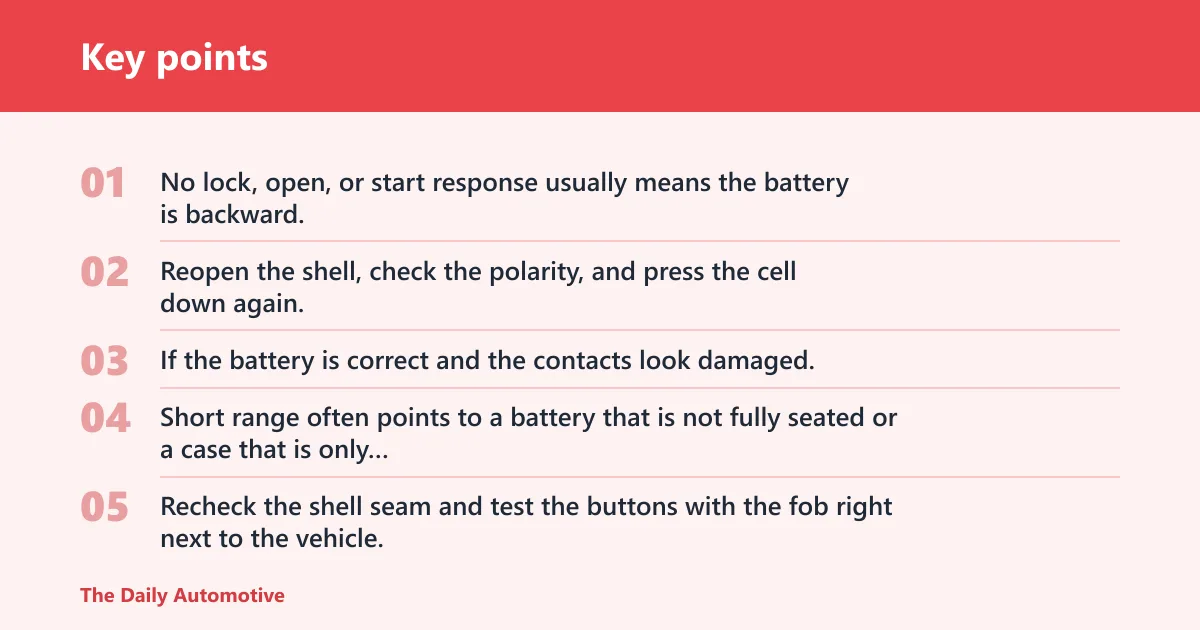
No response after replacement
No lock, open, or start response usually means the battery is backward, the cell is not seated flat, or the contacts are not touching the battery. Reopen the shell, check the polarity, and press the cell down again. If the battery is correct and the contacts look damaged, stop there and replace the shell or get help.
Weak range or intermittent lock/open response
Short range often points to a battery that is not fully seated or a case that is only partly latched. It can also mean the battery is old stock. Recheck the shell seam and test the buttons with the fob right next to the vehicle, then at a normal distance.
Dash smart-key warning
A smart-key warning on the dash after a battery swap usually means the car is not reading the fob consistently. Confirm the new battery is a CR2032, check the battery orientation, and inspect the contact tabs. If the warning stays on after those checks, the fob may have an internal fault.
Button delay after closing the case
If the buttons respond with a delay, the shell may not be fully snapped together or the battery may shift under load. Open the case again and make sure the cell is flat, the contacts are clean, and the clips are fully engaged around the seam.
How do I start the car if the key fob battery is dead?
Use the emergency key blade to open the driver door, then follow the vehicle’s backup start procedure in the owner’s manual. Toyota’s smart-key systems usually allow a dead fob to be recognized close to the start area, but the exact procedure can vary, so follow the manual rather than guessing.
Use the emergency key blade for manual door access
Pull the blade from the fob, insert it into the driver door lock, and turn it to open the door. This is the reason Toyota stores the mechanical key inside the smart key shell. Keep the blade accessible until the battery is replaced and the fob is working again.
Use the backup start method only as directed
If the battery is dead, position the fob where the vehicle expects the backup read point and follow the owner’s manual. Do not force the button or assume a different procedure will work. The exact method depends on the vehicle’s system design.
Can I replace the battery myself or should a dealer do it?
You can replace the battery yourself if the shell is intact and you can open the case without forcing it. Choose a dealer or locksmith if the fob is cracked, the clips are broken, the contacts are corroded, or the battery holder is damaged. Those problems can look like a dead battery even after a fresh CR2032 is installed.
When DIY makes sense
DIY is the better choice when the fob still opens cleanly, the emergency blade slides out normally, and the battery swap is the only issue. The process is fast, simple, and does not normally require reprogramming.
When professional help is smarter
If the shell will not stay shut or the buttons feel loose after reassembly, the housing may be worn out. If the problem continues after you check polarity, contacts, and case alignment, a locksmith or dealer can diagnose the fob electronics and supply the correct shell or replacement.
Frequently asked questions
How do I open a 2020 Toyota RAV4 Hybrid key fob?
Remove the emergency key blade first, then pry the shell open at the seam near that opening with a small flathead screwdriver or plastic pry tool. Use light, even pressure and stop if the plastic starts to flex hard. The goal is to release the clips, not to twist the case apart.
What battery does a 2020 Toyota RAV4 Hybrid key fob use?
It uses a CR2032 3-volt coin-cell battery. The marked side faces up in the holder after installation. If your shell or market version differs, confirm the exact part number in the owner’s manual or parts listing before you buy a replacement.
Do I need any tools to change the key battery?
You only need a small flathead screwdriver or a plastic pry tool and the correct CR2032 battery. A plastic tool is gentler on the snap-fit shell, but a flathead works if you keep it flat and use slow, even pressure at the seam.
How do I know if the key battery is dying?
Common signs include reduced range, button response delay, intermittent open or close operation, and a smart-key warning on the dash. If the fob works only when held close to the vehicle, the battery is often weak or the contacts are not seated correctly.
Will I lose programming when I replace the key battery?
No, a normal battery swap does not usually erase programming on the 2020 Toyota RAV4 Hybrid smart key fob. If it stops working afterward, check battery orientation, contact condition, and case alignment first. Those faults are more common than a lost pairing.
Products related to this article
Sponsored / affiliate links. As an Amazon Associate I earn from qualifying purchases. I may earn additional commission from eligible campaigns.