How to Compare Car Rental Reviews
Compare car rental reviews by weighing recent, high-volume complaints across at least two platforms, then separate company-wide patterns from branch-specific issues and price-driven gripes. Skip that filter, and you can book on a cheap rate while missing hidden fees, slow counters, or a poor local office. This guide gives you a repeatable way to compare ratings, read review text, and spot noise before you reserve.
Compare reviews with a scoring worksheet
Use a 0-2 score for each review field, then total the points and turn the result into a clear book, verify, or avoid decision. The goal is to compare companies on the same trip type, not to reward the loudest complaint or the highest single star rating.
Use the 0-2 rubric for seven fields
Start with the same seven fields each time: overall rating, review count, recency, pickup and drop-off, fees and deposit complaints, vehicle condition, and support response. Give 2 points when the pattern looks healthy, 1 point when it is mixed, and 0 points when the pattern is weak or repeated problems appear across platforms.
Score the rating source first. A 4.8 on a page with only a handful of reviews is usually less dependable than a 4.4 built from thousands of reviews. The number matters, but the sample behind it matters more.
Turn mixed signals into a book, verify, or avoid call
Use the total score as a filter, then read the text that explains the score. If the company looks strong on volume, recency, and service but has a few fee complaints, that is a verify case. If the complaints repeat across multiple platforms and the same failures show up in pickup, charges, or support, that is an avoid case.
Say your search returns two options with similar prices. One has a slightly lower average score, but the last few months show hundreds of reviews, steady pickup praise, and few charge disputes. The other has a glossy rating, yet most reviews are old and the newest ones mention deposit holds and long counter lines. The first is usually the safer read.
What star ratings actually tell you
Star ratings give you a quick summary, but they do not tell you whether the score came from one branch, one broker page, or a long track record of repeat customers. On source pages, check the scale used by the review site and then compare the score gap against review volume. A small gap with a large sample is more informative than a big gap built on a tiny base.
Check the rating scale on each site
Different review sources can present scores in different formats, so the first job is to read the scale. Some sites use a 5-star average, while others aggregate several sources. CarRentalRating says it aggregates ratings from Trustpilot, Google, Reviews.io, and Review Centre, and it uses equal weight per source in its methodology. That means the aggregate is useful for cross-source comparison, but you still need to inspect the source pages underneath it.
The same source lists Zest Car Rental with a 4.8 aggregate rating and Rental Cars with a 1.8 aggregate rating. Those numbers are useful only if you also check how many reviews sit behind each source and whether the complaints are about the broker, the supplier, or the pickup branch.
Compare score gaps against review volume
A higher score with very few reviews can be fragile. A slightly lower score with a large, recent review set often tells you more about day-to-day service. Use volume as a reliability check, not as a tie-breaker after the fact.
Booking.com says car rental reviews can help travelers make an informed decision, and it recommends reading reviews from the last few months for the most up-to-date information. That advice matters because a score can stay high while the most recent comments start pointing to a new problem, such as slower counters or a change in fee handling.
Are recent reviews more important than overall ratings?
Recent reviews usually matter more when you are choosing between similar prices, because service problems can change faster than the average rating does. Overall score still matters, but you should weight the newest reviews first and look for whether the same issue repeats over the last few months or shows up as a short-lived spike.
Weight the newest reviews first
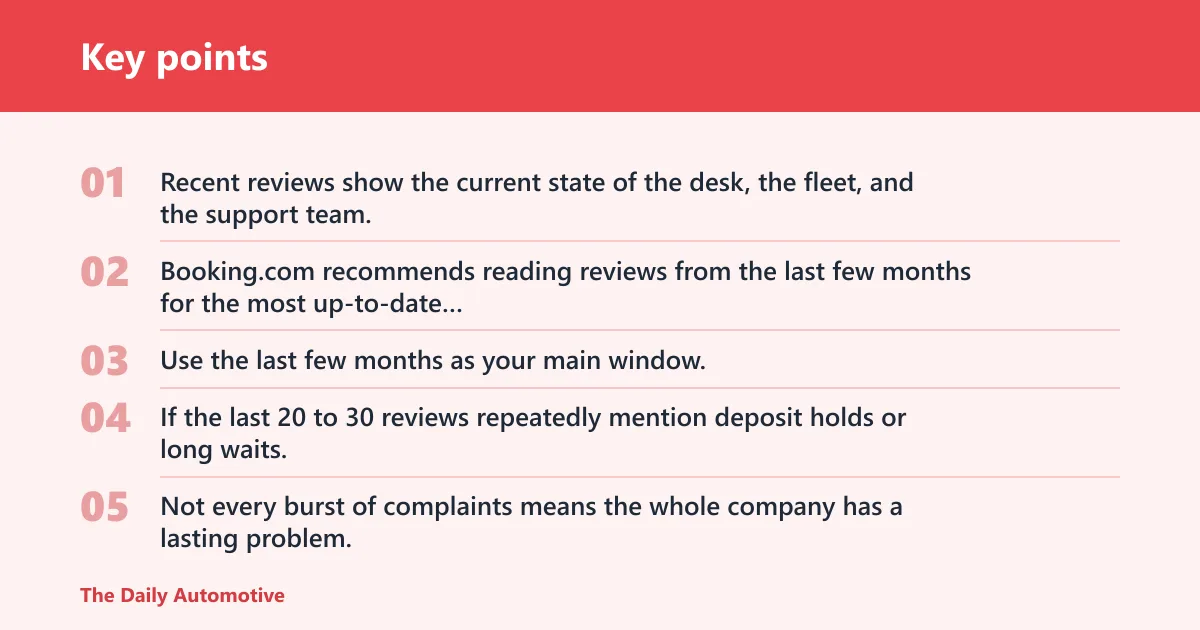
Recent reviews show the current state of the desk, the fleet, and the support team. Booking.com recommends reading reviews from the last few months for the most up-to-date information, and that is a practical way to cut through stale praise from a better period.
Use the last few months as your main window, then scan older reviews only to see whether the same problem existed before. If the last 20 to 30 reviews repeatedly mention deposit holds or long waits, that pattern deserves more attention than a score built years earlier.
Separate short-term spikes from steady patterns
Not every burst of complaints means the whole company has a lasting problem. A weather disruption, a holiday rush, or a policy change can create a temporary wave. What matters is whether the same complaint keeps appearing after the rush ends.
Suppose a location has a strong overall score, but five of the last eight reviews mention a two-hour pickup line and a rushed handoff at the counter. That is a current operational issue, even if the long-term rating still looks fine. If the newest reviews are calm again, the spike may have been temporary.
Use volume and recency together
Volume helps you judge reliability, and recency helps you judge current conditions. A page with a dozen older reviews should usually not outweigh a page with around 1,200 more recent reviews just because the smaller set has a slightly better average. The safer read comes from the source with enough current data to show a pattern.
Where to compare reviews across platforms
Use more than one platform, then compare what each source is actually measuring. Trustpilot, Google Reviews, Reviews.io, and Review Centre can point to different layers of the same rental experience. The goal is not to average all opinions into one number. The goal is to see whether the same problems appear from different angles.
Trustpilot for broker and company profiles
Trustpilot is useful when you want a third-party view of a broker or a company profile. It can reveal broad service complaints that cross branches, especially when travelers are unhappy with booking changes, refunds, or support after payment. Compare the Trustpilot page with other platforms to see whether the complaint is company-wide or tied to one local office.
Google Reviews for branch-level signals
Google Reviews is the most useful source when you need branch-level signals. It often captures local variation, which matters because the same brand can perform well in one airport and badly in another. Read the branch page for wait times, counter friction, and handoff problems that may not show up on a broker page.
Reviews.io and Review Centre for cross-source consistency
Reviews.io and Review Centre are useful for checking whether the same complaint pattern appears on another third-party page. If fee disputes, vehicle condition complaints, or weak support show up on more than one source, the pattern is less likely to be noise. If one source is harsh while the others are calm, dig into the reason for the gap before you book.
CarRentalRating can help here because it already compares sources side by side. Its equal-weight method is simple, but simple does not mean complete. A page-level average still needs source-by-source reading, especially when one platform is mostly broker feedback and another is mostly branch-level feedback.
Should you trust broker reviews or reviews of the actual rental company?
Trust both, but for different questions. Broker reviews are better for booking changes, payment handling, and support after the reservation. Reviews of the actual rental company or pickup location are better for counter service, vehicle condition, and local handoff problems. If you mix them without labeling the source, the comparison gets muddy fast.
Separate the booking layer from the pickup layer
A broker may have strong reviews while the supplier at the airport has poor ones. That split is common because the booking site and the desk staff do different jobs. When you compare reviews, note whether the complaint is about the reservation process, the on-site handoff, or the car itself.
A common first-timer mistake is to see a strong broker score and assume the pickup desk will match it. If the broker has smooth booking support but the airport branch gets repeated complaints about long lines and pressure to buy extras, the overall experience can still be poor.
Watch for source mismatch
When broker reviews are positive and branch reviews are negative, the problem may be local. When both are negative on fees, deposits, or support, the issue is more likely to sit with company policy. That distinction matters because it changes your decision. A local problem may be avoidable by choosing another branch. A policy problem usually is not.
What review patterns signal trouble?
Repeated patterns matter more than isolated rants. Look for comments that cluster around pickup and drop-off delays, unexpected charges, vehicle condition, and support that fails to resolve problems. Those are the patterns that most often point to a bad rental experience.
Pickup and drop-off delays
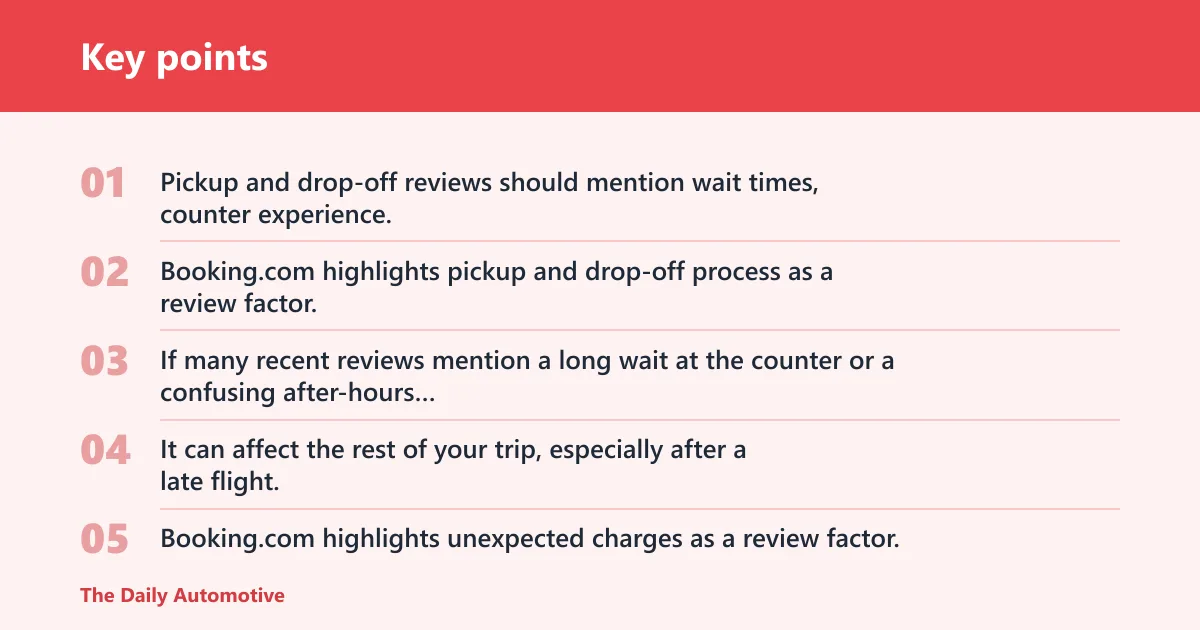
Pickup and drop-off reviews should mention wait times, counter experience, and handoff friction. Booking.com highlights pickup and drop-off process as a review factor, and that is the right place to look for slow lines, missing staff, unclear instructions, or confusion during the return.
If many recent reviews mention a long wait at the counter or a confusing after-hours return, treat that as a real risk. The complaint is not only inconvenience. It can affect the rest of your trip, especially after a late flight.
Unexpected charges and deposit complaints
Booking.com highlights unexpected charges as a review factor, and this is where hidden fees, deposit holds, fuel-policy disputes, and final bill mismatches usually appear. Read for the exact wording. A review that says “extra charges” is less useful than one that says the final bill was higher than the quote because of a deposit hold or an add-on at the desk.
Vehicle condition and damage disputes
Booking.com highlights vehicle condition as a review factor. Pay attention to cleanliness, maintenance comments, and reports of pre-existing damage. A car that is dirty is annoying. A car with repeated maintenance complaints or damage disputes can create paperwork and delay your return.
Support responses that do not resolve issues
Booking.com highlights customer service as a review factor. Read both the complaint and the company’s response. Helpful staff, clear complaint handling, and direct replies are better signs than generic apologies with no fix. A company that replies to reviews, explains what happened, and offers a concrete follow-up usually deserves more credit than one that ignores repeated complaints.
How many reviews are enough to judge a car rental company?
There is no perfect cutoff, but sample size changes how much you should trust the score. A page with only a few reviews can be useful as a warning sign, yet it is weak evidence for a final booking call. A larger, recent set gives you a better read on the company’s normal behavior.
Use the count as a reliability check
Ask two questions at once: how many reviews are there, and how recent are they? Many old reviews are less helpful than a smaller set of recent ones when service has changed. For a travel decision, a thin sample should push you toward more verification, not toward blind trust.
Read for repeated themes, not single outliers
If the same complaint shows up again and again, the sample is telling you something. If one review says the car was dirty but thirty others praise the fleet, treat that as an outlier unless other comments back it up. Repeat patterns beat isolated stories.
Car rental review worksheet
Use this worksheet to score any company before you book. Add the points across the seven fields, then use the final column to make a decision. If the pattern is mixed, keep the booking only if you can verify the weak spots before paying.
| Field | 2 points | 1 point | 0 points | What to check in the reviews | Final call |
|---|---|---|---|---|---|
| Overall rating | Strong score with large review base | Decent score, mixed base | Weak score or tiny base | Look at the source scale and the gap between score and review volume | Book if the score is strong and the sample is large |
| Review count | Large sample, enough to show a pattern | Moderate sample, still readable | Too few reviews to trust | Check whether the page has enough volume to support the score | Verify if the sample is thin; avoid if it is tiny and negative |
| Recency | Last few months look steady | Some recent reviews are mixed | Most reviews are old or stale | Read the newest comments first | Book if recent reviews match the rating |
| Pickup and drop-off | Fast, clear handoff, low friction | Some waits or confusion | Repeated delays, counter friction, handoff problems | Wait times, staff at the counter, after-hours return issues | Verify if one branch is mixed; avoid if delays repeat |
| Fees and deposit complaints | Few charge complaints, clear billing | Some disputes, unclear but limited | Repeated hidden fees, deposit holds, final bill mismatches | Unexpected charges, fuel policy disputes, extras at the desk | Verify if the complaints are isolated; avoid if they repeat |
| Vehicle condition | Clean cars, few maintenance issues | Mixed cleanliness or minor defects | Dirty cars, damage reports, maintenance complaints | Cleanliness, upkeep, pre-existing damage | Book if the fleet looks cared for |
| Support response | Helpful staff, clear complaint handling, replies to reviews | Some replies, uneven follow-up | Poor handling, repeated unresolved complaints | Whether the company answers and fixes issues | Book if support looks responsive; avoid if complaints go nowhere |
How to read the final recommendation column
Book when the score is strong across most fields and the latest reviews match the older pattern. Verify when one or two areas are mixed but the rest look stable. Avoid when multiple sources repeat the same problem, especially around fees, deposits, pickup delays, or support failures.
- Check the star rating and the review count together.
- Read the last few months first.
- Separate broker reviews from branch-level reviews.
- Scan for pickup, fees, vehicle condition, and support comments.
- Score each field from 0 to 2.
- Use the total and the repeated patterns to decide book, verify, or avoid.
Frequently asked questions
How do I compare car rental reviews the right way?
Start by comparing recent reviews on at least two platforms, then separate broker feedback from branch feedback. Score the same seven fields every time: rating, volume, recency, pickup and drop-off, fees, vehicle condition, and support. That gives you a repeatable way to judge the same trip type on the same scale.
What should I look for in car rental reviews besides star ratings?
Read the comments for pickup waits, counter friction, hidden fees, deposit holds, vehicle condition, and support response. Those details tell you more than a single average. A good score with repeated complaints about billing or handoff is a warning sign, not a safe pass.
How can I tell if bad reviews are about the company or the booking conditions?
Read the complaint closely. If the issue is with booking changes, payment handling, or support before pickup, it may belong to the broker. If the complaint is about the counter, the car, or the return, it is more likely a supplier or branch issue. Review the source before you blame the whole company.
What questions should I ask after reading car rental reviews?
Ask whether the review source is about the broker or the pickup location, whether the newest comments match the average, and whether the same complaint appears across more than one platform. Then ask if the likely problem is price, policy, location, or support. That leads to a cleaner book, verify, or avoid decision.
Products related to this article
Sponsored / affiliate links. As an Amazon Associate I earn from qualifying purchases. I may earn additional commission from eligible campaigns.