Is Spotify Car Thing Still Available? Discontinued 2024
Spotify permanently discontinued and disabled Car Thing on December 9, 2024, so it can no longer be bought, activated, or used in any car, even if you already own one. The refund window for existing owners also closed in January 2025. This guide explains what happened and the real alternatives that still work today.
Requirements
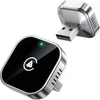
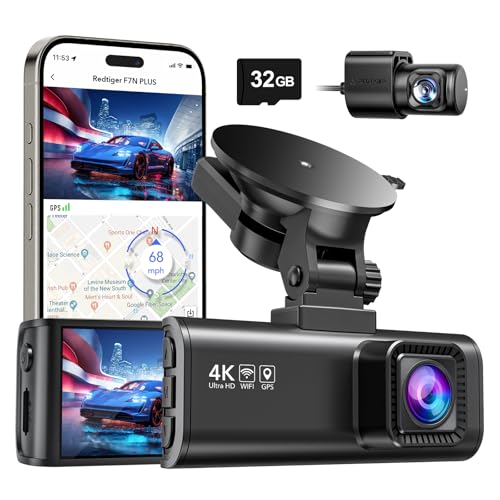
- Best for: Replacing Car Thing’s hands-free music and voice-command role
- Why we picked it: Works with both CarPlay and Android Auto, so it fits almost any phone now that Car Thing is dead
- Main drawback: Requires your car to already have wired CarPlay or Android Auto built in
- Best for: A budget-friendly wireless CarPlay upgrade
- Why we picked it: Plug-and-play USB-C adapter for cars that already support wired CarPlay
- Main drawback: iPhone-focused; Android users should check compatibility first
- Best for: Android drivers who want a reliable wireless Android Auto setup
- Why we picked it: A dedicated Android Auto adapter with Bluetooth and Wi-Fi auto-connect
- Main drawback: Higher price than basic wired-to-wireless adapters
- Best for: Mounting your phone where Car Thing used to sit
- Why we picked it: A dashboard magnetic mount gives your phone the same visible, reachable spot the guide describes for Car Thing
- Main drawback: Needs a metal plate applied to phone cases without built-in magnets
To get Spotify Car Thing, you need a Spotify account and a compatible smartphone. Ensure your car has Bluetooth or an auxiliary port. Then, visit Spotify’s website to purchase the device.
Eligibility Criteria
You must be a Spotify Premium user to get the Car Thing. Your account must be active. Users need to be in the United States. You must have a registered email address.
Necessary Equipment
You need a smartphone with Bluetooth. The smartphone should have the Spotify app installed. A car with a 12V power outlet is required. You will also need a USB-C cable. A car mount is necessary to hold the device.

Credit: www.pcmag.com
Sign Up Process
Create a Spotify account to access Spotify Car Thing. Visit Spotify’s website. Click on “Sign Up”. Enter your email address and create a password. Provide your date of birth and gender. Agree to the terms and conditions. Click “Sign Up” to complete the process. You now have a Spotify account.
To get Spotify Car Thing, join the waitlist. Go to the official Spotify Car Thing page. Sign in with your Spotify account. Click on “Join Waitlist”. Confirm your email address. Wait for an invite from Spotify. Once invited, you can buy Spotify Car Thing. Stay patient, the waitlist can be long.
Receiving The Invitation
Spotify Car Thing invitations are sent to select users via email. Check your inbox regularly to see if you’ve received one. Follow the instructions in the email to claim your device.
Checking Your Email
First, check your email for a message from Spotify. The subject line will mention Spotify Car Thing. Look in your inbox and spam folder. Sometimes, important emails go to spam. Open the email to read the details. Make sure the email is from an official Spotify address. This ensures it’s not a scam. The email will have a link to claim your Car Thing.
Responding To The Invite
After reading the email, click on the invite link. This will take you to the Spotify website. Here, you will see instructions to accept the invitation. Follow the steps shown on the screen. You may need to log in to your Spotify account. Once logged in, confirm your interest in Car Thing. This completes the invitation process. You will get a confirmation email soon.
Placing Your Order
Order the Spotify Car Thing by visiting the official Spotify website. Choose your model, add it to your cart, and proceed to checkout. Provide your shipping and payment details to complete the purchase.
Navigating To The Order Page
First, open your browser and go to the Spotify website. Log in to your account. Look for the Car Thing section. You might find it under “Products” or “Gadgets.” Click on the Car Thing link. This will take you to the order page.
Completing The Purchase
On the order page, choose your desired quantity. Fill in your shipping details. Check your entered information for any errors. Proceed to the payment section. Enter your payment details carefully. Click on the confirm button to finalize your order. Wait for the confirmation email from Spotify.
Setting Up Spotify Car Thing
Open the box and find the Spotify Car Thing. The box has a USB-C cable, car mount, and user guide. Carefully remove all items from the box. Check all parts to ensure nothing is missing. The device should be in perfect condition. The user guide helps with setup steps. Read it before starting.
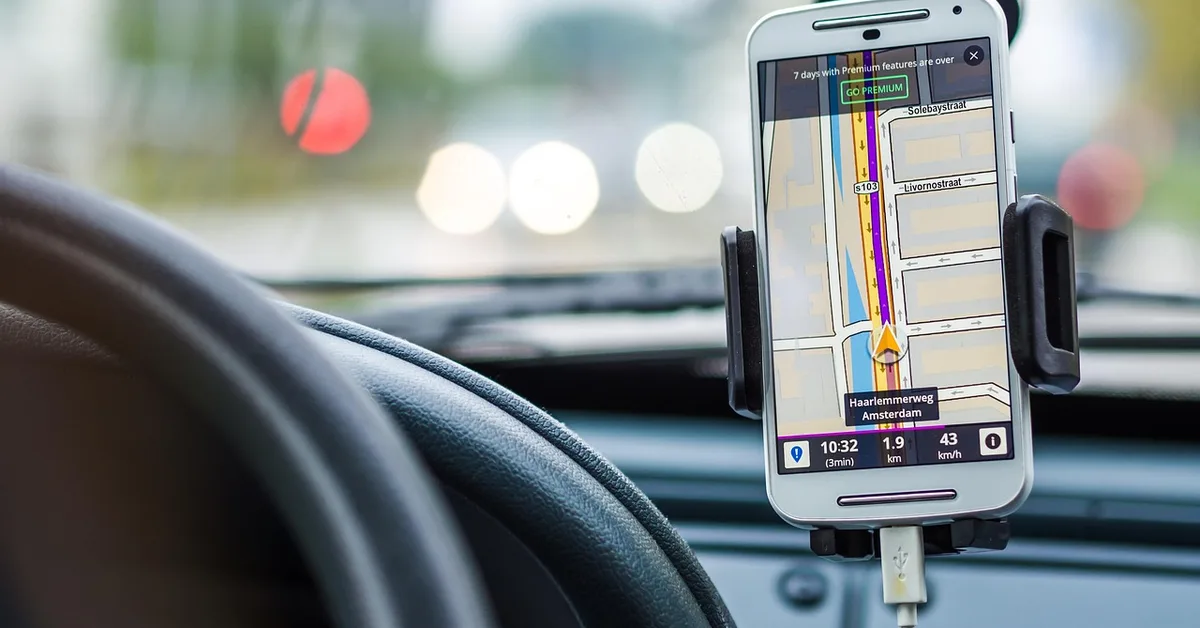
Plug the USB-C cable into the Car Thing. Connect the other end to your car’s USB port. Use the car mount to place the device in a visible spot. The Car Thing should be easy to reach. Turn on your car to power the device. Follow the on-screen instructions to pair with your phone. Make sure your phone has the Spotify app installed. Allow the device to connect to Bluetooth.
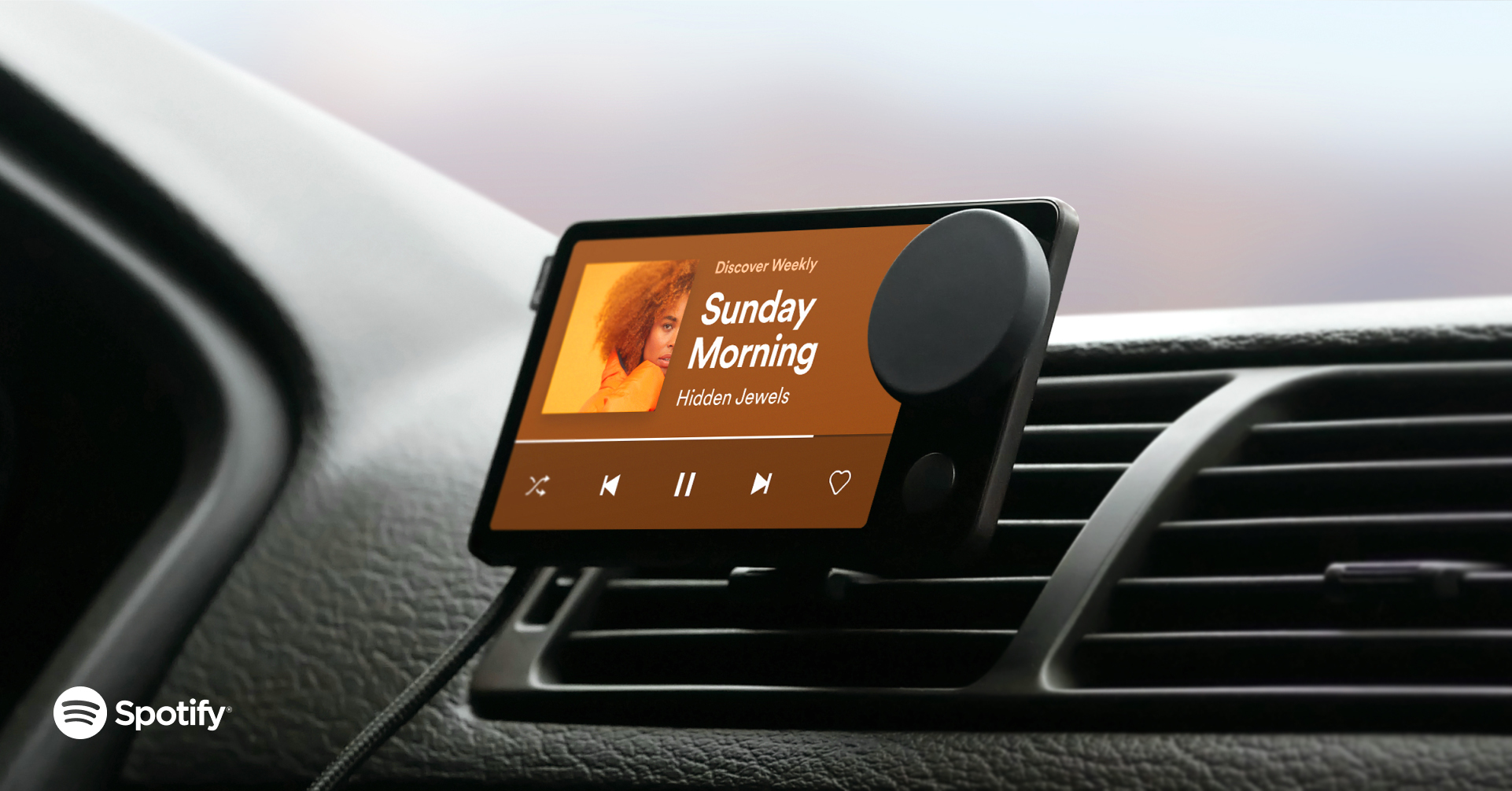
Credit: carthing.spotify.com
Configuring The Device
Set up Spotify Car Thing by connecting it to your car’s stereo. Follow the on-screen prompts to link your Spotify account. Enjoy your favorite music hands-free while driving.
Syncing With Spotify
First, ensure your Spotify account is active. Then, turn on your Car Thing. Open the Spotify app on your phone. Go to the settings. Find the option for connected devices. Select Car Thing from the list. Follow the on-screen instructions to complete the sync. Make sure your Bluetooth is on. Ensure your phone and Car Thing are within range.
Customizing Settings
Navigate to the settings menu on Car Thing. Adjust the sound settings to your liking. You can change the equalizer settings. Set up your favorite playlists and stations. Customize the display brightness. Choose your preferred language. Ensure you save your settings. Now, enjoy your personalized Spotify experience in the car.
Troubleshooting
Sometimes, Spotify Car Thing may not connect. Make sure Bluetooth is on. Also, ensure the device is charged. Another issue could be the app. Try updating the app. If the screen is blank, restart the device. A soft reset often helps. Lastly, check if the cable is plugged in properly.
If problems persist, contact Spotify Customer Support. They are available 24/7. Provide details about the issue. Be ready to share your device model. This helps them assist you better. Sometimes, they may ask for screenshots. Follow their steps closely. They aim to resolve issues quickly.

Credit: www.youtube.com
Frequently Asked Questions
What Is Spotify Car Thing?
Spotify Car Thing is a smart player designed for car use. It helps you control Spotify music with voice commands.
How Do I Install Spotify Car Thing?
To install, mount it on your car’s dashboard. Connect it to your car’s power and pair it with your smartphone.
Is Spotify Car Thing Free?
No, Spotify Car Thing is not free. You need a Spotify Premium subscription and purchase the device.
Does Spotify Car Thing Work With All Cars?
Yes, Spotify Car Thing works with most cars. It connects via Bluetooth, AUX, or USB.
Conclusion
Getting Spotify Car Thing is simple and straightforward. Follow the steps mentioned. Enjoy your music while driving. Keep your playlists handy and discover new tracks. Spotify Car Thing enhances your driving experience. Stay entertained on the road. Order now and experience the difference.
Make every drive enjoyable with Spotify Car Thing. Your music, your way. Safe travels and happy listening!
Products related to this article
Sponsored / affiliate links. As an Amazon Associate I earn from qualifying purchases. I may earn additional commission from eligible campaigns.