How to Set Radio Stations in Car: Easy Guide
Imagine cruising down the highway, windows down, with your favorite tunes filling the car. The feeling is unbeatable.
But what if you’re stuck listening to static because you can’t quite figure out how to set your car’s radio stations? You’re not alone. Many drivers struggle with adjusting their car radios, missing out on the joy of seamlessly switching between their favorite stations.
This guide is designed to solve that problem for you. We’ll walk you through the simple steps to set radio stations in your car, ensuring your driving experience is always accompanied by the perfect soundtrack. Dive in, and transform your car rides from silent to sensational.
Credit: www.cargurus.com
Preparing Your Car Stereo
The car manual is a helpful book. It tells about the stereo. Find the section that talks about the radio. It will have steps to follow. These steps show how to tune stations. Read carefully and follow each step. Manuals are different for each car. So, always check yours.
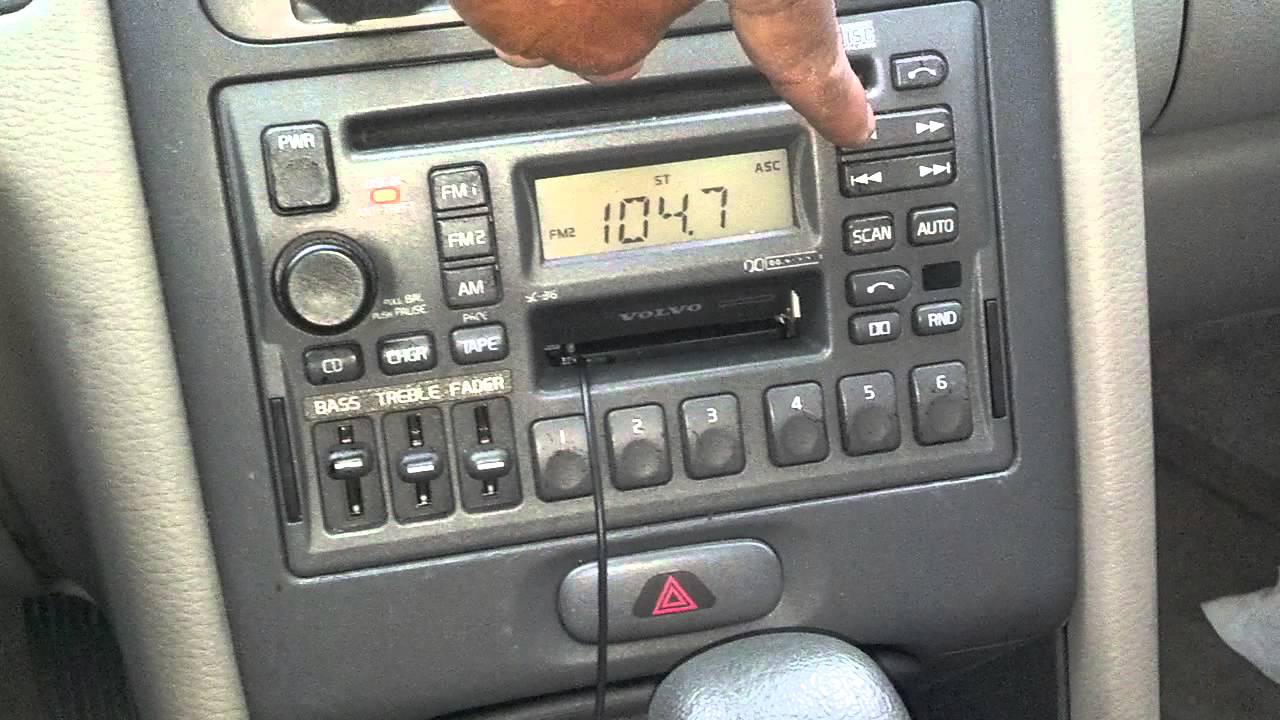
The stereo needs power to work. Press the power button to turn it on. Look for a button with a power sign. Make sure the car is in “accessory” mode. This mode lets the stereo work without starting the engine. Once on, you can search for stations. Use the seek button to find them quickly.
Finding Radio Stations
Most car radios have a scan button. Press it, and the radio will search for nearby stations. It stops when it finds a clear station. If you like it, save it as a preset. Presets make it easy to return to your favorite stations. Scanning is quick and finds stations you might miss. Try it next time you drive.
Sometimes the scan feature skips a station. Use manual tuning to find it. Turn the dial or press tuning buttons. Listen for a station you enjoy. Save it as a preset for easy access later. Manual tuning takes time but can be fun. It’s like a treasure hunt for music. You might find something new!
Setting Presets
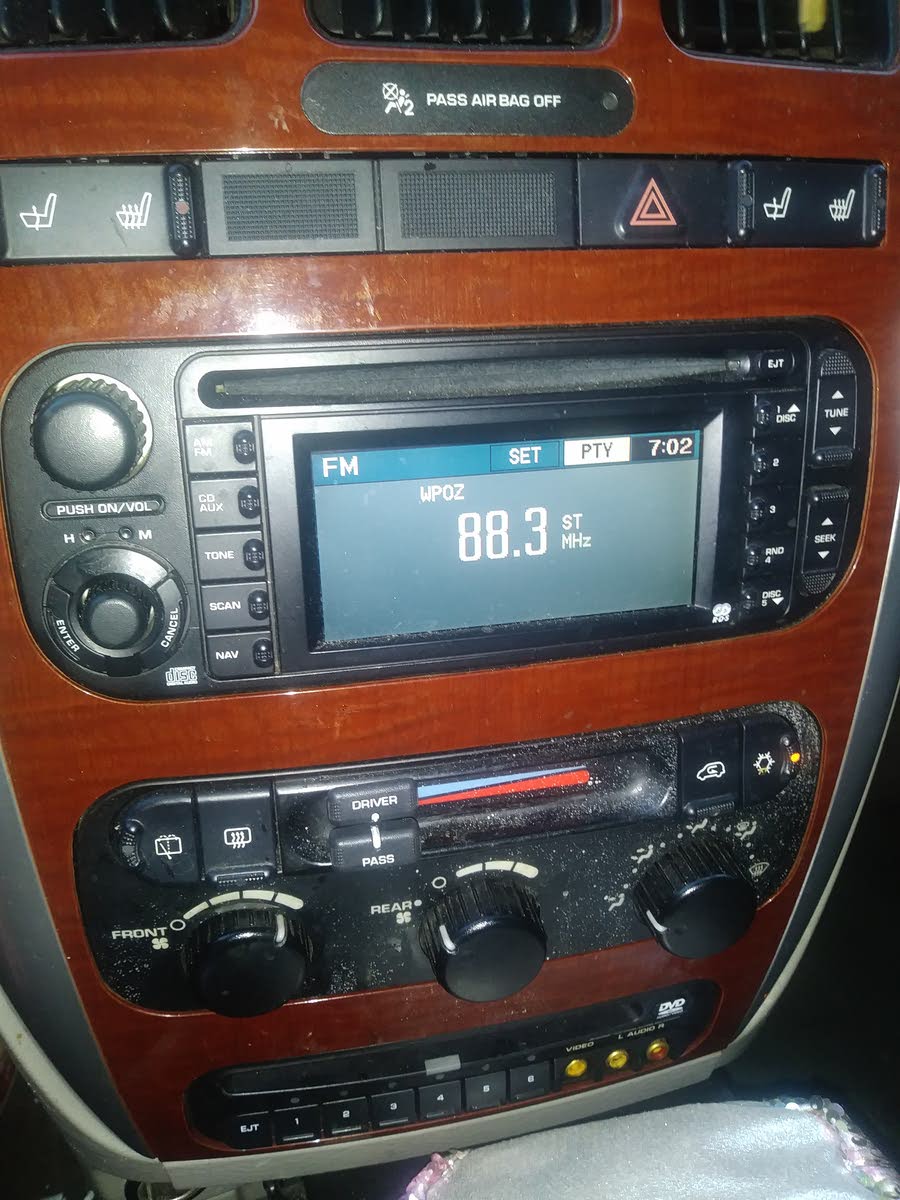
First, turn on your car radio. Find the station you like. Use the tuning knob or buttons. Make sure the signal is clear. Check that the sound is good.
After finding a station, hold the preset button. The number on the button shows where it saves. Wait until you hear a beep. The beep means it is saved. Now, press the button anytime to hear your station. It is quick and easy. Repeat for other stations.
Customizing Your Presets
Setting radio stations in your car is easy and enhances your driving experience. Start by choosing your favorite station, then press and hold a preset button until you hear a beep. Repeat for other stations. Enjoy customized entertainment while driving.
Reassigning Preset Buttons
Press the preset buttonyou want to change. Hold it until the screen flashes. Tune to the new station you want. Press the button again. It saves the new station. This works for all preset buttons. Repeat for each button you want to change.
Organizing By Frequency
Start with the lowest frequencystation. Save it to the first preset. Move to the next higher frequency. Assign it to the second preset. Continue organizing in this way. This makes finding stations easy. You can quickly move through your favorite stations.
Troubleshooting Common Issues
Easily set your car’s radio stations by tuning to your desired frequency. Save the station using the preset buttons. Troubleshoot issues by checking the manual or resetting the audio system if needed.
Weak Signal Solutions
Weak signals can cause trouble. Adjust the antenna for better reception. Ensure it is fully extended. Sometimes, changing location helps. Drive to an open area. Avoid tall buildings. They block signals. Check local frequencies. Some stations might be out of range. Use manual tuning to find better stations. Upgrade the antenna if problems persist. A better antenna improves signal strength.
Resetting The Stereo
Stereo issues need a reset. Turn off the stereo first. Then, disconnect the car battery. Wait for a few minutes. Reconnect the battery carefully. Turn on the stereo again. Check settings if problems continue. Factory reset may help. Find the reset button on the stereo. Hold it down for a few seconds. This clears old settings.

Credit: www.youtube.com
Advanced Features
Digital radio lets you hear clear sound. You can find stations easily. Most cars have a digital radio option. Turn on the car radio. Look for the menu button. Press it to see options. Choose “Digital Radio” from the list. You will see many station names. Use the tune knob to move through them. Press “Select” to choose a station. Digital radio gives you more choices. No need to stick to old stations. Enjoy music and talk shows with less noise.
Internet radio gives you endless choices. First, connect your phone to the car. Use Bluetooth or a cable. Open a radio app on your phone. Make sure you have a data plan. Choose a station in the app. The car speakers will play it. Internet radio needs a good signal. Drive where the signal is strong. This way, you can enjoy music without stopping. Connect your phone to charge while using the radio. Enjoy your drive with new and fun stations.
Frequently Asked Questions
How Do You Set Radio Stations In A Car?
To set radio stations, turn on your car’s radio. Use the tuning knob or seek buttons to find your desired station. Once tuned, press and hold a preset button until you hear a beep. Your station is now saved. Repeat for other stations.
Can You Preset Stations In Any Car?
Most modern cars allow presetting radio stations. Check your car’s manual for instructions. Typically, tuning to your desired station and holding a preset button works. If unsure, consult your car’s manufacturer or dealership for guidance.
Why Can’t I Save Radio Stations?
If stations aren’t saving, check if your car’s battery is working properly. Also, ensure you’re pressing the preset button long enough. If issues persist, consult your car’s manual or a professional. Sometimes, a software update or reset might be needed.
How Do I Delete Preset Radio Stations?
To delete presets, tune to the station you want to remove. Then press and hold the preset button until it clears. This process might vary by car model. Consult your car’s manual for specific instructions.
Conclusion
Setting radio stations in your car is simple and quick. Follow these steps for a smooth process. First, find the station you love. Then, press the preset button until it saves. Repeat for more stations. Enjoy your drive with favorite tunes.
Remember to adjust volume levels. Safe driving with good music makes your journey enjoyable. Now, you know how to set stations. Try it next time you’re on the road. Music adds fun to your travel. Stay safe and entertained. Enjoy your ride with your favorite songs.