Speedometer for Car: Choose the Right Upgrade
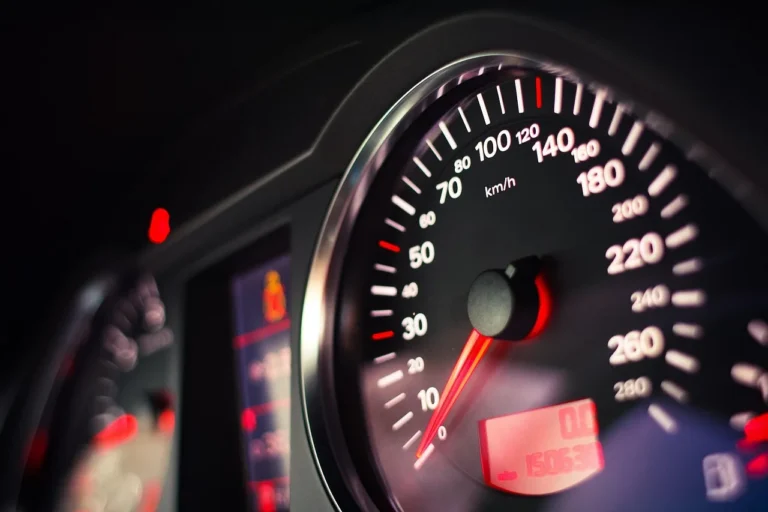
Choose a speedometer for car by putting accuracy first: use a GPS unit for the closest speed reading, a digital cluster for quick readability, and an analog gauge only if it fits the dash cleanly. A bad match can hide true speed, distract you in traffic, and make installation harder. This guide compares display types, accuracy, install effort, and fit by vehicle type.
Speedometer upgrade basics


A speedometer can read from wheel rotation, vehicle data, or satellite position. That difference matters because tire size, gearing changes, and signal quality affect each type in different ways, so the right upgrade depends on how the vehicle is used and how much wiring you can accept.
GPS speedometers calculate speed from satellite position rather than wheel rotation. Modern units update speed readings 10 times per second, while basic GPS units may update only once per second. In practice, GPS speedometers can stay accurate within 1-2 mph, which is usually close enough for road use and much better than a stock gauge that has drifted after modifications.
Factory speedometers can be thrown off by non-standard tire sizes and gearing changes. A tire 2% larger in diameter can make a factory speedometer read 2% slower than actual. With oversized 33-inch tires versus factory 31-inch tires, the gauge can read about 6% low. That gap is large enough to matter on the highway, during fuel logging, or when you want cruise control to stay honest.
GPS, HUD, digital, OBD2, and app-based units solve different problems. Some are easier to install. Some are easier to read. Some are best when the dash cluster has failed and the vehicle still needs a reliable speed display.
When is factory error worth correcting?
Correct factory error when the mismatch is large enough to affect daily driving, enforcement risk, or vehicle setup. A 2% error is small but still measurable. Once the error reaches the range created by larger tires, gearing changes, or a dead original cluster, an upgrade stops being cosmetic and starts being practical.
Signs the stock gauge is no longer close enough
Use a correction when the stock needle no longer agrees with roadside radar signs, a trusted GPS source, or a known route. If the error is consistent across steady cruising, not just during acceleration, the issue is usually calibration or tire size rather than a brief display lag.
Say your truck moved from 31-inch tires to 33-inch tires and now the gauge sits 6% low. At an indicated 60 mph, actual road speed is already far enough off to make a highway check or speed warning less trustworthy. That is the point where a GPS-based display or recalibrated cluster becomes worth the effort.
Speedometer decision matrix
| Driving scenario | Best speedometer type | Must-have features | Likely failure points | Installation difficulty |
|---|---|---|---|---|
| Daily commuter | Digital GPS or OBD2 digital display | Auto-dimming, clear digits, overspeed alarm, quick startup | Windshield glare, tunnel dropouts, weak mounting | Low to moderate |
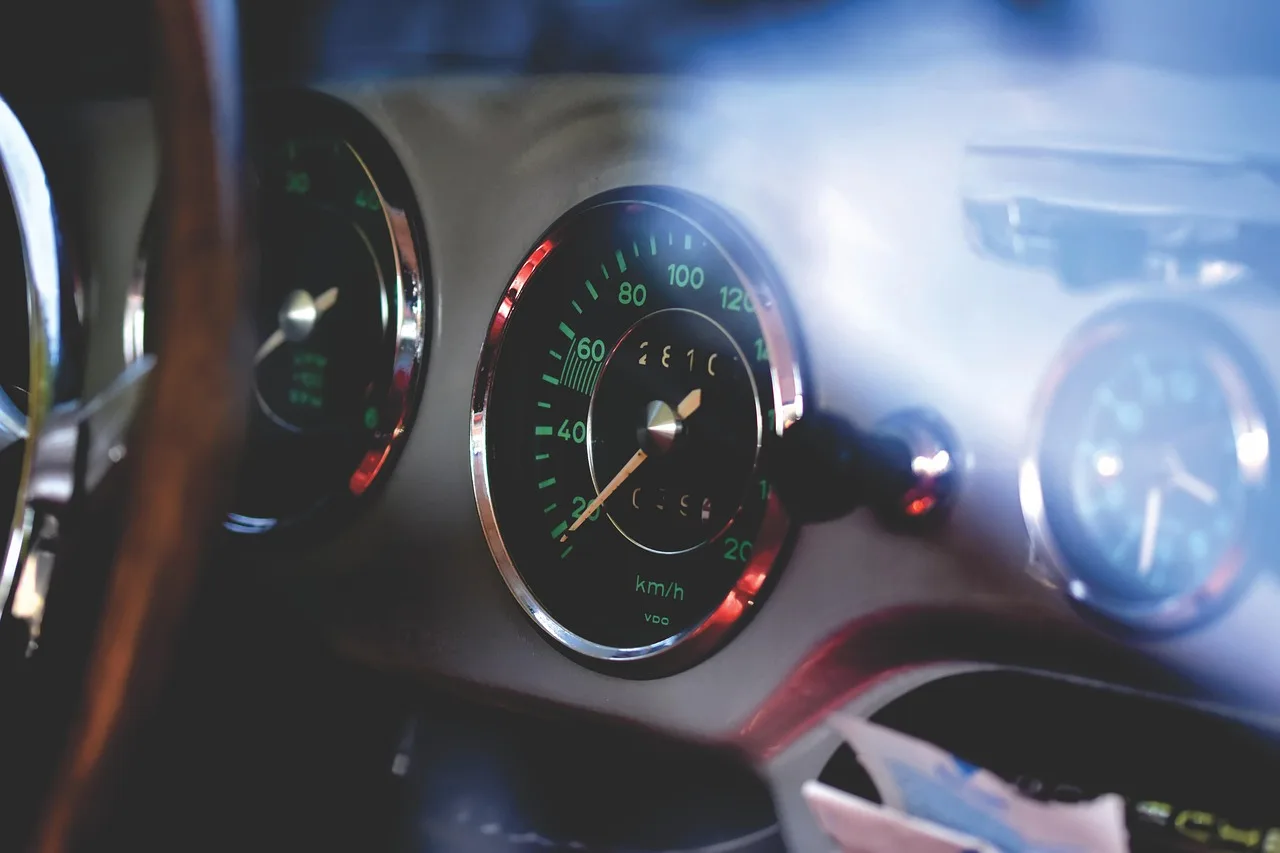
| Classic car with a dead cluster | Universal GPS speedometer or HUD unit | Bright display, compact size, simple wiring, mileage readout | Noisy power feed, poor dash fit, visibility in sun | Moderate |
| Off-road build | GPS speedometer with multi-system support | Weather resistance, readable display, stable mounting, brightness control | Tree cover, canyon walls, vibration, dust and water exposure | Moderate to high |
| Track car | High-refresh GPS or in-dash digital display | Fast update rate, quick reading during acceleration, lap-friendly visibility | Signal gaps near structures, display lag on cheaper units | Moderate |
| RV or truck with aftermarket tires | GPS speedometer or recalibrated OBD2 unit | Speed limit alert, large digits, steady cruise visibility | Tire-size error on stock gauge, heat, glare, mounting strain | Moderate |
| Budget fix | Phone app or basic universal GPS unit | Readable screen, basic accuracy, simple setup | Phone signal loss, charging issues, slower refresh | Low |
Which speedometer type fits your car?
The best type depends on how much installation work you accept and how stable the signal will be where you drive. For a clean dashboard replacement, a digital speedometer often makes the most sense. For a fast, low-fuss add-on, a GPS or HUD unit is usually easier.
GPS speedometer
A GPS speedometer is the strongest choice when you want speed accuracy without wheel calibration. It uses satellite position instead of wheel rotation, so it avoids the tire-size error that affects many factory clusters. It is also common on universal units that support overspeed alarms and speed limit alerts.
Look for support for more than GPS alone. GLONASS, Galileo, and multi-system support can improve signal stability, especially where sky view changes from moment to moment. That matters on mountain roads, in cities, and around tall vehicles.
HUD speedometer
A HUD speedometer projects speed in the driver’s line of sight, which helps because you do not have to look down at the dash as often. Most are dashboard-mounted, and many include brightness adjustment so the display stays visible in bright sun and does not glare at night.
HUD units work best when you want quick-glance data, not a full cluster replacement. They suit drivers who care more about visibility and simple setup than a factory-style look.
Digital speedometer
A digital speedometer uses an electronic display format that is often easier to read than an analog needle. It may show odometer and trip data, and it can be in-dash or universal. That makes it useful when the original cluster is failing or when you want a cleaner readout than a sweeping needle.
OBD2 interface
An OBD2 interface plugs into a compatible vehicle and can pull vehicle speed sensor data with plug-and-play installation. This is the easiest path when the vehicle supports it and you want a fast install with minimal cutting. It is less helpful if the vehicle is too old, heavily modified, or missing compatible data support.
App-based speedometer
An app-based speedometer is the cheapest fallback, but phone GPS can still lose signal. It works well for occasional use and for confirming a known-good speed source, yet it is weaker in tunnels, dense cities, and under heavy tree cover. It also depends on keeping the phone charged and mounted safely.
Will GPS work where you drive?
GPS speedometers work well in open sky and usually stay accurate within 1-2 mph, but they can drop out where satellites are blocked. Tunnels, urban canyons, and heavy tree cover can cause brief loss or lag, so the right choice depends on how often your route includes those conditions.
Dropouts in tunnels, cities, and tree cover
Signal loss is the main tradeoff with GPS-based units. Underpasses, tall buildings, dense foliage, and long tunnels can interrupt satellite lock. A unit with multi-system support can recover more steadily, but no GPS device is immune to blockage.
A common first-time mistake is buying a GPS unit for a route that spends half the commute under overpasses and glass towers. In that case, a GPS display can still be useful, but you should expect occasional pauses and choose a model with clear buffering or quick reacquisition.
What features matter most?
Put refresh rate, brightness control, and warning features ahead of cosmetic extras. If the display is hard to read, slow to update, or impossible to see in sun and at night, the upgrade misses the point even if the speed number itself is accurate.
Refresh rate and responsiveness
Refresh rate affects how quickly the display reacts to acceleration and traffic flow. Basic units that update once per second can feel laggy. Premium units that refresh 10 times per second feel more immediate, which is useful in stop-and-go traffic and during brisk acceleration on on-ramps or track days.
Brightness control and auto-dimming
Auto-dimming and manual brightness control matter for dashboard and windshield-mounted units. They help reduce glare in daylight and stop the display from being harsh at night. If the speedometer sits in your line of sight, this feature should be near the top of the list.
Overspeed alarms and speed limit alerts
Overspeed alarms are common on universal GPS units and can sound or flash when you exceed a set speed. That is useful for drivers who tow, commute through changing speed zones, or want an alert without staring at the display. The feature is simple, but it can be genuinely useful.
Durability and weather resistance
Durability matters more in open vehicles, work trucks, and off-road builds. The Eling universal GPS speedometer is waterproof and dustproof, which makes it a practical example of what to look for when the unit may face moisture or grit. The Eling unit also includes a one-year warranty.
For dashboard use, the display itself also matters. The Timprove T600 has a 2.2-inch LCD screen, displays speed, mileage, direction, altitude, and time, and can switch between miles and kilometers. The VJoyCar C60s uses a green digital display on a black background and computes total driving time and distance. Those are the kinds of details that affect everyday readability. (Thedrive)
How do you verify accuracy after install?
Verify a new speedometer with a known route or a trusted reference speed source. Check it at steady cruising speeds and again during gentle acceleration. If the display stays consistent and matches the reference closely, the install is probably sound. If it drifts, revisit mounting, signal quality, or calibration.
Use a known route or reference device
Pick a straight road with stable traffic flow and compare the new display against a trusted GPS source or a roadside speed sign. Make the same pass in both directions if possible. That helps separate true error from road grade, wind, or brief signal noise.
Confirm display consistency after tire-size changes
If the vehicle has larger tires, confirm the new display before relying on the stock cluster. Match the speed reading at city speeds and highway speeds, because a correction that looks fine at 30 mph can still be off at 70 mph. That check is especially useful on lifted trucks, lowered sports cars, and RVs with aftermarket tires.
- Choose the speedometer type that matches your route and install tolerance.
- Mount the unit where you can read it without looking far from the road.
- Power it from a clean source or use the vehicle’s OBD2 port if compatible.
- Set brightness, units, and any overspeed alert before driving.
- Test accuracy on a known route, then confirm it again at a second speed.
Frequently asked questions
What is the most accurate speedometer for a car?
A GPS speedometer is usually the most accurate choice for a car when you want a clean, independent speed reading. Modern units update 10 times per second and can stay accurate within 1-2 mph. That makes them strong for modified cars, trucks with oversized tires, and vehicles with unreliable factory gauges.
Do GPS speedometers work better than factory speedometers?
They often do when tire size or gearing has changed, because GPS speed does not depend on wheel rotation. A stock gauge can read 2% slow with a tire 2% larger in diameter, and it can be about 6% low with 33-inch tires in place of 31-inch tires. On an unmodified vehicle, the factory unit may still be acceptable.
Can I use a GPS speedometer if I changed tire size?
Yes. That is one of the best reasons to use GPS speed. It bypasses the tire-size calibration problem that affects many factory gauges. If your vehicle runs non-standard tires, a GPS unit can give you a more dependable reference without having to recode the cluster first.
Which speedometer is best for a classic car with no working gauge cluster?
A universal GPS speedometer is usually the cleanest fix for a classic car with a dead cluster. It avoids the need to rebuild the original mechanical system and can be mounted with far less fabrication than a full replacement cluster. If you want a projection-style readout, a HUD can work too, but it is less complete.
How do I install a digital GPS speedometer?
Start by choosing a mounting spot with clear visibility and decent sky access. Then connect power, ground, and any backlight or illumination wires the unit requires. After that, set the display units, confirm brightness, and verify the reading on a known route. A compatible OBD2 unit is simpler still, since it may be plug-and-play.
Are HUD speedometers safe and easy to read while driving?
Yes, when they are positioned correctly and brightness is set properly. HUD speedometers keep the speed in the driver’s line of sight, which reduces the need to look down. They are easiest to read when the projected image is sharp, not washed out, and not blocked by the windshield angle or strong daylight.
Do speedometer apps work without cell service?
Often, yes. A phone speedometer app usually relies on satellite position, not cellular data. But it can still lose signal in tunnels, dense cities, and under heavy tree cover. It is useful as a backup or budget option, but it is not as dependable as a properly mounted dedicated unit.
What features should I look for in a car speedometer upgrade?
Start with accuracy, then check refresh rate, brightness control, and the display style you can read fastest. Add overspeed alarms if you want a warning cue. For modified vehicles, make sure the unit handles your route well and has enough weather resistance for the cabin or mounting location.
Products related to this article
Sponsored / affiliate links. As an Amazon Associate I earn from qualifying purchases. I may earn additional commission from eligible campaigns.