Stunt Car Games Unblocked for Short School Breaks
For school breaks, pick stunt car games unblocked that load fast in a browser, run on Chromebooks or iPads, and fit the time you actually have: very short runs, medium breaks, or longer free-roam sessions. Choose by time, not hype. Pick the wrong game and you lose the break to slow loads, blocked sites, or controls that do not fit your device. This guide sorts free browser stunt car games by device, session length, and gameplay loop.
Why this guide works for short breaks
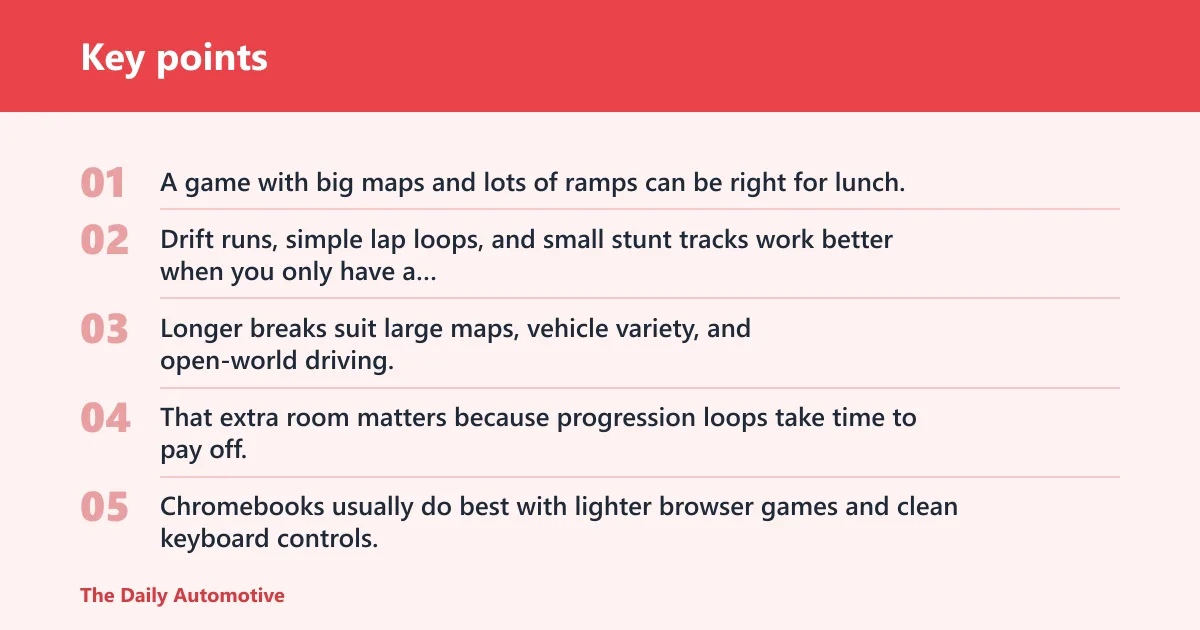
The main mistake is choosing by title alone. A game with big maps and lots of ramps can be right for lunch, then feel like too much for a short gap between classes.
Choose by time, not hype
Short breaks reward games that reset fast. Drift runs, simple lap loops, and small stunt tracks work better when you only have a few minutes before class starts again.
Longer breaks suit large maps, vehicle variety, and open-world driving. That extra room matters because progression loops take time to pay off.
Pick by device first
Chromebooks usually do best with lighter browser games and clean keyboard controls. iPads can work well too, but touch steering and on-screen buttons change the feel of drifting and stunt timing.
Browser-only play matters either way. Hooda Math says its car games run in the browser with no downloads, work on school Chromebooks and at home, and are safe for school Chromebooks.
Match the game loop to your break
Drifting games fit repeat attempts and score chasing. Stunt games fit ramps, loops, jumps, and obstacle runs. Open-world games fit longer sessions because they ask you to explore, find space, and test different cars.
The same source says it has more than 1,000 free games, 3 million+ students play every month, and its games are free with no subscriptions. That makes it a practical place to start when school filters are strict.
Stunt car game decision table
This table matches break length, device fit, gameplay loop, and a fallback if the first choice is blocked or slow. Start with the row that fits your time and device, then move to the backup if the page stalls or your school filter rejects the first game.
| Game | Best break length | Device fit | Gameplay loop | Fallback if blocked or slow |
|---|---|---|---|---|
| Drift Boss | 3 minutes | Both | Drift | Try a lighter Hooda Math car game with arrow-key play. |
| Formula Rush | 3 minutes | Chromebook | Time trial | Switch to another simple browser racer on Hooda Math. |
| Drift Hunters | 5 minutes | Chromebook | Drift | Use a simpler drift game if the map loads slowly. |
| Madalin Stunt Cars 2 | 10+ minutes | Both | Open world | Move to a smaller stunt track if the map feels heavy. |
| Burnin’ Rubber 5 XS | 5 minutes | Chromebook | Stunt | Pick a lower-detail racer if loading hangs on school Wi-Fi. |
| Super Star Car | 5 minutes | Chromebook | Time trial | Try another quick lap game with keyboard controls. |
| Highway Racer 3D | 10+ minutes | Both | Open world | Choose a shorter track racer if traffic-heavy play stutters. |
| Stunt Fury | 10+ minutes | Both | Stunt | Fallback to a basic ramp game if the level takes too long to load. |
| Car Simulator Arena | 10+ minutes | iPad | Open world | Try a touch-friendlier arcade racer if steering feels awkward. |
| Parking Fury 3D | 3 minutes | Both | Time trial | Shift to a quick drift game if precision parking feels too slow. |
3-minute break picks
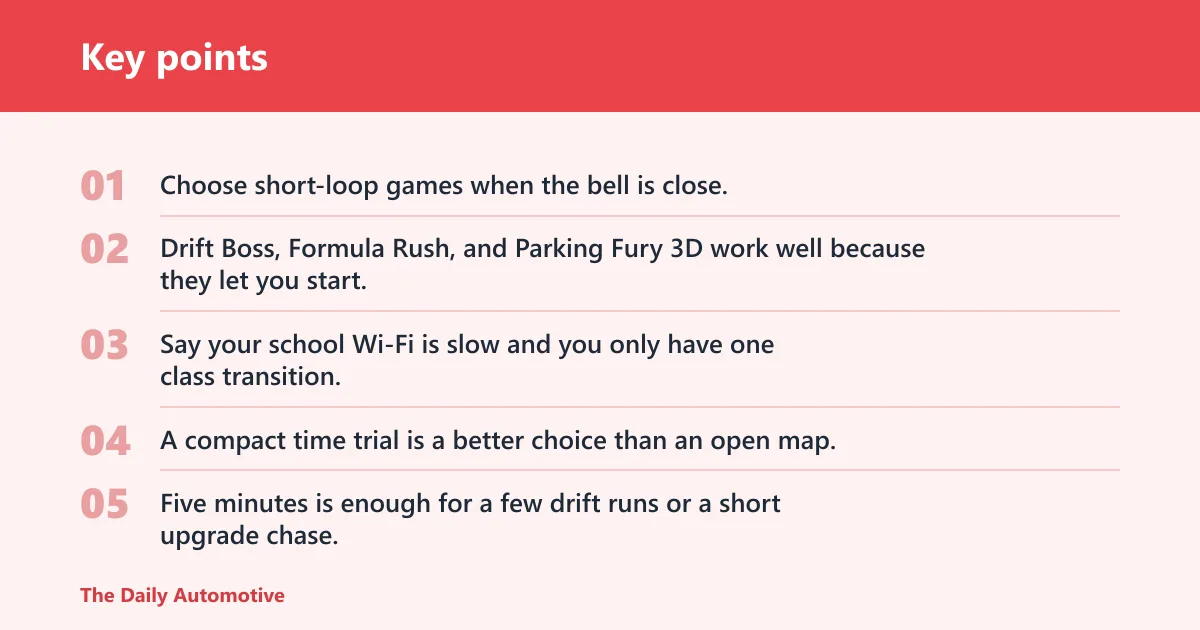
Choose short-loop games when the bell is close. Drift Boss, Formula Rush, and Parking Fury 3D work well because they let you start, finish, and stop without needing a long warm-up.
Say your school Wi-Fi is slow and you only have one class transition. A compact time trial is a better choice than an open map, because it gives you a full round before the page has time to drag.
5-minute break picks
Five minutes is enough for a few drift runs or a short upgrade chase. Drift Hunters and Burnin’ Rubber 5 XS fit that middle ground better than huge free-roam maps.
If the first game is blocked, move to another browser game with a similar loop instead of waiting on a reload. A quick fallback beats a prettier title that never opens.
10-minute-plus picks
Longer breaks suit large maps, vehicle variety, and open-world driving. Madalin Stunt Cars 2 is the clearest fit here because its large maps, sports cars and supercars, ramps and loops, and open-world style reward a longer session.
These games make more sense when you can explore, switch cars, and try the same stunt from different angles. They are poor matches for a hurried two-minute window.
Chromebook, iPad, and both-device fit
Chromebooks usually favor keyboard-driven browser games with lighter scenes. iPads favor touch-friendly games, but steering can feel less exact when a drift game expects fast corner corrections.
The same source says some games use arrow keys or WASD. That matters on Chromebooks, where keyboard input is usually easier than touch controls or a mouse-only setup.
Fallback picks if the first game is blocked
Do not keep forcing one game if the page fails to open. Try a simpler browser title, a lower-detail track, or a Hooda Math car game built for browser-only play and no downloads.
For school filters, the safest move is to pick a second option with the same loop. If a drift game is blocked, try another drift game. If an open-world map is too heavy, move to a shorter race or parking challenge.
Which games load fastest on school devices?
The fastest-loading games are usually the lighter browser racers with smaller scenes, fewer effects, and simple controls. On a Chromebook, that often means drift or time-trial games before giant open maps. On an iPad, touch-friendly games can load fine, but control setup may still slow the first run.
Light browser games versus heavier maps
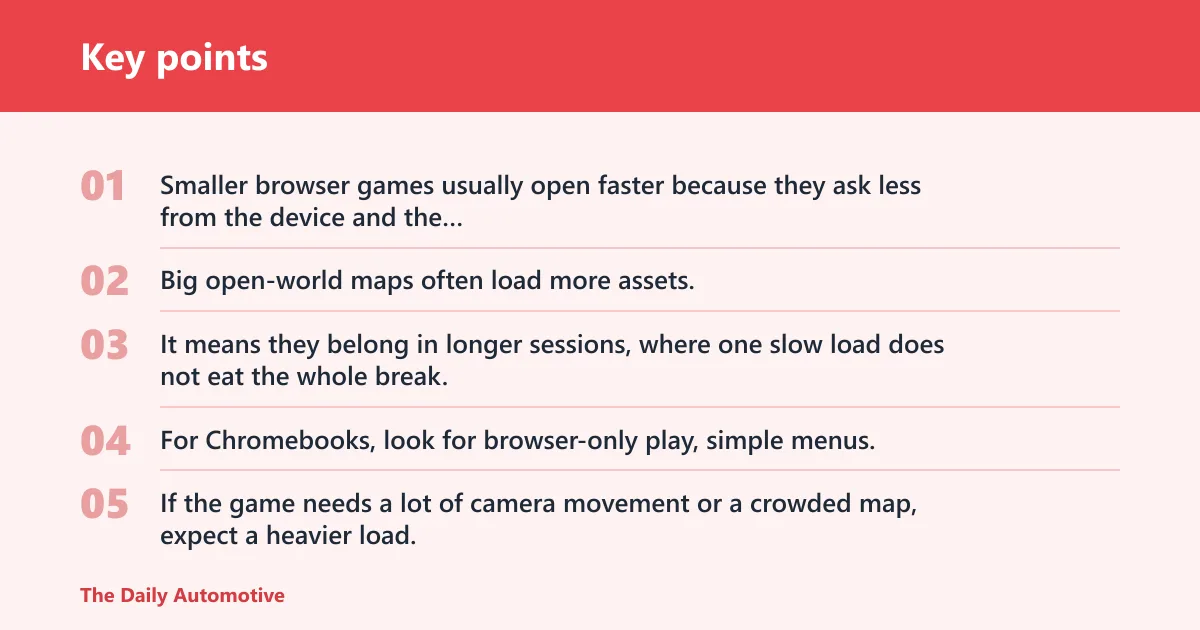
Smaller browser games usually open faster because they ask less from the device and the network. Big open-world maps often load more assets, which can make them a worse bet on weak school Wi-Fi.
That does not mean bigger games are bad. It means they belong in longer sessions, where one slow load does not eat the whole break.
Chromebook performance checks
For Chromebooks, look for browser-only play, simple menus, and keyboard controls that work immediately. If the game needs a lot of camera movement or a crowded map, expect a heavier load.
TunesKit says it tested 10 car games unblocked for school in 2026 and tested games on a Chromebook and an iPad. It also says its guide is for 2026 and is a quick read.
Touch controls on iPad
On iPad, the issue is often not loading alone. It is whether the on-screen controls make drifting, jumping, or lane changes feel accurate enough to be worth your break.
Suppose a game opens quickly but the virtual steering wheel covers half the screen. That is a control problem, not a loading problem, and it is reason enough to switch to a simpler browser racer.
Drifting games for quick repeat runs
Drifting games work best when you want repeatable runs, score chasing, and quick restarts. They reward steering control, cornering angle, and handling differences, so every attempt can feel different even on the same track.
What makes drifting score well
Most drift games give points for holding a slide, linking corners, or keeping control through a long turn. Better handling usually means smoother turns and fewer resets, which is why small mistakes matter.
That feedback loop makes drifting ideal for short breaks. You can do one run, learn from it, and try again before the bell.
Upgrade loops that keep runs fresh
Some drift games add money, reward loops, or vehicle upgrades. That can mean unlocking new cars, improving performance, or changing how a car behaves in corners.
Drift Hunters is a strong example. TunesKit ranked it number 2, and it is known for realistic drifting, vehicle upgrades, smooth Chromebook performance, and replay value.
Best fit for 3- to 5-minute breaks
Drift games are a good fit when you want a quick win or a faster retry. They are less about roaming and more about learning a car’s handling before the break ends.
Hooda Math also lists Drift Boss among its car games, so students looking for a browser-first option can start there before moving to a more demanding drift title.
Stunt racing for ramps and open maps
Stunt racing works best when the fun comes from ramps, jumps, loops, and obstacles instead of pure lap speed. These games are easy to understand and harder to master, which is why they stretch better into longer breaks.
Ramp, loop, and jump-heavy play
When a game centers on ramps and jumps, the main question is not top speed. It is whether you can line up the car, clear the gap, and recover cleanly on landing.
That makes stunt games a good match for open browser play. Even a short attempt can feel complete if the jump goes right.
Open-world exploration versus strict races
Open-world stunt games let you drive where you want, test cars, and repeat the same trick from different angles. Strict races are better for players who want a clear finish line and a shorter loop.
Madalin Stunt Cars 2 fits the open-world side. TunesKit ranked it number 1, and its large maps, sports cars and supercars, ramps and loops, and open-world style make it the best fit for a longer break.
When longer lunch breaks make more sense
Longer lunch breaks are the right time for larger maps and more vehicle choice. You get more value from a game with progression, exploration, or lots of stunt space when you are not racing the clock.
That is also when a slower-loading game is more tolerable. If the first load is heavy, the session still has time to pay off.
Which unblocked games work on Chromebook and iPad?
Browser-only stunt car games are the best bridge between Chromebook and iPad use. They do not need downloads or plugins, and they can work on school devices if the browser and filter allow the page.
Browser-only play and no-download setup
The same source says every car game runs in the browser with no downloads. That matters on school devices that limit installs, block plugins, or reset after sign-out.
For a Chromebook, browser-only access is often the cleanest route. For an iPad, it avoids app-store friction and keeps the game in the browser tab.
Touch controls versus keyboard controls
Chromebooks usually favor arrow keys or WASD. iPads usually favor swipes or on-screen controls. The game may be the same, but the control feel is not.
That difference matters most in drifting and stunt timing. A game that feels precise with keys can feel loose on touch, so choose a title with simple steering if you are on an iPad.
What to try if a school filter blocks the first link
If the first game is blocked, do not assume the whole category is blocked. Try a different browser game hub, a lighter title, or a car game with fewer assets and a simpler page structure.
Hooda Math’s car game hub is a sensible fallback because it is built around school-friendly browser play, has more than 1,000 free games, and says its games are safe for school Chromebooks.
Best known picks worth trying first
Start with a browser hub if you want the least friction, then move to a standout drift or stunt title if your device and school network cooperate. The best first pick depends on whether you have a few minutes or a full lunch period.
Hooda Math car games hub
Start here if you need broad choice and school-device coverage. The same source says it has more than 1,000 free games, 3 million+ students play every month, its games are free with no subscriptions, and every car game runs in the browser with no downloads.
That makes it a practical first stop for Chromebook users and for anyone who wants a safer browser-only route before trying heavier stunt games.
Madalin stunt Cars 2
Use this when you have time for big maps and free-roam stunt driving. It is best for longer breaks, not rushed transitions, because the fun comes from exploring the space and trying different cars.
If you want one game that leans hard into ramps, loops, and open-world play, this is the strongest place to start.
Drift Hunters
Pick this when you want drifting plus progression. Its realistic drifting, vehicle upgrades, and replay value make it one of the better browser choices for students who want to improve over several short runs.
It also gets a useful Chromebook mention from TunesKit, which ranked it number 2 in its 2026 guide.
Frequently asked questions
What are the best stunt car games unblocked for school?
The best picks depend on your break length. For very short breaks, use compact drift or time-trial games. For longer breaks, Madalin Stunt Cars 2 and Drift Hunters are better because they give you more room for free-roam driving, drifting, and vehicle upgrades.
Which stunt car games work on a Chromebook at school?
Look for browser-only games that use simple keyboard controls and do not depend on heavy maps. The same source says its car games work on school Chromebooks and at home, and it says some games use arrow keys or WASD, which fits Chromebook play well.
Do unblocked car games need a download?
No. The better school-friendly picks run directly in the browser, with no downloads or plugins. The same source says every car game runs in the browser with no downloads, which is the setup most likely to work on managed school devices.
What are the safest car games to play on school Wi-Fi?
The safest choice is usually a browser-only game from a school-friendly hub that does not ask for installs or extra permissions. Keep expectations realistic, though: school filters vary, so a game that opens at home may still be blocked on campus Wi-Fi.
How do I find stunt car games that actually load fast?
Choose lighter browser games first, then move to larger maps only if you have more time. If a title loads slowly on a Chromebook or stumbles on iPad touch controls, switch to a simpler drift or time-trial game before the break ends.
Which car games are best for short breaks between classes?
Short breaks are best for quick drift loops and short time trials. Games like Drift Boss, Formula Rush, and Parking Fury 3D fit that pattern because they start quickly, end quickly, and do not demand a long setup or a big map.
Products related to this article
Sponsored / affiliate links. As an Amazon Associate I earn from qualifying purchases. I may earn additional commission from eligible campaigns.