How Is GPS Data Handled In 2011 Cars? Privacy Explained
GPS data in 2011 cars was typically stored locally on the navigation system’s hard drive or SD card. Sharing or remote access was limited. Privacy concerns focused more on what owners inputted into the system rather than constant tracking by manufacturers or third parties. Data was often anonymized if used at all for service improvements.
Understanding GPS in 2011 Cars
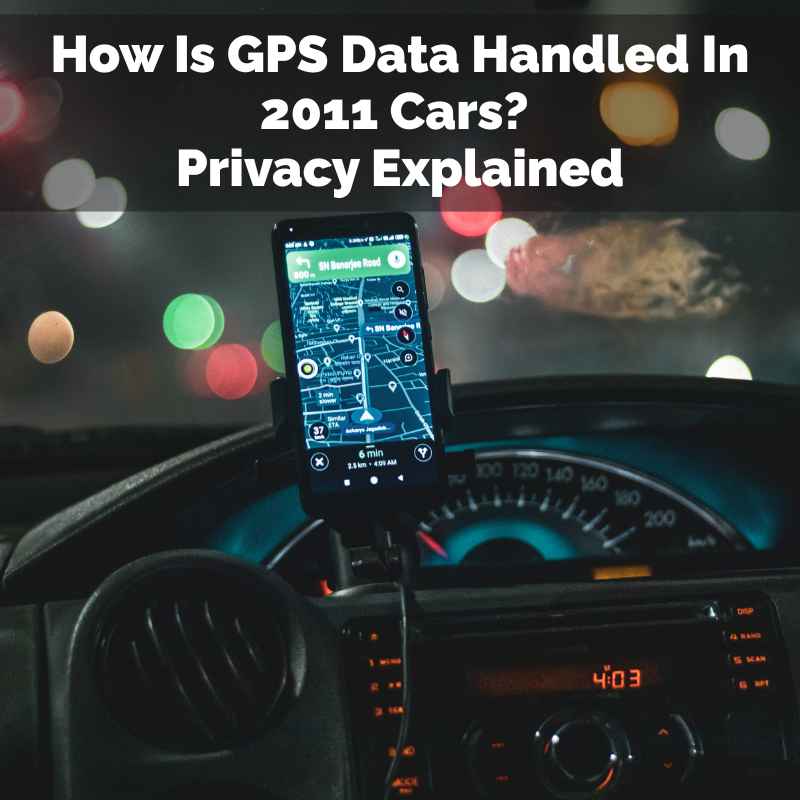
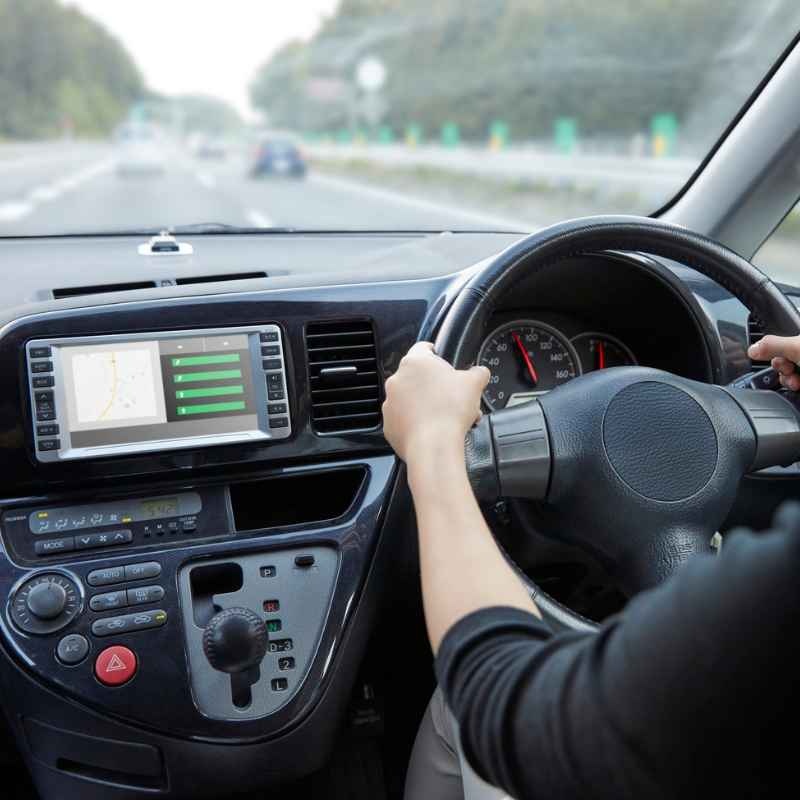
Back in 2011, car navigation systems were a hot new feature. Many cars offered them as an option or standard. These systems were often built into the dashboard.
They showed maps on a screen. They also gave voice directions. Think of them like a big, fancy smartphone for your car.
These systems used GPS satellites. Satellites orbit the Earth. They send signals down.
Your car’s GPS receiver picks up these signals. It uses them to figure out where you are. This location is shown on the map.
It helps you navigate to your chosen destination.
How the Data Was Stored
One of the biggest differences from today is how the data was saved. In most 2011 cars, your location data was stored right there in the car. It was on a hard drive.
Or it might have been on an SD card. This meant the car kept a record of your routes. It also saved places you searched for.
This data stayed with the car unless it was manually deleted.
Think of it like a diary for your car’s journeys. The car knew where it went. It remembered where you told it to go.
This was pretty advanced for the time. But it wasn’t constantly sending that information out to the internet. It was mostly kept local.
This limited the ways your data could be accessed.
Limited Connectivity
Cars in 2011 were not as connected as they are now. Many did not have constant internet access. Some had basic Bluetooth.
Others had connections for phone calls. But they rarely had the built-in cellular modems we see today. This made a big difference for data sharing.
Without a strong internet link, the car couldn’t easily send your location data to a manufacturer. It couldn’t send it to a third-party app. The primary goal was to help you navigate.
It wasn’t to collect vast amounts of user data remotely. This limited connectivity was a key factor in how privacy was handled.
My Own 2011 Car Navigation Story
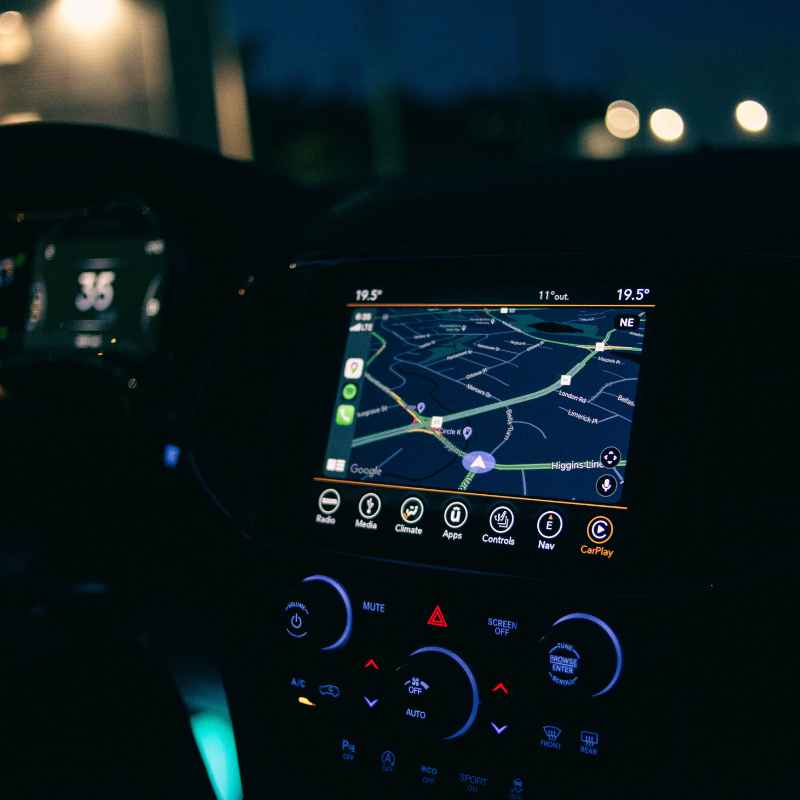
I remember getting my first car with a built-in GPS. It was a mid-size sedan from 2011. I was so excited.
No more unfolding paper maps in the rain! One weekend, I decided to take a spontaneous road trip. I typed in a small town about three hours away.
The car guided me perfectly. I explored winding country roads I never knew existed.
After the trip, I noticed the navigation system had saved my route. It even showed the places I had searched for. I remember thinking, “Is this data visible to anyone else?” At the time, the internet wasn’t as deeply integrated into cars.
I felt pretty secure. The data seemed to be just for my reference. It was a small digital footprint, mostly contained within the car itself.
That felt reassuring.
GPS Data Storage Methods in 2011 Vehicles
Internal Hard Drive: Many systems stored maps and user data on a dedicated hard drive. This was common in higher-end models.
SD Cards: Some manufacturers used SD cards for map updates and data storage. These were removable, offering a way to update maps.
DVDs: A few older or less advanced systems might have used DVDs for map data. These were less common by 2011 but still present.
Internal Memory: Smaller amounts of data, like recent destinations, were often kept in the car’s internal flash memory.
Privacy Considerations Back Then
When we talk about privacy today, we often think about apps tracking us. We worry about companies selling our data. In 2011, the focus was a bit different.
For car GPS systems, the main privacy concern was about the information you put into the system.
This included your home address. It included your work address. It included places you visited.
Anyone who had access to your car could potentially see this. This could be family members. It could be mechanics.
It could be someone who bought your car used.
Your Personal Data in the Car
The car’s navigation system acted like a personal log. It remembered your favorite restaurants. It stored addresses of friends and family.
If you sold your car without clearing this data, the new owner would know where you lived. They would know places you frequented. This was a direct privacy risk.
It was something owners needed to be mindful of.
Manufacturers did have terms of service. But these were often complex. Most people didn’t read them closely.
The understanding was that the data stayed put. It was there for your convenience. It wasn’t generally being broadcast or sold.
This was a key difference from how data is handled now.
Anonymized Data for Improvements
Some manufacturers might have collected data for “service improvement.” This meant they wanted to know how people used the system. They wanted to improve map accuracy. They might have used data like traffic patterns.
But this data was usually anonymized. It was stripped of personal identifiers. It was aggregated with data from thousands of other cars.
The goal was to make the system better. It was not to build a profile of your driving habits. This type of data collection was less intrusive.
It was also less common than the pervasive tracking we see today. The technology and the business models were just not there yet.
Who Could See Your 2011 Car GPS Data?
You: The primary user of the system could access saved routes and searches.
Other Drivers of Your Car: Anyone who used the navigation system could see your saved destinations.
Mechanics: If the car was in for service, a mechanic might see destination history.
New Car Owners: If the car was sold without data being cleared, the new owner could access old data.
Manufacturers (Limited): Remote access was rare. Data might be collected if uploaded for updates or diagnostics, usually anonymized.
When Data Was Shared (and Why)
While direct, constant tracking was rare in 2011, there were scenarios where data could be shared. These were usually tied to specific actions the car owner took. Or they were part of system maintenance.
For instance, updating the navigation maps often involved a physical process. You might have to insert an SD card or DVD. Sometimes, this process could log information about your current system.
Or it might involve downloading new map data which implicitly knew your general region.
Map Updates and Diagnostics
To get the latest maps, drivers often had to buy update discs or cards. This process might have involved the car’s system reporting its current map version. This report could contain a unique identifier for the navigation unit.
It was not usually tied directly to your personal identity.
Diagnostic information was similar. If the navigation system had a problem, a technician might need to access its logs. These logs could contain error codes or performance data.
They might also show recent destinations if that helped pinpoint the issue. But this was usually on a need-to-know basis.
Telematics and Emergency Services
Some cars in 2011 had basic telematics systems. A common example was OnStar. These systems could track the car’s location.
This was primarily for emergency services. If you were in an accident, they could find you. They could send help.
This was a key safety feature.
The data used by these services was handled by the service provider. It was not typically shared with the car manufacturer for marketing. The focus was on safety and breakdown assistance.
Access was controlled by strict protocols. It was only used when the service was activated or in an emergency.
Situations Where 2011 GPS Data Might Leave the Car
Map Updates: Inserting an SD card or DVD to update maps could involve data exchange.
System Diagnostics: Technicians might access logs for troubleshooting issues.
Emergency Services: Systems like OnStar used location data for safety and assistance.
Voluntary Data Uploads: Some systems might have allowed users to upload custom points of interest or logs.
The Evolution to Modern Data Handling
Comparing 2011 to now shows a huge shift. Today’s cars are rolling computers. They are constantly connected.
This allows for much more data collection and sharing.
Modern systems often use cloud-based navigation. Your location data can be sent to servers. This enables real-time traffic updates.
It allows for remote diagnostics. It also means your driving patterns can be analyzed.
Cloud vs. Local Storage
In 2011, the default was local storage. Your car’s GPS data lived inside the car. If you wanted to access it elsewhere, you might have had to manually transfer it.
Today, many systems sync with your phone or a cloud account. This makes data accessible from anywhere.
This increased accessibility also means increased privacy risks. If the cloud account is compromised, your location history could be exposed. Manufacturers and app providers have more ways to collect and use this data.
They might offer personalized services. They might also use it for advertising.
Connected Car Features
Newer cars offer features like remote start. They allow you to lock or unlock doors from an app. They can send diagnostic alerts to your phone.
All these features rely on constant communication. This communication involves transmitting data about the car’s status and location.
The types of data collected are also much broader. It’s not just where you’re going. It’s how fast you’re going.
It’s when you brake. It’s engine performance. This rich dataset fuels many new technologies.
But it also raises significant privacy questions.
Key Differences: 2011 GPS vs. Today
Data Storage: Primarily local (2011) vs. cloud-connected (Today).
Connectivity: Limited/Optional (2011) vs. Constant (Today).
Data Scope: Navigation routes (2011) vs. Driving behavior, performance, location (Today).
Sharing: Manual or emergency-only (2011) vs. Frequent, often automated (Today).
Privacy Focus: User input data (2011) vs. Extensive tracking, analytics, third-party sharing (Today).
What This Meant for Owners in 2011
For car owners in 2011, the privacy landscape was simpler. The biggest takeaway was that the data was largely contained within the vehicle.
This meant that if you wanted to protect your privacy, your primary action was to clear the navigation history. This was usually an option in the system’s settings menu. It was a manual step, but an effective one.
Taking Control of Your Data
If you were selling your car, it was crucial to perform a factory reset on the infotainment system. This would wipe all personal data, including saved destinations and routes. It ensured that the new owner wouldn’t see where you had been.
For regular use, most people didn’t worry too much. The systems were not designed for extensive tracking. They were designed to be helpful.
The risk felt minimal compared to today’s digital environment.
Understanding the Limits
It’s important to remember that even in 2011, technology was evolving. While constant tracking wasn’t the norm, manufacturers did have ways to gather information. They did this for system improvements or diagnostics.
The key was that this data was generally anonymized and aggregated.
The focus for users was on personal data management within the car itself. It was about being aware of what destinations you saved. It was about clearing them when necessary.
The concept of a connected car constantly reporting back was still in its early stages.
When Is It Normal for Data to Be Stored?
In a 2011 car, it is absolutely normal for GPS data to be stored. The navigation system’s entire purpose is to help you get places. To do this, it needs to remember where you are and where you want to go.
Storing your destination history is a feature, not a bug. It lets you easily re-select frequent stops like home or work. It helps you find that great restaurant you visited last month.
It makes planning future trips much faster.
Normal Usage Patterns
When you use the GPS, the system will naturally record:
- Your current location (while navigating).
- The destination you enter.
- The route taken.
- Any stops made along the route.
- Searches for points of interest.
This data helps the system understand your usage. It can also help map providers identify popular routes or areas with high traffic density. This is all considered standard operation for a navigation system.
When Should You Worry About 2011 GPS Data?
For a 2011 car, the main time to worry about GPS data is when you are selling or trading in the vehicle.
If you don’t clear the navigation system’s memory, the new owner will have access to your personal travel history. This includes places you’ve saved as favorites. It includes your most frequent destinations.
This could reveal sensitive information about your life.
Checks Before Selling
Before handing over the keys, always perform a factory reset on the car’s infotainment and navigation system. Consult your car’s manual for specific instructions. This step is crucial for protecting your privacy.
It ensures no personal data remains accessible.
Also, check any connected services. If your car had a system like OnStar, ensure it’s deactivated or transferred correctly. While these systems were for safety, they did involve location tracking when active.
Making sure they are properly managed before a sale is wise.
Simple Checks for 2011 GPS Data Privacy
Check Destination History: Can you see old addresses you’ve entered?
Look for Saved Places: Are there saved “home,” “work,” or favorite locations?
Factory Reset: Has the navigation system been reset to factory defaults?
Connected Services: Are services like OnStar managed appropriately for sale?
Quick Tips for Managing Your 2011 GPS Data
Managing the GPS data in a 2011 car is quite straightforward. It mostly involves user awareness and simple actions.
1. Clear History Regularly: If you don’t want your destinations saved, make it a habit to clear the history. This can usually be done through the navigation system’s menu.
2. Use Guest Profiles (If Available): Some systems might have had guest modes. This would prevent saving data to your main profile.
3. Delete Saved Places: Remove any personal addresses from saved “favorite” or “home” locations.
4. Perform a Full Reset Before Selling: This is the most important step for privacy when transferring ownership.
5. Be Mindful of What You Enter: For very sensitive locations, consider if you really need to save them in the car’s system.
Frequently Asked Questions about 2011 Car GPS Data
Did 2011 car GPS systems track my driving speed?
Yes, the GPS system inherently knew your speed to show it on the display and calculate travel times. However, this speed data was typically stored locally in the car’s navigation unit and not broadly shared or transmitted remotely unless part of a diagnostic report or an emergency telematics system.
Could manufacturers access my GPS route history from a 2011 car?
Generally, no. Direct remote access to your specific route history by manufacturers was very uncommon in 2011. Data collection was more focused on system performance or anonymized traffic flow improvements, not individual user tracking.
What happens to GPS data if I update my car’s navigation system?
Updating the navigation system in a 2011 car often involved inserting an SD card or DVD. This process might have logged information about your current system for compatibility. The new map data itself did not typically include your personal travel history.
Is my 2011 car’s GPS data anonymized by default?
The data stored locally in your 2011 car’s navigation system is tied to that specific vehicle. If data was collected by the manufacturer for analytics, it was usually anonymized and aggregated with data from many other vehicles to protect individual privacy.
Can a mechanic see my GPS history in a 2011 car?
Yes, a mechanic working on your car’s navigation system might be able to access the destination history if it helps them diagnose a problem. It’s a good practice to clear this history before taking your car in for service if you have concerns.
What is the difference in privacy between 2011 GPS and a smartphone GPS app?
Smartphone GPS apps, even in 2011, had much more robust data sharing capabilities. They could send location data to app servers for services like location-based ads or detailed usage analysis. 2011 car GPS was primarily local, with far less automatic data transmission.
Conclusion
Navigating the world of GPS data in 2011 cars reveals a simpler time. Your location information was mostly kept private within your vehicle. The focus was on user-input data.
This is a stark contrast to today’s connected world.
Understanding this difference helps you appreciate how far technology has come. It also highlights the growing importance of digital privacy. For your 2011 car, remember to clear its history before selling.
That’s the biggest privacy step you can take.
Products related to this article
Sponsored / affiliate links. As an Amazon Associate I earn from qualifying purchases. I may earn additional commission from eligible campaigns.