

Turo Car Rental in London: How It Works (2026 Age & Insurance)
In London, Turo bookings commonly require drivers to be 21 or older with a full driving licence, though a host’s own age and licence rules may be stricter. Miss the age check or insurance terms, and your booking can be rejected, your trip delayed, or your deposit at risk. This guide explains booking, pickup in London, age limits, insurance options, and the trip-day traps that most often catch UK travellers.
What you’ll need
- A Turo account on the app or website
- A valid driver’s licence ready to upload
- Your trip dates and return time
- A payment method that matches the booking name
- A clear pickup plan for London, Heathrow, or hotel delivery
- Your preferred trip protection option, if offered on the listing
- A phone with messaging enabled for host contact and handoff updates
How Turo works in London

Turo is a peer-to-peer car-sharing marketplace available in the United Kingdom. You book on the website or in the app, pick a car from a host listing, and the host sets the daily rate and the rules. The full booking flow can take only a few minutes, but the approval steps still matter.
Each listing typically shows the basics you need before you commit, including vehicle type, transmission, passenger capacity, pickup instructions, and any add-ons. Longer bookings may qualify for weekly or monthly discounts, but the final total depends on the listing, the trip length, and the extras you choose.
Booking steps
- Create your Turo account and upload your driver’s licence before your first booking.
- Filter for London pickup points, delivery options, and the car type you actually need.
- Check the listing’s age rule, cancellation policy, mileage limits, and extras before you book.
- Confirm the host’s instructions for handoff, return time, and remote unlocking if listed.
- Review the final price for Turo fees, protection, parking, fuel, and any delivery charge.
What to watch for in the listing
Some hosts use airport-adjacent pickup rather than curbside handoff, and some list hotel delivery. Those details are not decoration. They change your timing, your parking exposure, and how much time you should leave between landing, collecting luggage, and reaching the car.
Can you pick up at Heathrow or central London?
Yes, but pickup in London can be more constrained than many travellers expect. Some airport pickups may require off-site collection rather than curbside pickup, and the host’s directions can point you to a nearby parking lot, shuttle point, or other handoff zone. Central London pickup may also depend on building access, local parking, and congestion.
Heathrow and other airport handoffs can involve more than a simple meet-at-the-curb exchange, depending on the pickup arrangement. The host may ask you to message for remote unlocking, follow a shuttle transfer, or pay parking exit costs that are later reimbursed to the Turo account. Read those instructions before you travel to the pickup point.
Pickup realities to check
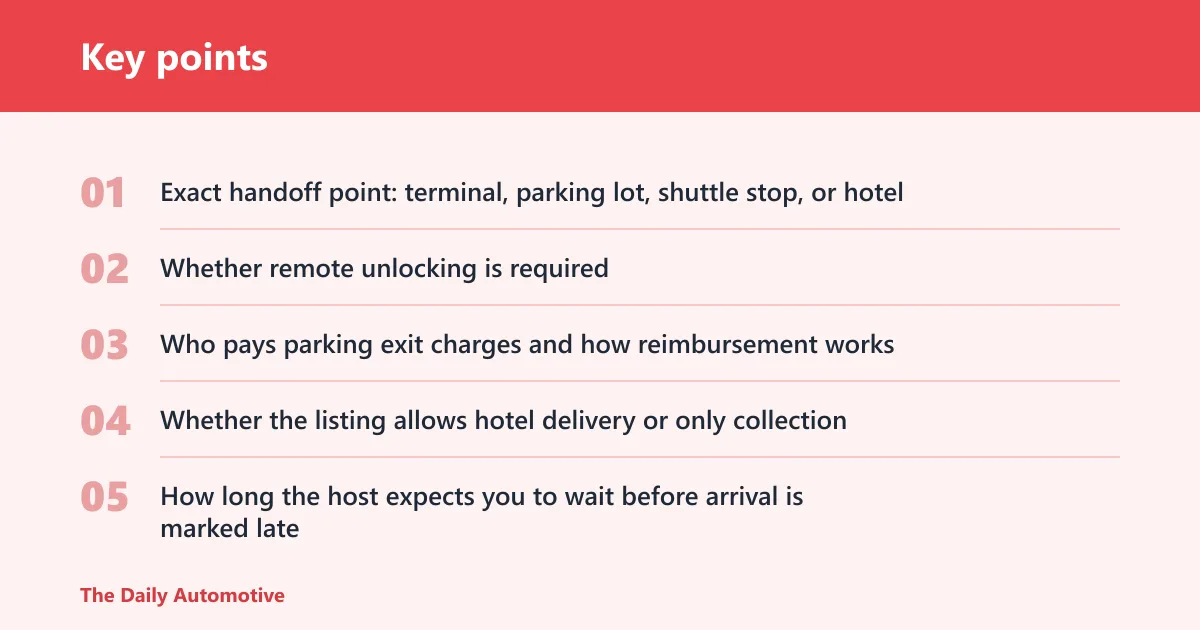
- Exact handoff point: terminal, parking lot, shuttle stop, or hotel
- Whether remote unlocking is required
- Who pays parking exit charges and how reimbursement works
- Whether the listing allows hotel delivery or only collection
- How long the host expects you to wait before arrival is marked late
Picture a central London booking where the car is parked in a gated lot near Zone 1. If you do not know the exit code, the lot’s hours, or the parking fee, the first 20 minutes can disappear fast. That kind of friction is common in city handoffs, especially when the pickup point is not street-side.
What insurance and protection should you check?
Turo offers trip protection options, but you still need to check what is covered and what is not. A personal policy may not cover every peer-to-peer rental scenario, and that gap can matter if the listing requires a deposit or if damage rules shift some exposure to you. Do not assume your own insurer fills every hole.
Check the protection option on the listing, then read the trip terms for damage responsibility, exclusions, and any deposit exposure. If you add a prepaid fuel option or another extra, confirm whether that changes your return duties. The point is to know what you would owe if the trip goes sideways.
What to verify before paying
- Which Turo trip protection option the listing offers
- Whether your own motor policy applies at all
- Any security deposit amount and what can be withheld
- How damage, cleaning, late return, and fuel issues are handled
- Whether the host requires photos before handoff and after return
Say your booking includes a £200 deposit and a late return by 40 minutes triggers a fee in the listing terms. That is not a small detail. It is part of the total trip cost, and it can matter more than a slightly lower base rate.
Turo trip checklist
| Booking stage | What to verify | Why it matters | Red flags |
|---|---|---|---|
| Age and licence check | UK minimum age, valid driver’s licence, account approval before first trip | Missing approval can block booking or handoff | “Pending” licence upload, no age rule listed, host asks for extra documents late |
| Pickup point type | Airport-adjacent lot, central London street pickup, or hotel delivery | London handoffs can require parking, shuttle time, or access codes | Only a vague map pin, no exit instructions, no meeting time |
| Protection and deposit | Trip protection option, deposit amount, damage and cleaning terms | Controls your financial exposure if something goes wrong | No clear protection choice, hidden deposit terms, unclear damage rules |
| Cost checks | Base rate, Turo fees, delivery, parking, fuel, congestion risk, extras | London trips can cost more than the headline daily price | Only the base rate is considered |
| Return proof | Photos of fuel level, mileage, exterior, interior, and parking ticket status | Gives evidence if a post-trip charge appears | No photos, no fuel receipt, no time-stamped return record |
What can go wrong on trip day?
The most common problems are a host cancellation, a delayed handoff, or a car that does not match the photos. In London, you can also run into parking costs, congestion charge exposure, or a pickup point that is harder to reach than it looked in the app. These are trip-day issues, not abstract policy points.
If the host cancels, your immediate next step is to use the app or website to message support and review the replacement options or refund path. If the handoff is late, keep the message thread open and save timestamps. If the car differs from the listing photos, do not drive off without documenting the mismatch.
If that didn’t work, try this next
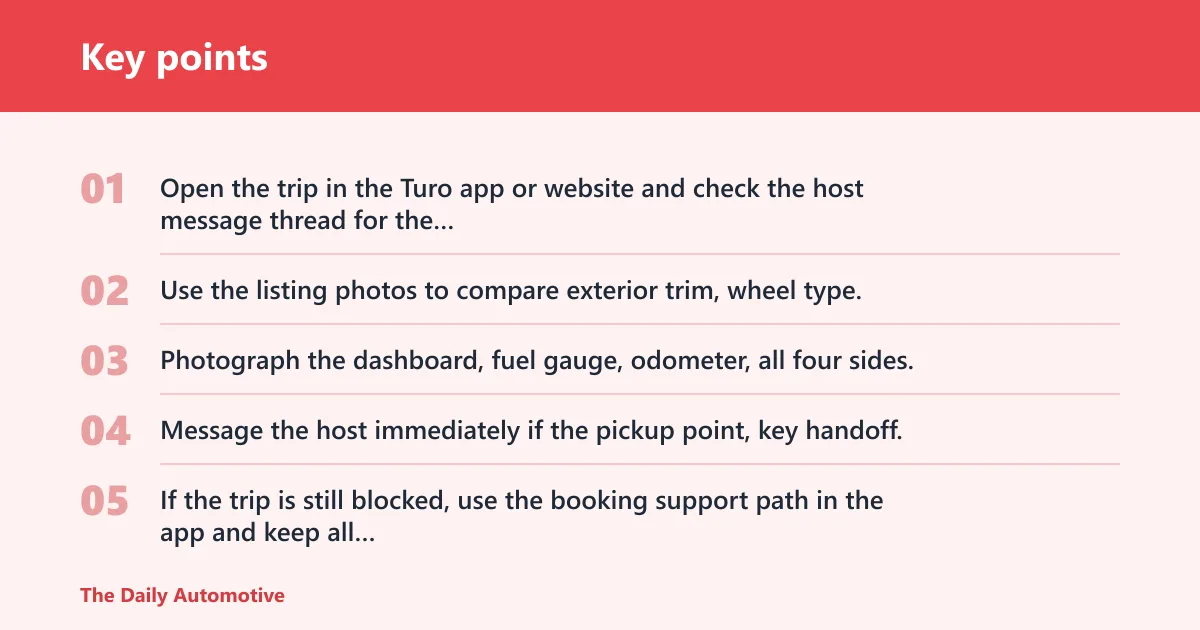
- Open the trip in the Turo app or website and check the host message thread for the latest instructions.
- Use the listing photos to compare exterior trim, wheel type, and cabin condition before accepting the car.
- Photograph the dashboard, fuel gauge, odometer, all four sides, and any existing damage before departure.
- Message the host immediately if the pickup point, key handoff, or car condition does not match the listing.
- If the trip is still blocked, use the booking support path in the app and keep all time-stamped evidence.
Common first-timer mistake: assuming a London booking is “just like a rental counter.” It is not. If the listing says a lot pickup near Heathrow and the host wants remote unlocking, the trip depends on location details, app messages, and timing more than a desk agent would.
Common mistakes
- Skipping the listing’s cancellation policy and then expecting a full refund window that does not exist.
- Ignoring airport parking, zone fees, or hotel delivery charges until the final total is higher than expected.
- Forgetting fuel photos and return photos, then struggling to contest a cleaning or fuel charge.
- Assuming the UK age rule matches the US example instead of checking the actual London listing.
- Booking before the driver’s licence is uploaded and approved.
How to avoid those mistakes
Check the full trip price before you pay, not after. Then save the host’s pickup instructions in your phone and take return photos before you lock up. If the listing offers prepaid fuel, weigh the convenience against the price and your return route.
Weekly and monthly discounts can help on longer trips, but they do not erase fees. Turo fees, parking, and pickup logistics still belong in the total.
Frequently asked questions
How does Turo work in London?
You search on the app or website, choose a listing, upload your driver’s licence if it is your first trip, and accept the host’s pickup and return rules. Hosts set their own daily rates, and the final cost can include fees, protection, delivery, and extras.
What age do you need to be to rent on Turo in the UK?
The UK age rule is listing-specific, and it can differ from the US example where the renter was 18 or older. In London, check the age requirement on the exact car before booking. If the listing has a higher minimum, that rule wins.
Do you need your own insurance for Turo?
Not necessarily, but you do need to check the trip protection offered on the listing and what your own policy excludes. Read the protection terms before paying, especially if a deposit applies. Do not assume a standard personal policy covers every peer-to-peer rental case.
Can you pick up a Turo car at Heathrow or central London?
Often yes, but the pickup may be off-site rather than curbside. Some listings use a nearby parking lot with a shuttle, while others offer hotel delivery or a central London handoff point. Follow the host’s exact instructions in the app.
What fees should I expect on Turo?
Expect more than the base rate. Factor in Turo fees, delivery, parking, fuel, and any late-return or cleaning charge listed on the trip page. Longer bookings may qualify for weekly and monthly discounts, but those do not remove all extra costs.
What happens if the host cancels on Turo?
You should open the trip in the app or website, check the cancellation notice, and contact support through the booking thread. The refund outcome depends on the listing’s cancellation policy and timing. Keep screenshots of the cancellation and any replacement options you were offered.
Can you add extra drivers on Turo?
Yes, extra drivers can be added to the account, and in one cited example there was no additional cost. That said, the policy can vary by market and by listing, so check the trip page before adding anyone who will share the wheel.
Products related to this article
Sponsored / affiliate links. As an Amazon Associate I earn from qualifying purchases. I may earn additional commission from eligible campaigns.