Veepeak OBD2 Bluetooth Adapter Review for Everyday Drivers
For everyday drivers, the best Veepeak pick is the OBDCheck BLE+ if your phone app supports Bluetooth Low Energy; choose the older Bluetooth 4.0/ELM327-style model only when your app explicitly needs it. Pick the wrong one, and you can lose time to pairing failures, missing live data, or an adapter that connects but will not talk to your car. This guide compares Veepeak’s low-cost options by setup ease, app compatibility, and which one creates the fewest daily-driver headaches.
Veepeak OBD2 adapter at a glance
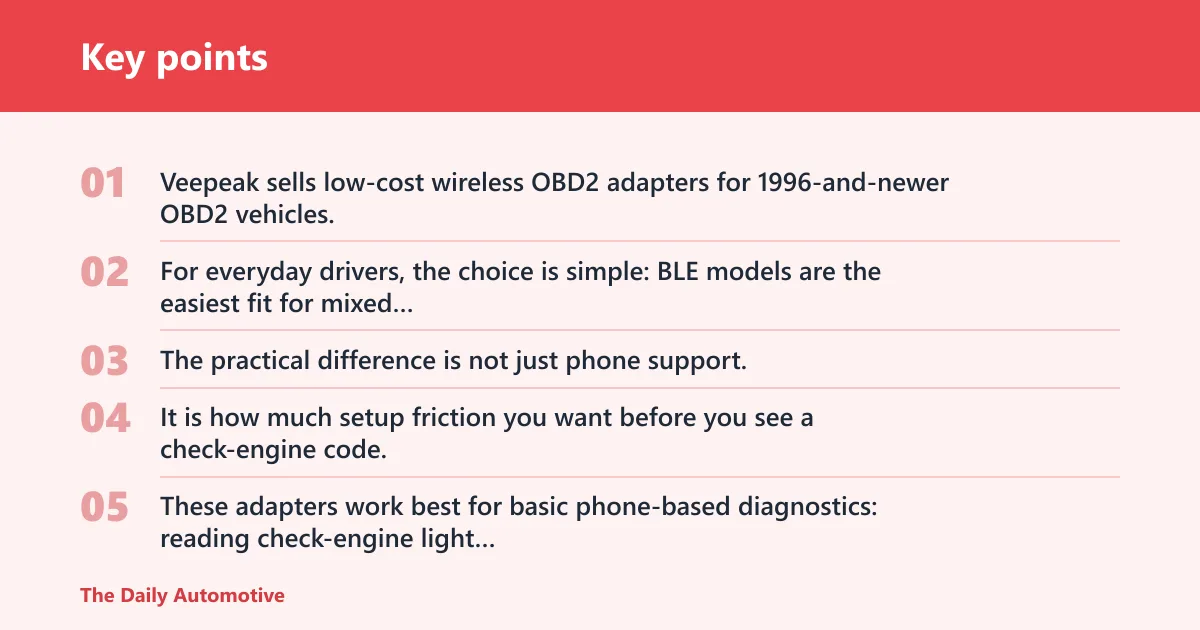

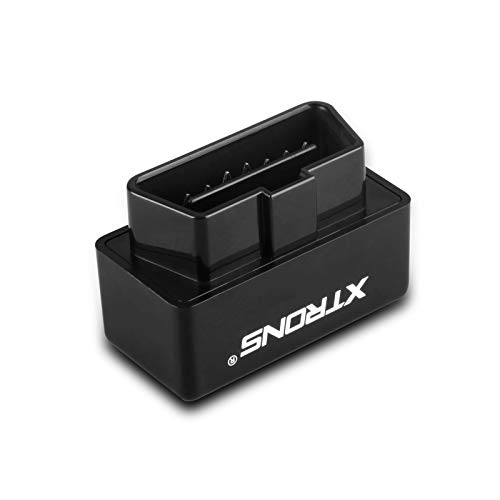
Veepeak sells low-cost wireless OBD2 adapters for 1996-and-newer OBD2 vehicles, including many domestic, Asian, and European models. For everyday drivers, the choice is simple: BLE models are the easiest fit for mixed phone households, while the Mini Bluetooth (VP11) is the budget Android-only option.
The practical difference is not just phone support. It is how much setup friction you want before you see a check-engine code, freeze-frame data, or a basic readiness status on your screen.
What everyday drivers can realistically do with it
These adapters work best for basic phone-based diagnostics: reading check-engine light codes, clearing some codes after a repair, and checking live engine data through a third-party app. For a driver who only wants to know why the MIL is on, that is the right job.
They are not a promise of every module, every code, or every feature. ABS, transmission, and other advanced systems depend on the vehicle and the app, so check the manufacturer’s listing for your model before assuming more than OBD2 basics.
Veepeak OBD2 adapter comparison matrix
The core trade-off is convenience versus cost. Veepeak BLE and BLE+ are the safer picks for iPhone users and mixed-device homes, while the Mini Bluetooth undercuts them on price but only works on Android and brings more setup risk for casual owners.
| Phone type | Skill level | Budget | Use case | Best Veepeak model | Likely mistakes to avoid |
|---|---|---|---|---|---|
| iPhone | Beginner | Under $50 | Check-engine light basics, simple scans | Veepeak BLE | Buying Bluetooth Classic by mistake; assuming any OBD app will work without BLE support |
| iPhone | Intermediate | Under $50 | Frequent live-data checks, app flexibility | Veepeak BLE+ | Choosing it for speed alone without confirming the app supports the adapter type |
| Android | Beginner | Tight budget | Occasional code reading with Torque Pro | Veepeak Mini Bluetooth (VP11) | Expecting iPhone support; pairing with the wrong app profile in Android |
| Android | Beginner to intermediate | Under $50 | Most reliable low-friction daily use | Veepeak BLE | Skipping app compatibility checks because the adapter “looks universal” |
| Mixed iPhone and Android household | Beginner | Under $50 | One dongle for multiple phones | Veepeak BLE | Buying the Mini Bluetooth and discovering the iPhone cannot use it |
A common first-timer mistake is buying the cheapest dongle, then finding out the phone app needs BLE, not Bluetooth Classic. Another is pairing successfully and assuming that means the app will support the exact data the driver wants. Connection and app support are related, but they are not the same thing.
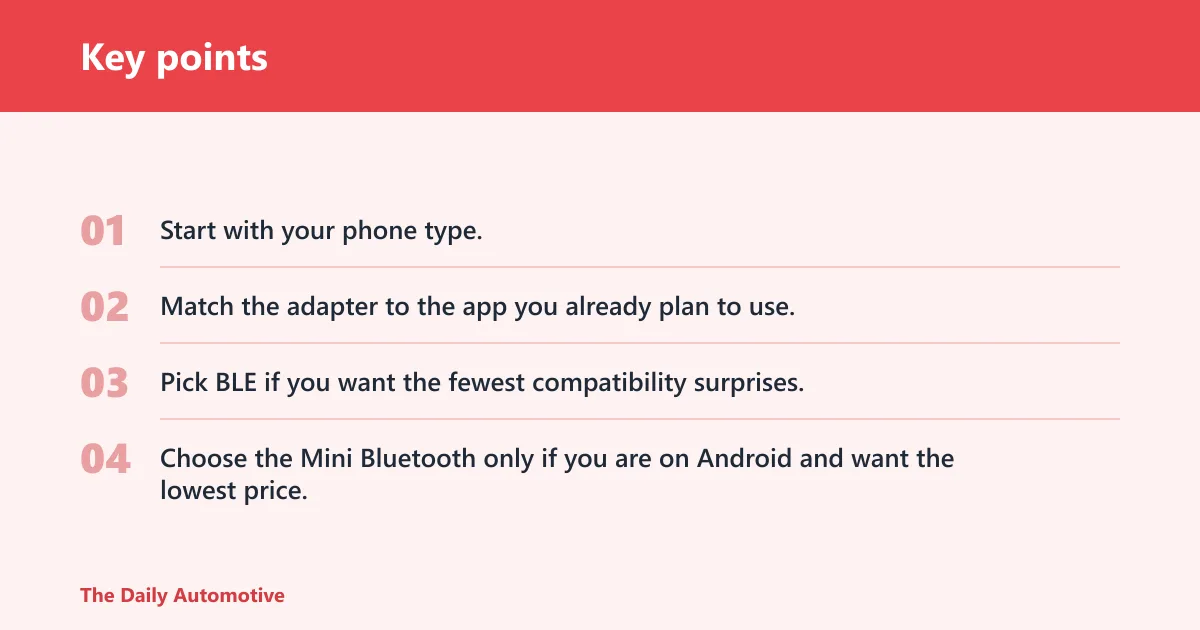
- Start with your phone type.
- Match the adapter to the app you already plan to use.
- Pick BLE if you want the fewest compatibility surprises.
- Choose the Mini Bluetooth only if you are on Android and want the lowest price.
Which Veepeak model works with iPhone?
For iPhone users, Veepeak BLE or BLE+ is a suitable option, since this product line uses Bluetooth Low Energy for iOS compatibility. The Bluetooth Classic Mini Bluetooth is Android only here, so iPhone buyers should not choose it even if the price looks better.
That matters because iPhone pairing problems often come from the wrong wireless standard, not the wrong app. If a listing says Bluetooth Classic, treat it as a no for iPhone OBD2 use on this line.
Compatibility caveats that cause confusion
Bluetooth Low Energy support is the key detail. BLE 4.0 devices are built to stay compatible with iOS and Android apps that support that connection type, and they do so without taking over the phone’s internet connection while scanning.
Bluetooth Classic is different. On this product line, the Mini Bluetooth is Android only, so an iPhone may see the device or fail to use it for OBD2 work, but that does not make it the right choice.
BLE vs Bluetooth Classic for daily drivers
BLE is the safer daily-driver choice because it is built for lower-friction phone use, keeps the phone’s internet connection active while scanning, and works on both iOS and Android in this lineup. Bluetooth Classic costs less on the Mini Bluetooth, but it is Android only and more likely to confuse casual buyers.
For a driver who wants a quick check-engine scan in a driveway, BLE cuts the odds of a “connected but nothing works” moment. That kind of failure is common when the dongle and phone app are not matched to the same wireless standard.
What BLE changes in daily use
With BLE, the phone can stay online while the adapter is in use. That matters if you want to pull fault codes, then look up repair information, call for parts, or keep a navigation app open at the same time.
Veepeak BLE is also listed with support for 13+ third-party apps. That gives it more flexibility than a cheap one-app device, especially for owners who do not want to switch hardware later.
What Bluetooth Classic changes in daily use
Bluetooth Classic can be fine for Android owners who know the app they want. The trade-off is not speed alone; it is compatibility scope. On this product line, the Mini Bluetooth is the Android-only option and works with Torque and other Android apps.
That makes it useful for budget buyers who already know they live inside Android. It is less forgiving for everyone else.
Which app should you use with Veepeak?
The best app depends on how much setup help you want. Carista and BimmerCode suit drivers who want guided features and a friendlier setup path, while Car Scanner, OBD Fusion, and Torque Pro suit drivers who want broader data tools or prefer an app with a long track record.
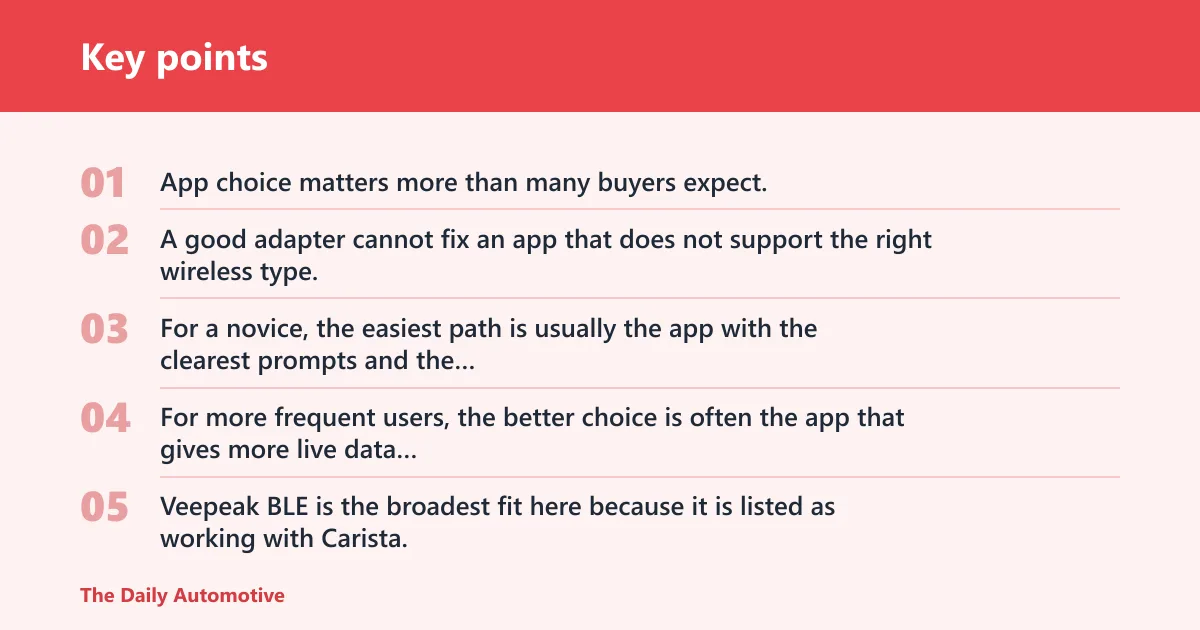
App choice matters more than many buyers expect. A good adapter cannot fix an app that does not support the right wireless type, or one that asks for more setup than a novice wants to handle.
Best-fit apps for beginners versus frequent users
For a novice, the easiest path is usually the app with the clearest prompts and the least clutter. For more frequent users, the better choice is often the app that gives more live data and flexibility over time, even if it takes longer to learn.
Veepeak BLE is the broadest fit here because it is listed as working with Carista, BimmerCode, and 13+ third-party apps. That makes it the safer pick when the driver has not yet settled on a favorite app.
When app choice matters more than the dongle itself
Suppose a driver only wants to clear a check-engine light after replacing a loose gas cap. In that case, a simple app plus any compatible Veepeak adapter is usually enough. The value is in quick access, not in a deep feature list.
Picture a driver who wants to scan before a state inspection and keep the phone online to compare fault codes with repair guidance. BLE matters more there because it avoids the internet-disconnect annoyance that can slow the whole process down.
Veepeak BLE if…
Choose Veepeak BLE if you want the safest all-around buy for iPhone or Android. It uses BLE 4.0, works on both systems, supports 13+ third-party apps, and keeps the phone’s internet connection active while scanning. It is the least fussy option for everyday owners.
It is also the model to choose if you expect more than one driver, more than one phone, or more than one app. That flexibility is the whole point.
Best for mixed households
If one phone is an iPhone and another is Android, BLE removes the most common compatibility mistake. The Mini Bluetooth cannot do that because it is Android only.
Best for low-friction setup
If your goal is “plug it in, connect once, read the code,” BLE is the cleaner path. It avoids the biggest Bluetooth Classic limitation for iPhone users and reduces the chance that a cheap adapter becomes a troubleshooting project.
Best for broad app support
BLE is the better pick when you expect to try multiple apps over time. That matters because the app, not the dongle alone, determines how useful the scan becomes.
Veepeak BLE+ if…
Choose Veepeak BLE+ if you want the same BLE 4.0 and iOS/Android compatibility as BLE, but you want the version listed with v2.2 hardware and faster data retrieval. For drivers who care more about quicker access to data than the lowest price, BLE+ is the more focused buy.
The trade-off is simple: BLE+ is still under $50, but it is worth paying for only if the faster-read claim matches your actual use case.
What the ELM327 v2.2 detail changes
The v2.2 hardware detail points to the adapter side of the connection, which is where some buyers want a cleaner experience and faster data retrieval. That does not turn it into a different class of tool; it still sits in the same everyday-driver category.
For most check-engine light work, both BLE and BLE+ should cover the basics. The difference shows up more when you value a quicker response from the app.
When BLE+ is worth choosing
Choose BLE+ if you are likely to use live data more often than simple code reading, or if you just want the more updated Veepeak BLE option and do not mind paying a bit more for it.
If you are not sure, BLE is still the safer default. BLE+ is the “if you know why you need it” pick.
Veepeak Mini Bluetooth (VP11) if…
Choose the Veepeak Mini Bluetooth (VP11) if you are on Android, want the cheapest functional OBD2 adapter, and plan to use Torque or another Android OBD app. It is around $14 in the competitor guide, which makes it the value option for buyers who can live with its narrower compatibility.
It is not the model for iPhone owners. On this product line, it is Android only.
Why Android-only buyers may pick it
The Mini Bluetooth works with Torque and other Android apps, so it fits drivers who already know they want an Android phone and a low-cost scan tool. That combination can be enough for basic diagnostics and occasional code reading.
Where the low price creates trade-offs
The low price can tempt buyers into ignoring the setup path. The usual mistake is buying it for an iPhone, then trying to solve a hardware mismatch with app settings. That usually wastes time.
It is also the model most likely to disappoint drivers who want the broadest app compatibility or the least confusion. Cheap is only cheap if it works with the phone in your pocket.
Choose Veepeak BLE if… / Choose Veepeak BLE+ if… / Choose Veepeak Mini Bluetooth if…
Choose Veepeak BLE if you want the best all-around fit, especially for an iPhone, a mixed-phone household, or a first-time buyer who values fewer setup surprises. It is also the better pick if you want broad third-party app support and the phone to stay online while scanning.
Choose Veepeak BLE+ if you want the same cross-platform BLE compatibility but prefer the version listed with v2.2 hardware and faster data retrieval. It makes sense for drivers who plan to use live data more often or want the more updated BLE option under $50.
Choose Veepeak Mini Bluetooth if you are on Android, want the cheapest functional option, and already plan to use Torque or another Android app. Skip it if you need iPhone support or do not want to think about compatibility at all.
Frequently asked questions
Is the Veepeak OBD2 Bluetooth adapter worth it for everyday drivers?
Yes, if your goal is basic phone-based diagnostics and you want a low-cost adapter for a 1996-and-newer OBD2 vehicle. The value is strongest for reading check-engine light codes, checking live data, and keeping setup simple. The BLE models are the safest choice for most casual owners.
Which Veepeak OBD2 adapter works with iPhone?
Veepeak BLE and BLE+ work with iPhone because they use Bluetooth Low Energy. The Mini Bluetooth does not, since this product line makes it Android only. If your phone is an iPhone, treat BLE as the default and skip Bluetooth Classic.
Will Veepeak read ABS or transmission codes?
Not by default as a blanket promise. ABS, transmission, and other advanced codes depend on the vehicle and the app, and the listing details you buy should spell that out. For everyday buyers, assume OBD2 basics first and check the manufacturer’s listing for your exact model.
What is the difference between Veepeak BLE and BLE+?
Both are reported to use Bluetooth Low Energy and work with iOS and Android. BLE+ is listed with v2.2 hardware and faster data retrieval, while BLE is the broader all-around pick with 13+ third-party app support and phone internet staying active while scanning. Choose BLE+ only if that extra speed matters to you.
Can I leave a Veepeak OBD2 adapter plugged in all the time?
Many drivers do leave OBD2 adapters plugged in, but the right answer depends on the vehicle, the adapter, and your comfort with keeping a device on the diagnostic port. If you plan to leave it installed in a daily driver, check the manufacturer’s guidance and watch for any battery or access concerns.
Does Veepeak work with Torque Pro?
Yes for the Mini Bluetooth on Android, and Torque is also among the Android apps mentioned for that model. BLE models work with third-party apps too, but app support depends on the specific software and its connection type. Always confirm the app’s Bluetooth Low Energy support before buying.
Products related to this article
Sponsored / affiliate links. As an Amazon Associate I earn from qualifying purchases. I may earn additional commission from eligible campaigns.