Backup Camera for Car Stereo: Wired vs. Wireless Guide
Choose a wired backup camera if your stereo has a dedicated camera input and you can route cable cleanly; choose wireless only when routing is impractical and you can tolerate possible lag or interference. Pick wrong, and you can get a blank screen, delayed image, or a camera that fails in cold, rain, or busy radio environments. This guide compares wired and wireless setups by stereo compatibility, vehicle layout, and failure tolerance.
| Decision factor | Wired | Wireless | Winner |
|---|---|---|---|
| Signal stability | Physically connected video path; fewer dropouts when the cable path is solid | No long video cable, but the link can be affected by latency, interference, or cutouts | Wired |
| Installation path | More complex; usually needs cable routing from the rear camera to the display | Easier to route because the video link is wireless, though power still has to be handled | Wireless |
| Compatibility risk | Lower when the head unit input and camera output match, especially with RCA or AHD | Higher because you must match the wireless system to the monitor and still confirm format support | Wired |
| Large-vehicle fit | Reliable over long runs if the cable is routed well | Depends on wireless range and vehicle length | Wired |
| Failure tolerance | Better for owners who want the fewest moving parts in the video path | More sensitive to power management, receiver placement, and interference | Wired |
Wired vs wireless at a glance
Wired systems usually win on signal stability because the camera sends video over a physical connection, often through RCA composite or AHD. Wireless systems trade that stability for easier routing. That trade makes sense only if your stereo input and your vehicle layout fit the system’s limits.
A backup camera mounted at the rear only helps if the display can read its signal. Many buyers choose the easy install first, then find the screen cannot read the camera output or the wireless link falters in a long vehicle.
Backup camera decision matrix
Use the matrix below as a buyer filter, not a product ranking. The best setup changes with the vehicle, the screen, and how much failure risk you are willing to accept.
| Buyer profile | Install difficulty | Signal reliability | Compatibility risk | Image quality | Weather durability | Total cost of ownership | Recommended setup |
|---|---|---|---|---|---|---|---|
| Older car with no screen | Wireless: easier if you are adding a monitor separately | Wired: fewer dropouts once routed | Wired: easier to match to a known display input | Wired: better odds of stable image delivery | Wired: fewer battery or receiver concerns | Wired: lower risk of rework | Wired, unless cable routing is truly blocked |
| Double-DIN upgrade | Wireless: quicker if the head unit is already in place | Wired: steadier with the stereo’s camera input | Wired: simpler if the head unit supports the camera format | Wired: more predictable with the right video standard | Tie: depends on camera placement and sealing | Wired: fewer compatibility surprises | Wired, if the stereo accepts the camera output |
| Large SUV or truck | Wireless: avoids a long physical video run | Wired: better over distance and through noisy electrical environments | Wired: less range uncertainty | Wired: more dependable on a long vehicle | Wired: usually simpler to seal once installed | Wireless: may save labor, but range issues can add cost later | Wired, unless the route is impossible |
| Daily commuter | Wireless: fast install and low hassle | Wired: still better if you want the least failure risk | Wireless: acceptable if the kit matches the display exactly | Tie: either can work if the spec match is correct | Tie: depends on spray exposure and sealing | Wireless: lower upfront labor in many cases | Wireless for quick retrofit, wired for maximum reliability |
Older car with no screen
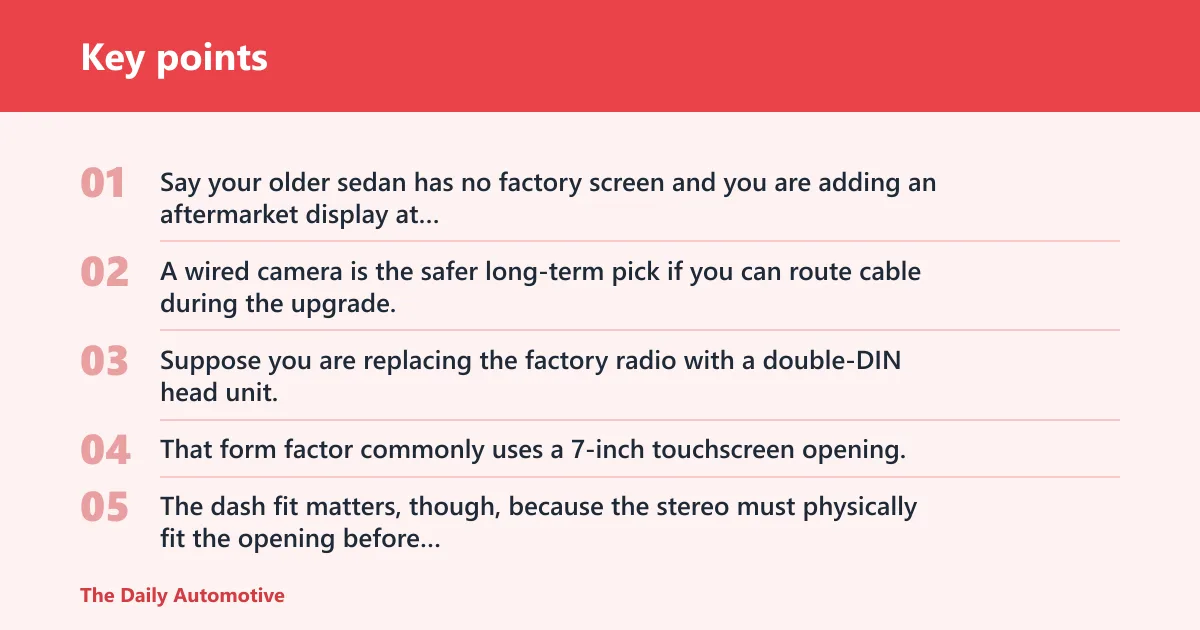
Say your older sedan has no factory screen and you are adding an aftermarket display at the same time. A wired camera is the safer long-term pick if you can route cable during the upgrade, because the video path is simpler to verify and less prone to interference after the install is finished.
Double-DIN upgrade
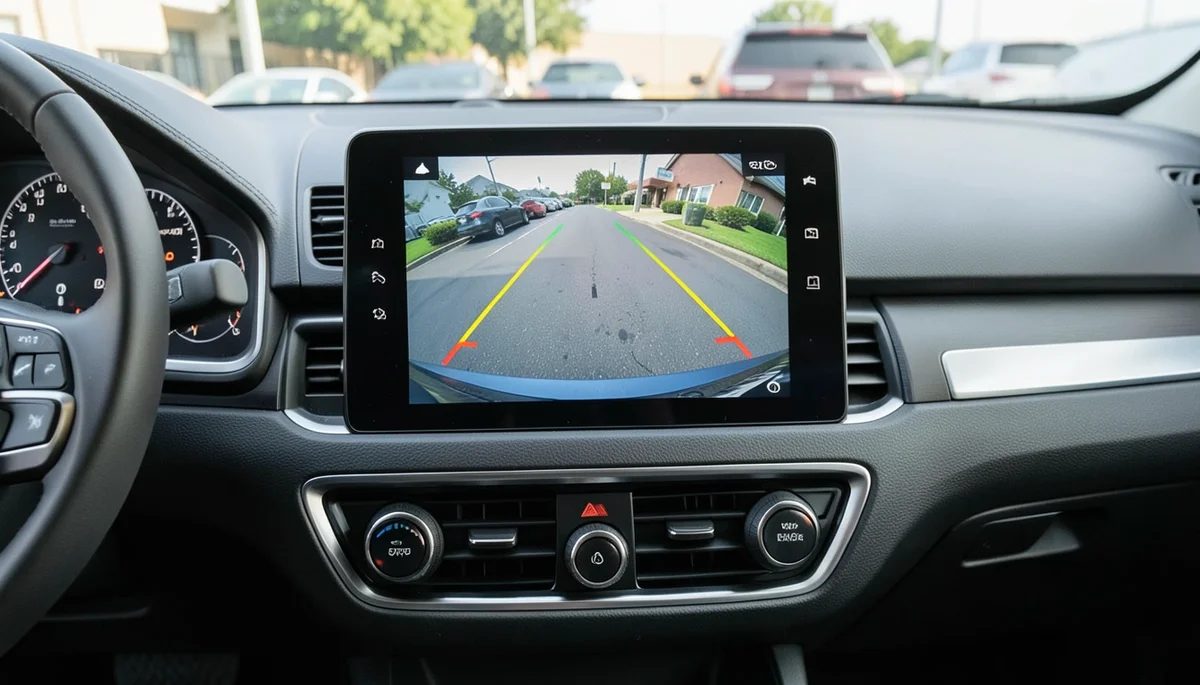
Suppose you are replacing the factory radio with a double-DIN head unit. That form factor commonly uses a 7-inch touchscreen opening, and many units include backup camera input support plus Apple CarPlay or Android Auto. The dash fit matters, though, because the stereo must physically fit the opening before any camera signal can matter.
Large SUV or truck
Picture a full-size SUV where the camera must send video across a long cabin and cargo area. Wired usually fits that job better because signal path and range are less of a gamble. Wireless can work, but only if the system’s range is designed to cover the vehicle length plus margin.
Daily commuter
A common first-timer mistake is assuming the commuter car should always get wireless. If the route from tailgate to dash is simple, wired can still be the lower-risk choice. If you want the fastest path to a working screen and the vehicle is short, wireless is often enough.
How hard is installation?
Wired systems are harder because you have to run a video cable and power connection from the rear of the car to the stereo or monitor. Wireless systems cut out the long video cable, which helps, but they still need camera power, a receiver or monitor pairing, and often some thought about power management.
Wired systems
Most wired setups tap the reverse light for power so the camera turns on with the gear selector. That is straightforward in concept, but the cable path can become the real problem. Sharp bends, pinched trim, and exposed routing all raise the odds of failure later.
Wireless systems
Wireless kits simplify the video path, not the entire install. Some use Wi-Fi or another digital link, and some add battery charging, solar charging, or an OBD-II dongle for power-related functions. Those convenience features only help if the power strategy fits the vehicle and the system keeps a steady link.
Will wireless lag or cut out?
Yes, it can. Wireless systems may lag or drop frames because the signal has to travel without a physical video cable, which can make them more sensitive to interference, receiver placement, and vehicle size. For a shorter commuter car, the risk is generally lower; for a longer SUV or truck, it tends to rise.
Latency and interference
Video delay matters most when you are backing toward a curb, pole, or trailer hitch. If the image arrives late, distance judgment gets harder. Interference can come from crowded radio environments, other electronics, or simply a poor mounting location for the receiver.
Range needs for larger vehicles
Wireless range has to cover the full vehicle length plus some margin. That is why a system that works fine in a hatchback may struggle in a long-wheelbase truck. Wired avoids that uncertainty because the signal does not depend on open-air transmission.
What stereo compatibility should you check?
Check three things before buying: the head unit input, the camera output format, and whether your stereo actually supports camera switching. A double-DIN head unit often gives you a 7-inch touchscreen and dedicated camera input support, but dashboard fitment and format matching still decide whether the picture appears.
Double-DIN head units
A double-DIN stereo is often the cleanest path for an aftermarket camera because it combines the screen and the input in one place. Many also support Apple CarPlay and Android Auto, which helps with smartphone integration, but those phone features do not control camera compatibility on their own.
RCA, AHD, and HD format matching
The display needs to match the camera output. If the camera sends RCA composite, the monitor needs to accept RCA composite. If the camera outputs AHD or HD 720p/1080p, the stereo or screen needs to support that format too, or the image may not appear correctly.
Apple carPlay and Android Auto
CarPlay and Android Auto are useful for phone integration, navigation, and media, but they are not a substitute for camera-input support. A head unit can include both smartphone features and a backup camera input, or it can have one without the other. Check both before you buy.
Image quality, angle, and night vision
Viewing angle, low-light performance, and screen fit matter more than the marketing photos suggest. Common viewing angles run from about 149° to 170°, and wider is not always better. More width can mean more distortion, which makes distance and curb judgment harder.
Resolution and viewing angle
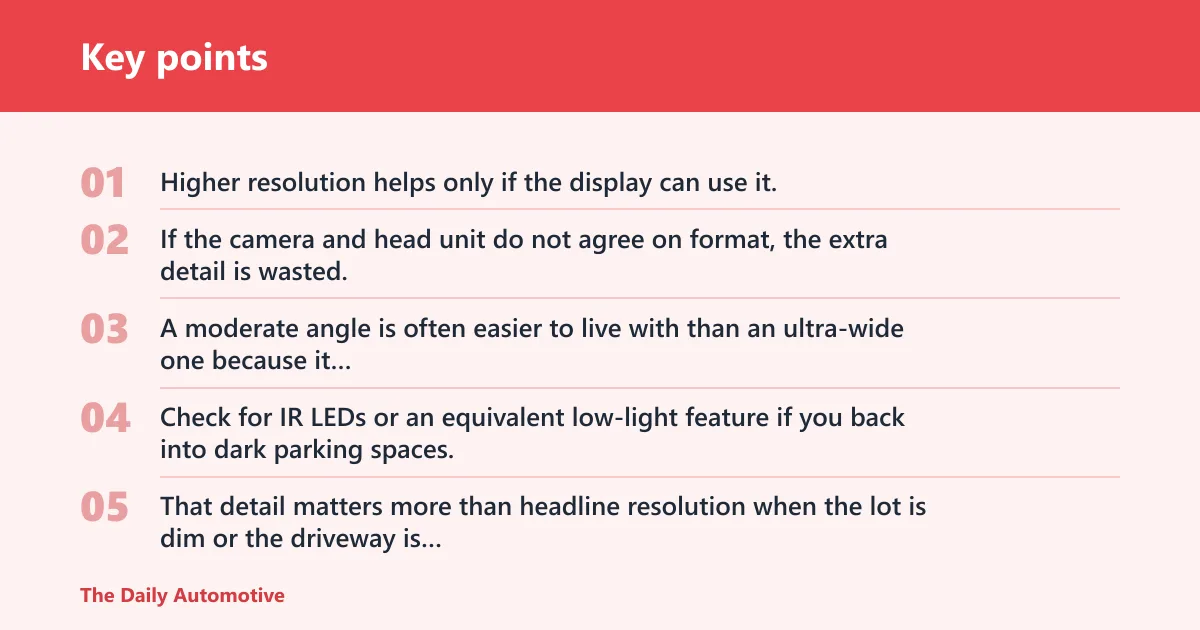
Higher resolution helps only if the display can use it. If the camera and head unit do not agree on format, the extra detail is wasted. A moderate angle is often easier to live with than an ultra-wide one because it preserves a more realistic sense of how close the bumper is to an obstacle.
Night vision and low-light support
Check for IR LEDs or an equivalent low-light feature if you back into dark parking spaces. That detail matters more than headline resolution when the lot is dim or the driveway is unlit. If the listing does not say how the camera handles darkness, verify it before you commit.
Screen size and dashboard fitment
Projector Spotlight’s 7-inch double-DIN size note reflects how common that opening is, but fitment still depends on the car’s dash. A large screen that does not sit cleanly in the opening can create more installation trouble than a smaller display that fits properly and accepts the right video input.
Weather durability and total cost
Rear cameras live where the spray is worst. Road salt, wash chemicals, and winter slush are hard on the housing and the cable entry points. IP69 or IP69K language is common on bumper-mounted camera listings because buyers want a strong seal against spray and wash exposure.
Waterproofing and exposure
Water resistance matters because a camera mounted low on the bumper sees the most abuse. If the routing leaves connectors exposed, the system can fail even if the camera body itself is sealed. That risk is higher on a wireless kit with extra electronics mounted in the rear area.
Total cost of ownership
Upfront price is only part of the cost. A license-plate backup camera average cost around $44 can look attractive, but total cost also includes the stereo input, wiring materials, mounting hardware, labor if you do not want to route cable yourself, and the chance that a mismatch forces a second purchase. Pearl’s Wi-Fi-based setup at $500 shows how fast a convenience system can move the budget upward.
Choose Wired if… / Choose Wireless if…
Choose Wired if your stereo already has a camera input, you want the most stable video path, and you can route cable without tearing apart the car. It is also the better default for large SUVs and trucks, for buyers who care about failure tolerance, and for drivers who want to avoid range or interference problems.
Choose Wireless if the route from the rear camera to the display is genuinely difficult, your vehicle is short enough for the link to stay reliable, and you are comfortable checking battery, charging, or receiver details. It is a sensible shortcut for many daily commuters, but it is not the safer pick for every install.
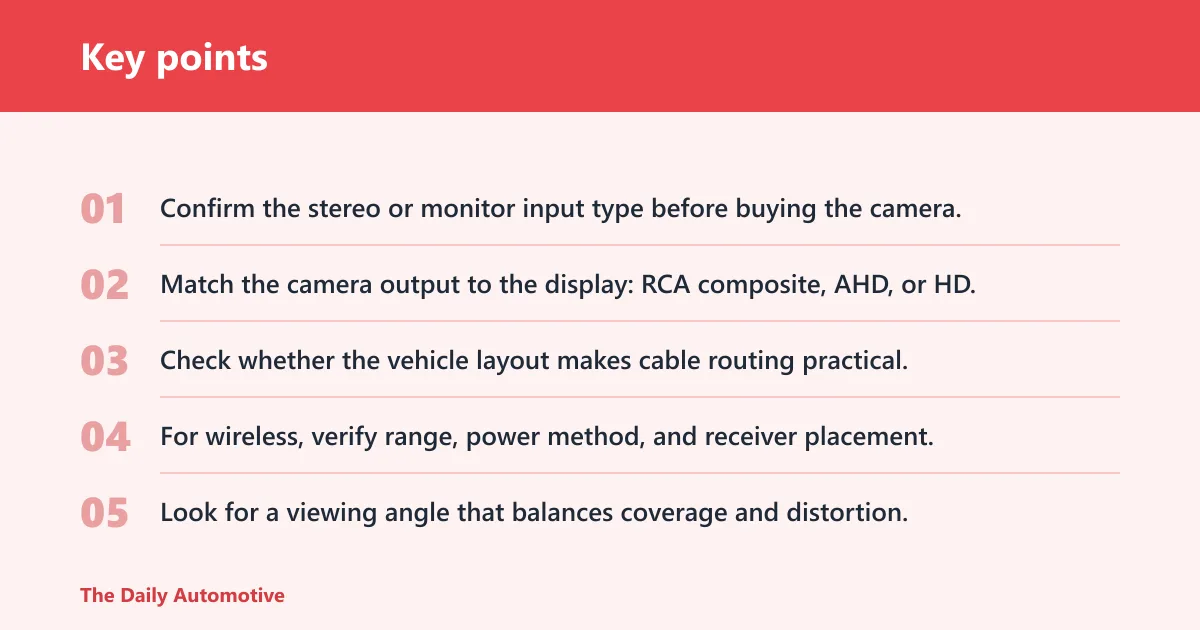
- Confirm the stereo or monitor input type before buying the camera.
- Match the camera output to the display: RCA composite, AHD, or HD.
- Check whether the vehicle layout makes cable routing practical.
- For wireless, verify range, power method, and receiver placement.
- Look for a viewing angle that balances coverage and distortion.
- Check night vision, waterproof rating, and connector sealing for the rear mount.


Frequently asked questions
Is a wired backup camera better than a wireless one for a car stereo?
Usually yes, if the stereo has a dedicated camera input and the cable can be routed cleanly. Wired systems are less prone to latency and dropouts, so they are the safer choice when you want the image to appear predictably every time you shift into reverse.
Will a wireless backup camera lag or cut out on my car?
It can, especially if the vehicle is long, the receiver is poorly placed, or the electrical environment is noisy. Short cars and simple installs have fewer problems. The closer the system is to its stated range, the more important the install details become.
Do I need a special double-DIN stereo for a backup camera?
You need a double-DIN unit with camera input support, not just a 7-inch touchscreen. Many also include Apple CarPlay and Android Auto, but those features do not guarantee backup-camera compatibility. Check the input format before you buy the head unit.
Can I add a backup camera to an older car with no factory screen?
Yes. Older vehicles can be retrofitted with an aftermarket camera and a matching display or head unit. The key is choosing a monitor that accepts the camera’s signal format and fits the dash or mounting location without blocking other controls.
What backup camera resolution and viewing angle should I look for?
Look for a format the display supports first, then focus on a viewing angle in the common 149° to 170° range. Wider is not always better because it can distort distance. Night parking also calls for IR LEDs or similar low-light support.
How hard is it to install a wired backup camera versus wireless?
Wired is harder because you must route video cable and power from the rear to the display. Wireless is quicker to install, but it still needs power and a reliable receiver setup. The easier install is not always the better long-term choice.
What is the best backup camera setup for a daily driver versus an RV?
For a daily driver, wireless can be fine if the car is short and the display compatibility is clear. For an RV or other large vehicle, wired is usually the safer answer because range, interference, and signal stability matter more as the vehicle gets longer.
Products related to this article
Sponsored / affiliate links. As an Amazon Associate I earn from qualifying purchases. I may earn additional commission from eligible campaigns.