Dash Cam vs Built-In Car Security System: Which Fits?
If you need video while the car is parked, choose a dash cam with parking mode. If you need factory integration, theft alerts, and lower battery draw, a built-in system fits better, though it usually records less and costs more to add. Choose the wrong setup and you may miss the impact, drain the battery, or pay for features that never catch the event. This guide compares parked recording, power needs, coverage, and total ownership cost for street parking, garage parking, and fleet use.
Dash cam vs built-in car security system: what changes when the car is parked
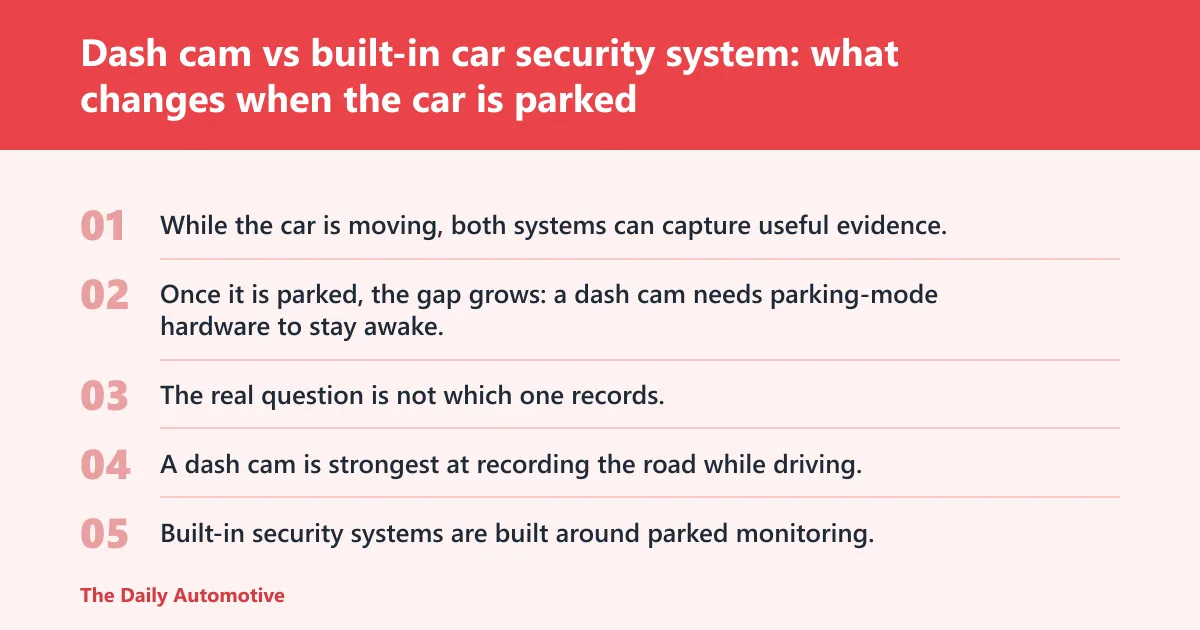
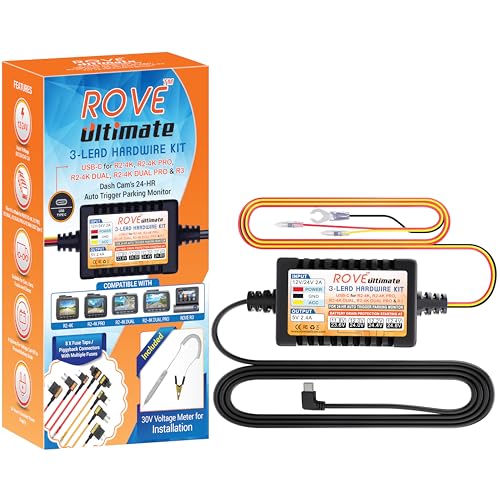


While the car is moving, both systems can capture useful evidence. Once it is parked, the gap grows: a dash cam needs parking-mode hardware to stay awake, while a built-in car security system is built for parked monitoring and alerts. The real question is not which one records, but which one records the incident you actually face.
| Decision factor | Dash Cam | Built-In Car Security System | Winner |
|---|---|---|---|
| Parked-car recording | Parking mode in some setups; often needs hardwire kit or external battery | Designed for parked monitoring with motion or impact triggers | Built-In Car Security System |
| Coverage breadth | Front-only setups are fairly common, while dual-channel setups can add rear footage. | May add front, rear, and side coverage, with 360-degree options | Built-In Car Security System |
| Installation and setup | Usually easier to install; hardwire adds complexity | Factory integration is cleaner, but adding one later is typically more involved | Dash Cam |
| Total ownership cost | Typical dash cam prices from $50 to $300, plus storage and possible hardwire kit | Security camera prices from $150 to $500+, with possible app or cloud fees | Dash Cam |
| Alerts and remote access | Some units may use LTE or Wi-Fi for clip transfer and app access. | More likely to include connected app support and remote alerts | Built-In Car Security System |
Parked-car recording
A dash cam is strongest at recording the road while driving, not guarding the car by default. Built-in security systems are built around parked monitoring, so they usually begin with the right trigger logic for motion or impact. That makes the factory system the cleaner fit when the car spends hours unattended.
Coverage breadth
Front-only dash cams leave blind spots. Dual-channel setups improve that by adding a rear camera, but the rear unit still depends on routing a cable to the main camera. Some security systems go wider, with front, rear, side, or 360-degree coverage, which matters in tight lots and alley parking.
Installation and setup
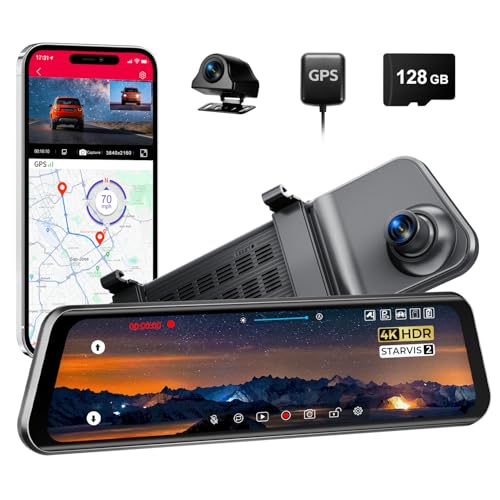
Regular dash cams are usually easier to install than mirror dash cams. A mirror dash cam can combine a dash cam, display, and rear-view mirror in one unit, and a rear camera for mirror cams often needs external mounting by the rear number plate. That extra work adds time and complexity.
Total ownership cost
Price is only part of the bill. A dash cam may need an SD card, a hardwire kit, or an external battery for parked recording. A built-in system can cost more up front and may add subscription or connected-service charges if remote alerts or cloud functions are part of the package.
Alerts and remote access
Security-oriented systems are more likely to support phone alerts and app access because they are built for parked monitoring. Dash cams can do this too, but only some models include LTE or Wi-Fi. If you want a clip pushed to your phone after an impact, check that feature list carefully.
📊 A mirror dash cam may cost upwards of £100. Source: Mirror cam vs dash cam: Which is better?.
What does each system record, and what does it miss?
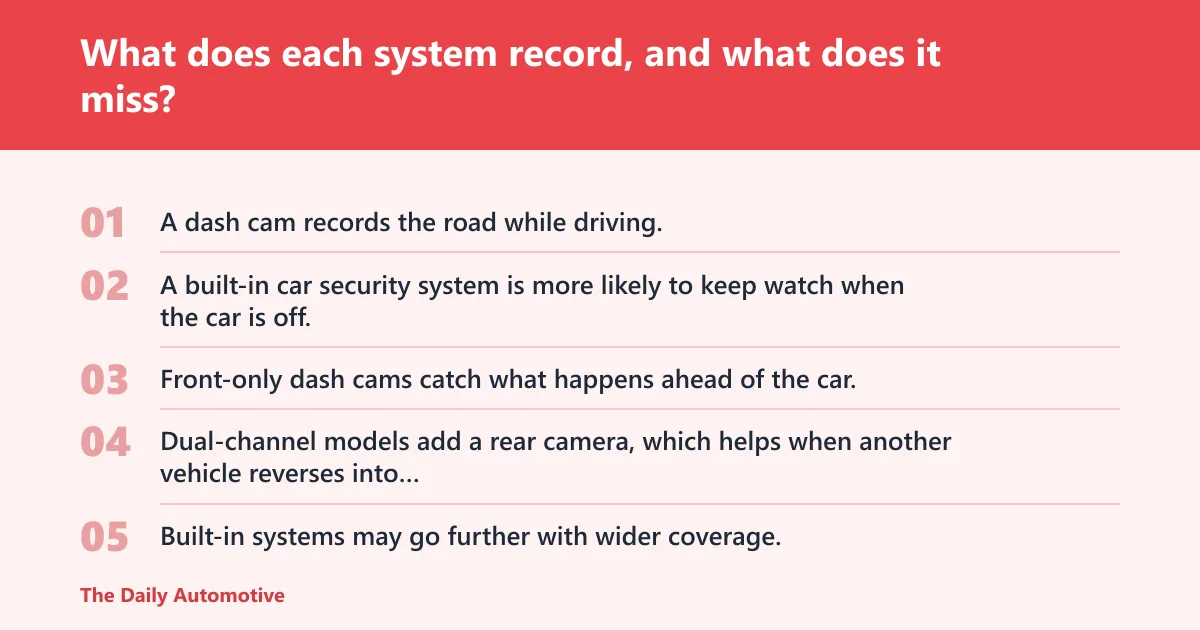
A dash cam records the road while driving, then extends into parked surveillance only if its parking mode is set up correctly. A built-in car security system is more likely to keep watch when the car is off, but both can miss events if the trigger is late, the clip is too short, or the camera cannot see the impact zone.
Front-only, dual-channel, and rearward coverage
Front-only dash cams catch what happens ahead of the car. Dual-channel models add a rear camera, which helps when another vehicle reverses into you or a person walks up from behind. Built-in systems may go further with wider coverage, but not every vehicle package includes that breadth.
Motion and impact triggers
Motion detection and impact-triggered recording reduce wasted clips. They also create failure modes. In a busy lot, a camera can fire constantly on passing shoppers, headlights, or garage traffic, while a minor scrape outside the trigger zone may never start recording at all.
Night capture with HDR or WDR
HDR or WDR helps balance bright headlights and dark corners, which matters for plate numbers and faces after sunset. Unlit curb parking, underground garages, and dim apartment lots punish weak low-light cameras. If the image washes out at night, the event may be recorded but not identifiable.
Say your car sits outside a flat block on a narrow street. A passing van brushes the mirror at 11:40 p.m., then drives off. A front-only camera may record nothing useful if the contact happened behind the A-pillar, while a rear camera or wider security setup has a better chance of catching the plate and the side of the van.
How does parking mode work in real use?
Parking mode is not always automatic protection and may rely on constant power, a hardwire kit, or an external battery. It usually needs constant power, a hardwire kit, or an external battery, and it can stop early to protect the car battery. That trade-off matters more than menu labels, because a camera that shuts down at the wrong moment records nothing at all.
Hardwire kit, constant power, and ignition power
A hardwire kit connects the camera to vehicle power and can support ignition and constant-power options. Plug-in power is usually enough for driving footage, but parked recording often needs a dedicated power path. External battery packs can help when you want parked coverage without draining the starter battery.
Battery drain and shutdown limits
Parking mode that runs too long can flatten the 12-volt battery, especially on short trips and cold mornings. Good systems include low-voltage cutoff logic or battery-protection settings, but those same safeguards can end recording early. That is the trade-off: longer monitoring versus starting the car later.
False alerts and missed clips
Motion detection in a garage can become noise. Fans, shadows, and reflections trigger clips that no one needs, while a quick bumper tap may be so brief that a short clip misses the number plate. The best settings are the ones that keep enough sensitivity without filling storage every hour.
How the proof scenarios change the answer
Street parking, garage parking, driveway parking, and fleet use put different demands on a camera. The right choice depends on what you need to see, how long the car sits unattended, and whether you can support hardwiring or connected alerts without making the system fragile.
| Parking situation | What the dash cam records | What the built-in system records | What each system misses | Power or connectivity needed |
|---|---|---|---|---|
| Street parking at night | Front view, and rear if dual-channel; parking mode may catch a pass-by or bump | Motion or impact-triggered clips, often with alerts to a phone | Dash cam may miss side contact; built-in system may miss a low-speed scrape if the trigger is weak | Dash cam usually needs hardwire or external battery; built-in often benefits from app support |
| Apartment garage parking | Useful if motion settings are tuned; otherwise false-trigger overload is common | Better fit for monitored parked surveillance and alerts | Dash cam can fill storage with harmless movement; built-in may still miss a contact outside its sensing zone | Constant power helps both; Wi-Fi or app access is useful for quick review |
| Driveway vandalism risk | May catch approach, plates, or rear movement if dual-channel is fitted | Can notify on motion and may cover more of the vehicle perimeter | Dash cam may not see the side panels; built-in clips can be too short to show intent | Hardwire is common; LTE or Wi-Fi helps with fast alerts |
| Fleet or work-van parking | Good for incident records, but storage and power management need attention | Better for remote alerts, connected review, and wider parked coverage | Dash cam may need manual clip retrieval; built-in may be costlier across a fleet | Cloud or app support is helpful; installation standardization matters |
| Hit-and-run in a tight lot | Front or rear footage may capture the impact and the departing vehicle | May detect the jolt and send an alert sooner | Both can miss a side impact or a plate that leaves frame too quickly | Motion/impact sensitivity and low-light capture matter more than brand labels |
Picture a supermarket lot where another car scrapes the rear quarter panel while reversing out. A rear camera helps, but only if it is aimed well and the system is awake. If the setup is front-only, there may be no usable record even though the car was in sight the whole time.
How do installation, power, and storage differ?
Dash cams are usually simpler to add, and that simplicity is part of their appeal. Built-in systems can be cleaner in the cabin and stronger on integration, but they often ask more of the vehicle’s electrics, the installation process, and the connected software behind them.
Plug-in versus hardwire installation
A plug-in dash cam is the easiest starting point for driving footage. Hardwiring adds parked mode, but it also adds labor and the need to handle ignition and constant power correctly. Built-in security systems avoid the dangling-cable look, yet they are not a casual retrofit in most cars.
Rear camera cable routing
A rear camera improves coverage, but it adds cable routing to the main unit. Mirror dash cams can simplify the display side because the screen lives in the mirror, yet the rear camera still needs proper mounting and wiring. That installation step often decides whether the rear view is actually usable.
SD card storage and clip overwrite
Most dash cams rely on SD card storage and loop recording, so old clips are overwritten unless a trigger locks them. That keeps the system running, but it also means you need enough storage and a card rated for constant recording. A tiny card on a busy parking route can fill fast.
LTE, Wi-Fi, and app support
LTE or Wi-Fi can make a big difference after a parking incident. You can pull a clip, receive an alert, or check whether the camera recorded the hit without walking back to the car. Not every model has these features, and not every connected system includes cloud access.
Why have a dash cam?
People buy dash cams for evidence. A front-facing unit records the road while driving, and a parking-mode setup can capture bumps, break-ins, or hit-and-run events when the car is off. For many drivers, the appeal is simple: one clip can settle a dispute faster than memory can.
Why is a dash cam important?
A dash cam matters because road disputes and parking damage often come down to proof. Plates, lane position, and impact timing are easier to show on video than in an insurance description. Night capture, rear coverage, and clear clip timestamps improve the chance that the footage is actually useful.
Is a dash cam enough for parked car protection?
Not always. A dash cam can be enough if you park in low-risk areas, can hardwire it correctly, and only need evidence of the most likely impact zones. It is weaker when you need broader perimeter coverage, remote alerts, or a system designed from the start for parked surveillance.
Why don’t cars come with dash cams?
Many cars do not include dash cams because recording hardware, storage, privacy handling, and market preferences vary widely. Car makers may offer connected security features in some trims, but a factory camera package adds cost and legal complexity. A removable aftermarket dash cam is easier to tailor to the driver’s use case.
Do any cars come with dash cams?
Some vehicles do include factory camera-based security functions or dealer-fit packages, and some systems can monitor parked vehicles with app alerts. Coverage and capability vary by brand and trim, so do not assume a factory option includes front, rear, and side recording, or even continuous parked surveillance.
Why do factory systems feel different?
Factory systems are tied into the car’s electrics and software stack, so they can feel more integrated than an aftermarket camera. That integration can improve parked alerts and battery management, but it can also limit flexibility. If the vehicle package is basic, the recorded view may still be narrower than expected.
Choose Dash Cam if… / Choose Built-In Car Security System if…
Choose a dash cam if you want the lower-cost route, you mainly need driving footage plus occasional parked coverage, you are comfortable with an SD card and possible hardwire installation, or you want front-and-rear video without paying for a factory security package.
Choose a built-in car security system if you want parked surveillance first, app alerts matter, the car already supports factory integration, or you need broader coverage such as side or 360-degree monitoring. It is the stronger pick for unattended-car protection when the vehicle package supports it well.
Choose both if the car parks on-street, in a shared garage, or as part of a fleet where evidence and alerts both matter. That is the most complete answer for high-risk parking, but only if you can support the installation, storage, and any service costs without creating a drain problem.
Frequently asked questions
How do dash cams work in cars?
A dash cam mounts in the vehicle and records video to local storage, usually an SD card. Most units record the road while driving, then switch to parking mode only if they have the right power setup. Dual-channel models add a rear camera for rearward footage.
How to operate a dash cam?
Most dash cams work through a simple start-and-record routine, with loop recording handling the storage management in the background. You set the resolution, insert a suitable memory card, and decide whether parking mode should stay active. Hardwire or external power is what usually makes parked recording possible.
What is the difference between a dash cam and a built-in car security system?
A dash cam is mainly a recording device for driving, with parking mode added in some setups. A built-in car security system is designed more directly around parked surveillance, motion or impact triggers, and connected alerts. The first is usually simpler and cheaper; the second is usually broader and more integrated.
Products related to this article
Sponsored / affiliate links. As an Amazon Associate I earn from qualifying purchases. I may earn additional commission from eligible campaigns.