Why 3.5mm AUX Isn’t Working in Car Stereo
Sometimes your car’s AUX port just stops working, and it’s really frustrating when you want to listen to your music or podcasts. You might wonder, Why 3.5mm AUX Isn’t Working in Car Stereo so often, especially for folks who aren’t car experts. Don’t worry, it’s usually something simple to fix.
We’ll walk through common problems and easy steps to get your sound back. Let’s find out what’s going on and how to make it right again.
Common Reasons Why 3.5mm AUX Isn’t Working in Car Stereo
It can be quite a puzzle when your car stereo suddenly refuses to play sound through the auxiliary input. Many people encounter this issue, and it often comes down to a few key culprits. This section will explore the most frequent reasons why your 3.5mm AUX port might be acting up.
Check Your Cables First
The most common reason your AUX cable isn’t working is a faulty cable itself. Cables can get damaged from being bent, twisted, or pulled too hard. The internal wires can break, or the connectors can become loose.
It’s also possible that dirt or debris has built up inside the connectors, preventing a good connection.
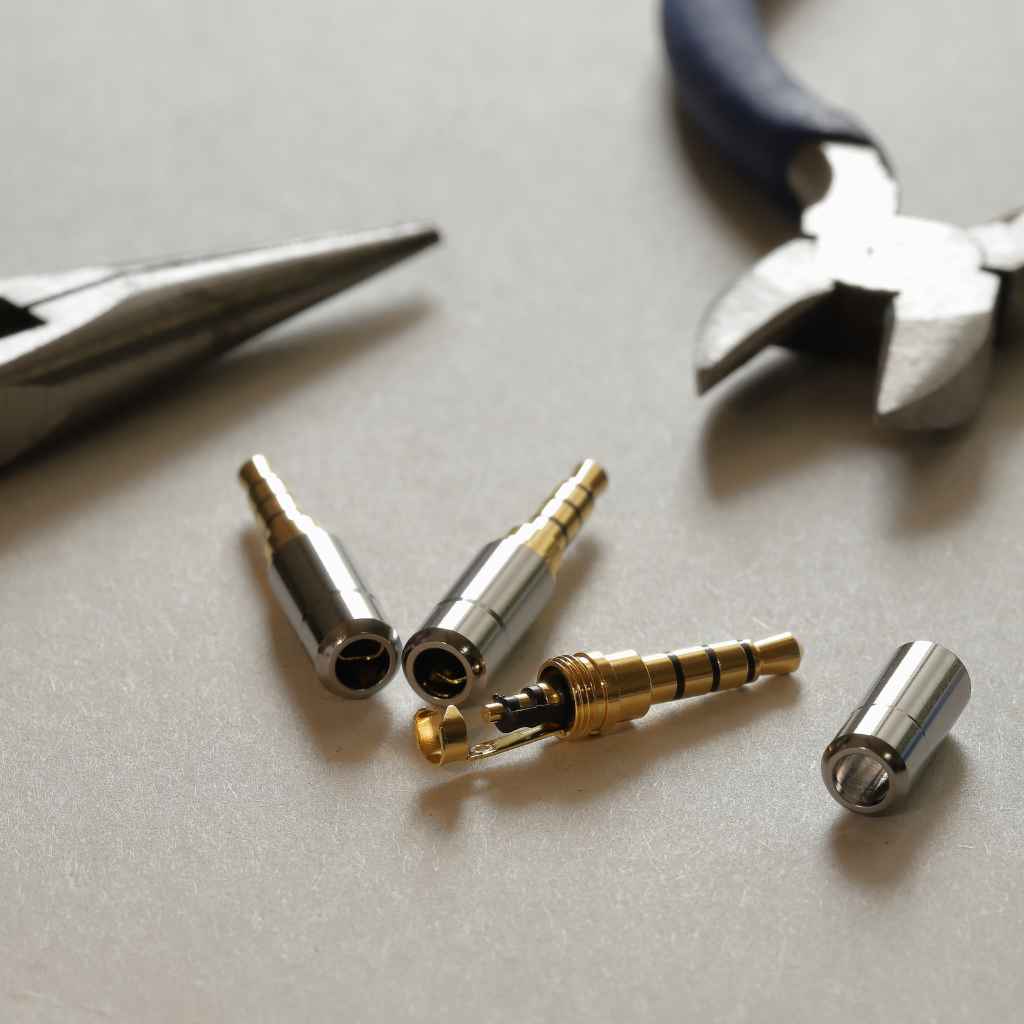
Damaged Connectors: The metal tip or the sleeve of the 3.5mm jack can get bent or corroded. This physical damage stops the electrical signal from passing through properly. Look closely for any visible bends or breaks.
Internal Wire Breakage: Inside the cable’s rubber or plastic coating, the tiny wires that carry the audio signal can snap. This often happens near the connectors where the cable bends the most. You usually can’t see this damage from the outside.
Loose Connections: Over time, the solder joints where the wires connect to the jack can become weak. This can lead to an intermittent connection, meaning it might work sometimes but not others.
A simple test for a damaged cable is to try a different one. If a new cable works, you know the old one was the problem. This is a quick and easy first step before looking at more complex issues.
Many audio problems are solved by simply replacing a worn-out cable.
Dirty or Damaged AUX Port in Car
Just like the cable, the AUX port in your car can also collect dust, lint, or other debris. This gunk can block the connection between the cable and the port. Sometimes, the port itself might be damaged from rough handling or wear and tear.
A dirty port is a frequent culprit when a good cable isn’t working.
Debris Buildup: Over months and years, small particles can find their way into the AUX port. These particles act as insulators, preventing the metal parts of the jack from making proper contact with the electrical terminals inside the port.
Bent Pins: The small metal contacts inside the AUX port are delicate. If the plug is forced in at an angle, or if something is jammed into the port, these pins can bend. Bent pins can no longer connect correctly with the cable’s jack.
Corrosion: In humid environments or if liquid spills near the port, the metal contacts inside can corrode. Corrosion creates a barrier that stops electrical signals from flowing, similar to how dirt does.
Cleaning the AUX port requires a gentle approach. You can use a can of compressed air to blow out loose debris. For more stubborn gunk, a cotton swab lightly dampened with isopropyl alcohol can be used, making sure to let it dry completely before plugging anything in.
Be very careful not to damage the internal components.
Car Stereo Settings and Source Selection
Your car stereo has different audio sources, like FM radio, CD player, Bluetooth, and AUX. If the AUX source isn’t selected, you won’t hear anything. Sometimes, settings can get accidentally changed.
This is a common oversight that can make you think there’s a bigger problem.
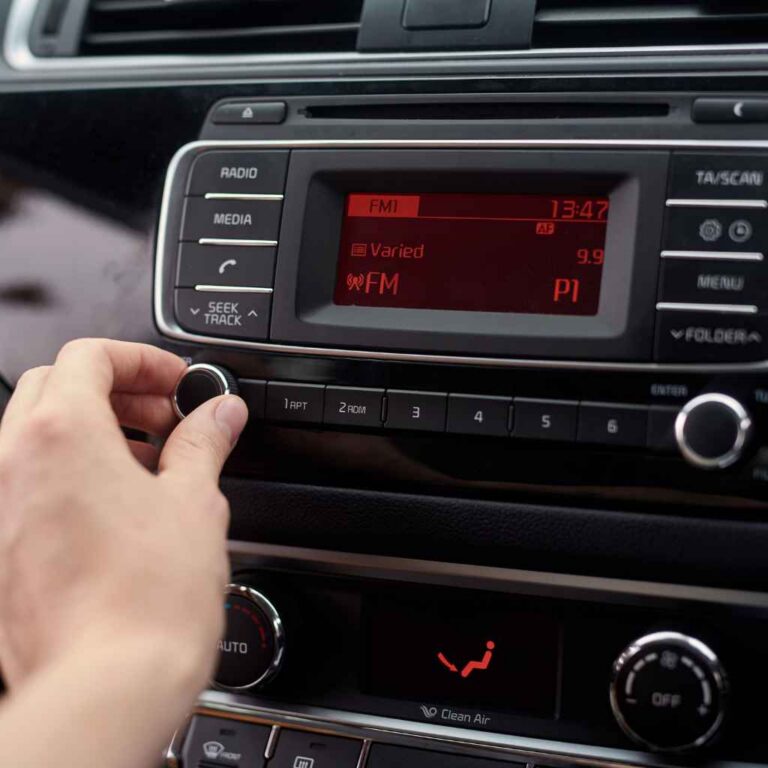
Incorrect Source Selected: Most car stereos have a button or a menu option to cycle through audio sources. You need to make sure that ‘AUX’, ‘Auxiliary’, or a similar label is displayed and selected on your stereo’s screen or by its indicator light.
Volume Levels: It sounds basic, but check that the volume on both your device and your car stereo is turned up. Also, ensure the device’s volume isn’t muted. Sometimes, a low volume on the device just makes it seem like the AUX isn’t working.
Audio Settings on Device: Some smartphones or music players have audio output settings. Ensure that the audio is set to be routed through the headphone jack or AUX output. Check for any specific app settings that might be directing audio elsewhere.
It’s a good habit to always cycle through your car stereo’s sources to confirm AUX is active. If you just plugged in your phone and nothing happened, take a moment to press the ‘Source’ or ‘Audio’ button and select AUX. This simple step often resolves the issue immediately.
Device Compatibility Issues
While most modern devices work with standard 3.5mm AUX ports, there can be occasional compatibility quirks. This is more common with older devices or very specific audio setups. Understanding the type of jack your device uses is important.
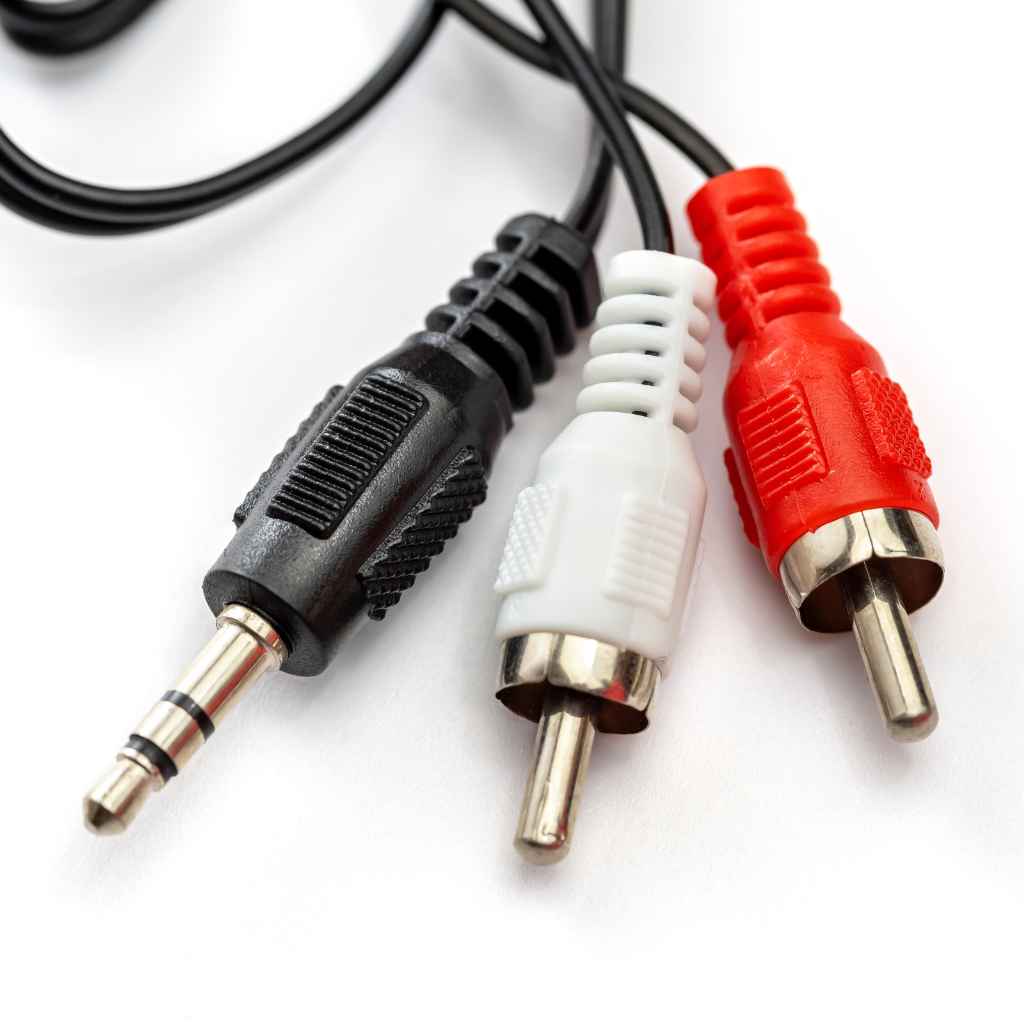
TRRS vs. TRS Jacks: Many smartphones use TRRS (Tip-Ring-Ring-Sleeve) jacks, which have four sections for stereo audio plus microphone input. Older car stereos might only be designed for TRS (Tip-Ring-Sleeve) jacks, which have three sections for stereo audio only. If your car stereo is expecting TRS and gets a TRRS signal, it might not process the audio correctly, or it might try to use the microphone input which isn’t supported.
Impedance Mismatch: Audio devices have something called impedance, which is like resistance to the electrical signal. If the impedance of your device is very different from what the car stereo expects, the audio quality can be poor, or no sound might come through at all. This is less common but can happen.
Device Output Power: Some devices might not output a strong enough signal for the car stereo to pick up clearly. This can make the audio sound very quiet or seem like it’s not working, even if the connection is fine.
To check for compatibility issues, try using a different device that you know works with standard audio outputs. If that device’s audio plays through your car’s AUX port, then the problem might be with the original device’s audio output configuration or its jack type. You might need a specific adapter if your device is TRRS and your car stereo is TRS.
Troubleshooting Why 3.5mm AUX Isn’t Working in Car Stereo
When your 3.5mm AUX isn’t working in your car stereo, a systematic troubleshooting approach can save you time and frustration. By following a series of checks, you can pinpoint the exact cause of the problem. This guide offers a step-by-step method to get your audio system back online.
Step-by-Step Diagnostic Process
Here’s a logical order to check potential issues. Start with the simplest solutions and move to more complex ones. This ensures you don’t overlook an easy fix while spending time on something more complicated.
Test Your Cable:
The first and easiest step is to test your 3.5mm AUX cable.
Use the cable with another device, like your home stereo or a portable speaker.
If the cable doesn’t work with other devices, it’s likely the problem. Replace the cable.
This is a critical step because cables are often the weakest link. Many users skip this and waste time on other checks.
Inspect the AUX Port and Cable Connectors:
Carefully look at the AUX port in your car and the plug on your cable.
Check for any visible dirt, dust, lint, or damage.
Use a flashlight if needed for a better view inside the car’s port.
Use compressed air to blow out any loose debris from both the cable plug and the car’s port.
Clean the AUX Port Gently:
If compressed air doesn’t seem to remove all debris, use a cotton swab.
Lightly dampen the tip of the swab with isopropyl alcohol (rubbing alcohol).
Gently swab the inside of the car’s AUX port. Do not scrub hard.
Let the port dry completely for a few minutes before plugging the cable back in. The alcohol evaporates quickly.
Check Device Volume and Settings:
Ensure the volume on your phone or music player is turned up and not muted.
Verify that the audio output is set to the headphone jack or AUX.
Some phones have specific settings for how audio is routed.
Select AUX Source on Car Stereo:
Turn on your car stereo and press the ‘Source’ or ‘Audio’ button repeatedly.
Cycle through all available sources until ‘AUX’ or ‘Auxiliary’ is displayed.
Confirm that the car stereo volume is also turned up.
Try a Different Device:
If possible, connect a different phone or audio player to the car’s AUX port using the same cable.
If the new device works, the issue lies with your original device.
If the new device also doesn’t work, the problem is likely with the cable or the car’s AUX port.
Check for Stereo System Updates or Resets:
Some modern car stereos might have software that can be updated.
Consult your car’s manual to see if a system reset is possible. A reset can sometimes fix software glitches.
This systematic approach helps rule out issues one by one. If after all these steps your AUX port still doesn’t work, the problem might be deeper within the car stereo’s wiring or its internal components, which may require professional attention.
Common Issues and Specific Fixes
Let’s break down some common problems and how to tackle them effectively.
Issue 1: Intermittent Audio or Static
This often points to a loose connection or a worn-out cable. The internal wires in the AUX cable might be starting to fray or break, causing the signal to cut in and out. Sometimes, the metal contacts in either the cable plug or the car’s AUX port are slightly bent or corroded, creating a flaky connection.
Fix: Try wiggling the cable gently where it connects to both your device and the car. If the sound changes or cuts out, it’s a sign of a bad connection.
Issue 2: No Sound at All
This can happen for several reasons, from a simple source selection mistake to a complete hardware failure. The car stereo might not be on the AUX input source. Your device’s volume could be too low or muted.
The cable might be completely broken, or the AUX port in the car might be non-functional. Fix: Double-check that the car stereo is set to the AUX input. Maximize the volume on both your device and the car stereo.
Test the cable with another audio system. If the cable works elsewhere, the issue is likely with your car’s AUX port or the stereo system itself. If the cable is also faulty, replace it.
Issue 3: Stereo Sound Only (No Mono or Left/Right Channels Working Correctly)
This can be related to the type of jack your device is using and what your car stereo expects. If your device uses a TRRS jack (for stereo audio and microphone) and your car stereo expects a TRS jack (stereo audio only), there can be conflicts. The car stereo might not be wired to properly handle the combined signal from a TRRS jack.
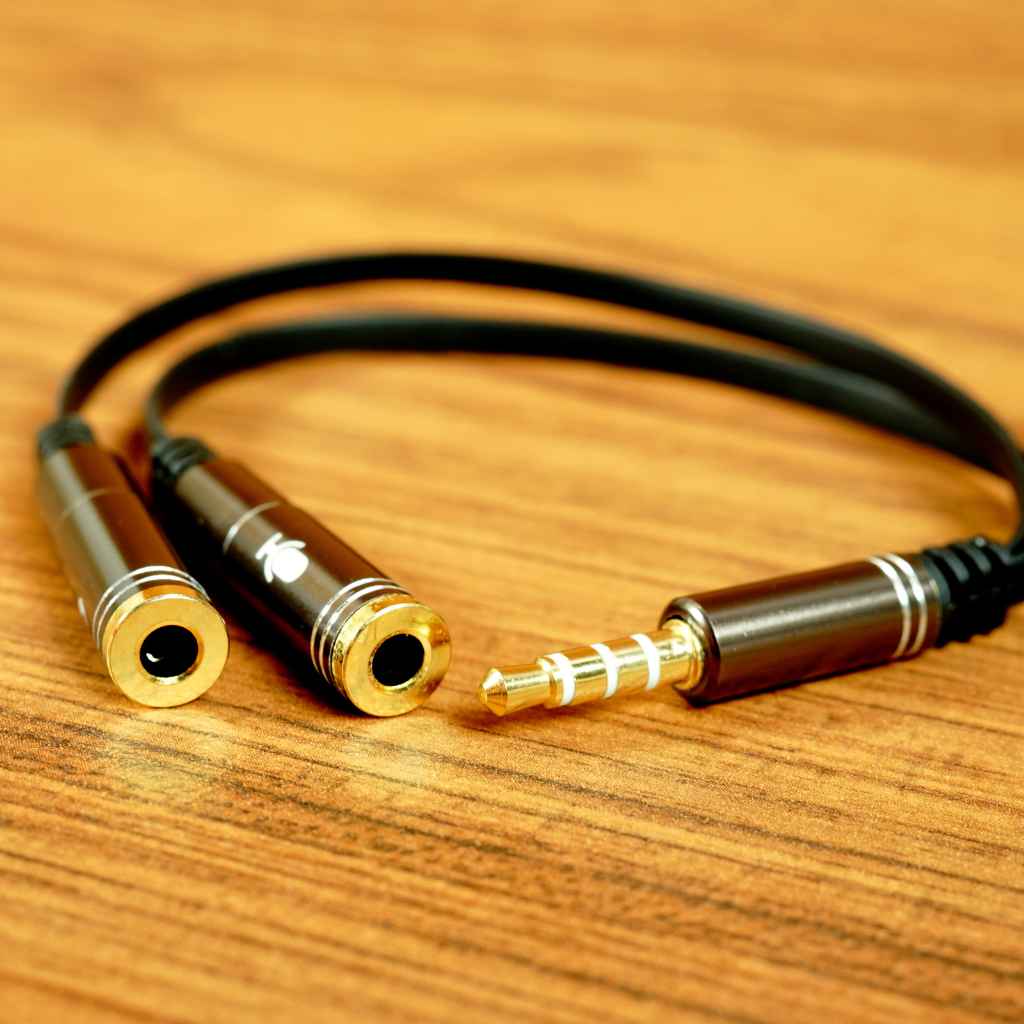
Fix: Try using a TRS to TRRS adapter if your device is TRRS and your car is older. Alternatively, some devices allow you to disable the microphone input within their audio settings, which might help. Test with a device that is known to use a standard TRS jack to see if stereo sound works then.
Example Scenario 1: The Classic Cable Failure
Sarah loved listening to her audiobooks on her commute. One morning, she plugged in her phone, selected AUX, and heard nothing. She checked her phone’s volume, her car’s volume, and made sure AUX was selected.
Still nothing. Frustrated, she tried her old AUX cable from a previous car. Instantly, her audiobook started playing.
It turned out her main AUX cable had a broken wire inside, a common problem for cables that get a lot of use and bending.
Example Scenario 2: The Dirty Port Mystery
Mark was trying to play music for his friends in his car. He’d just bought a new AUX cable, so he knew that wasn’t the issue. He went through all the settings, checked his phone, and selected the AUX source.
Yet, only a faint crackling sound came out. He took a close look inside the car’s AUX port and saw a bit of lint and dust packed in. He used a can of compressed air, blew it out, and tried again.
This time, the music played loud and clear. The debris had been blocking a good connection.
Understanding the Technology Behind AUX Audio
The 3.5mm AUX connection is a simple yet effective way to transfer audio signals. It relies on basic electrical principles to send sound from your device to your car’s speakers. Let’s explore the technology involved and how it can sometimes lead to problems.
How Analog Audio Signals Work
Analog audio signals are continuous waves of electrical voltage that represent sound. When you play music, your device converts digital audio files into these analog electrical signals. These signals then travel through the wires in your AUX cable to the car stereo.
The car stereo amplifies these signals and sends them to the speakers, which convert them back into sound waves you can hear. This process is straightforward, but any interruption or distortion in the signal can affect the sound quality or prevent it from playing at all.
Voltage Fluctuations: The audio signal is essentially a fluctuating voltage. The car stereo’s circuit interprets these fluctuations as the original sound. Any external electrical interference or poor conductivity in the cable can cause these fluctuations to become noisy or distorted.
Frequency and Amplitude: The characteristics of the audio signal, like its pitch (frequency) and loudness (amplitude), are encoded in the voltage changes. A robust connection ensures these variations are transmitted accurately without loss or alteration.
Stereo Separation: In a stereo setup, two separate analog signals are sent for the left and right channels. The 3.5mm connector is designed to carry these two signals plus a common ground, which is why it has multiple contact points.
The simplicity of analog audio is its strength, allowing for broad compatibility. However, it also makes the signal vulnerable to external factors and physical degradation of the transmission medium – the cable and connectors.
The 3.5mm Connector Standard
The 3.5mm connector, also known as a 1/8-inch connector, is a standard for audio connections. It’s found on headphones, smartphones, and many audio devices. The common configurations are TRS (Tip-Ring-Sleeve) and TRRS (Tip-Ring-Ring-Sleeve).
TRS Connector: This is the most common type for stereo audio. It has three contact points: the Tip (left channel), the Ring (right channel), and the Sleeve (ground). This is what many older car stereos are designed to receive.
TRRS Connector: This type has four contact points: Tip (left channel), Ring 1 (right channel), Ring 2 (ground), and Sleeve (microphone or control signal). Newer smartphones often use TRRS to allow for headsets with microphones.
When you plug a TRRS jack into a TRS port, or vice versa, the car stereo might not know how to interpret the extra signals. This mismatch is a frequent cause of why 3.5mm AUX isn’t working in car stereo systems, especially when using modern phones with older car models.
Signal Integrity and Interference
Signal integrity refers to how well the audio signal is preserved from the source to the destination. Electrical interference from other car components, like the ignition system or power cables, can corrupt the audio signal traveling through the AUX cable. This can result in buzzing, humming, or static sounds.
Electromagnetic Interference (EMI): Car environments are rife with potential sources of EMI. Unshielded AUX cables are more susceptible to picking up these electrical noises. The closer the AUX cable runs to other power wires, the higher the risk of interference.
Cable Shielding: High-quality AUX cables often have shielding layers designed to block out EMI. This shielding acts as a protective barrier for the delicate audio wires. Lower-quality or damaged cables may lack adequate shielding, making them prone to picking up noise.
Ground Loop Hum: This specific type of noise occurs when the audio source and the car stereo have different ground potentials, creating a loop through which unwanted current can flow. This often results in a low hum that changes pitch with engine RPM.
To minimize interference, use well-shielded cables and try to route them away from other electrical components in the car. If ground loop hum is an issue, a ground loop isolator might be necessary.
Wear and Tear on Components
Both the AUX cable and the car’s AUX port are subject to physical stress. Repeated plugging and unplugging, bending of the cable, and accidental impacts can degrade these components over time. This wear and tear is a primary reason for connection failures and signal loss.
Cable Flex Fatigue: The constant flexing of the AUX cable, especially near the connectors, can cause the internal wires to break. This is a form of metal fatigue, similar to what happens when you repeatedly bend a paperclip.
Connector Contact Degradation: The metal contacts on both the plug and the port can wear down or corrode with use. This reduces the surface area available for electrical contact, leading to a weaker or intermittent signal.
Port Looseness: Over time, the AUX port itself can become loose within the car’s dashboard. This can cause the electrical connections to become unreliable, as the port might shift slightly when the car is in motion.
Considering these factors, it’s clear that the physical condition of your AUX setup plays a huge role. Regular inspection and careful handling can extend the life of your audio connections.
When to Seek Professional Help
While most AUX issues are DIY fixes, there are times when the problem might be beyond simple troubleshooting. Understanding when to call a professional can save you from causing further damage and ensure a correct repair.
Signs Your Car Stereo Needs Professional Attention
If you’ve gone through all the troubleshooting steps and your AUX port still isn’t working, it’s a strong indicator of a more serious internal issue. This is especially true if you notice other problems with your car stereo beyond just the AUX input.
No Power to Stereo At All: If your entire car stereo system is dead, it suggests a blown fuse, a wiring problem, or a failure of the head unit itself. The AUX port is just one part of this system.
Other Inputs Also Not Working: If your radio, CD player, or Bluetooth also fail to produce sound, the problem is likely with the car’s main audio unit rather than just the AUX input. This points to a systemic failure.
Persistent Static or Hum Not Resolved by Cable/Cleaning: If you’ve tried multiple known-good cables and cleaned the port thoroughly, and you still get significant static or humming that isn’t related to engine noise, there might be an internal electrical fault within the stereo system.
Visible Damage to Stereo Unit: If the car stereo unit itself has visible signs of damage, such as melted plastic, burn marks, or cracks, it’s a clear sign that a professional should inspect it. Such damage could indicate a serious electrical malfunction.
These symptoms suggest that the issue is not with the simple connection but with the underlying audio hardware of your car. Attempting to fix these without proper knowledge can lead to costly damage.
What a Professional Can Do
A qualified car audio technician or car mechanic has the tools and expertise to diagnose and repair complex audio problems. They can access the car’s wiring harness and the stereo unit’s internal components to identify the root cause of the issue.
Diagnosing Internal Wiring Faults: They can trace the audio signal path from the AUX port through the car’s wiring harness to the stereo unit. If there’s a break or short in the wiring, they can repair or replace it.
Repairing or Replacing the Head Unit: If the car stereo unit itself is faulty, a professional can repair it if feasible, or recommend and install a suitable replacement. This might involve soldering internal connections or replacing faulty modules.
Checking for Software Glitches: For modern car stereos with complex software, a technician can check for firmware updates or perform advanced diagnostic resets that go beyond user-accessible options.
Ensuring Proper Installation: If a new stereo unit is installed, a professional will ensure it’s wired correctly and integrated seamlessly with your car’s existing electrical system, preventing future issues.
For example, if your car stereo relies on a digital bus system to communicate with other car modules, a simple wiring fix might not be enough. A technician can use specialized diagnostic equipment to ensure all communication protocols are functioning correctly. This level of service is crucial for complex vehicle electronics.
Cost Considerations
The cost of professional repair varies depending on the complexity of the problem and your car model. Simple issues like a loose wire might be relatively inexpensive. More complex repairs, like replacing a damaged car stereo head unit, can be significantly more costly.
Always get a quote before authorizing any work. Sometimes, the cost of repair might approach the cost of a new aftermarket stereo system.
Frequently Asked Questions
Question: Can I use a Bluetooth adapter with my AUX port?
Answer: Yes, many people use Bluetooth to AUX adapters. You plug the adapter into your car’s AUX port, pair your phone via Bluetooth to the adapter, and then your phone’s audio will play through the car’s speakers wirelessly. This is a great workaround if your AUX port is unreliable or if you want wireless streaming.
Question: Does the type of AUX cable matter?
Answer: Yes, the quality of the AUX cable can matter. Higher-quality cables often have better shielding to reduce interference and more durable connectors, which can lead to clearer sound and longer life. While most basic cables work fine, a cheap or damaged cable is a common cause of problems.
Question: How often should I clean my car’s AUX port?
Answer: You don’t need to clean it regularly unless you notice sound issues. If you use it frequently, it’s a good idea to give it a quick clean with compressed air every few months. If you eat or drink in your car often, check it more frequently for debris.
Question: Can my phone’s case interfere with the AUX connection?
Answer: In some cases, a very thick or unusually shaped phone case can prevent the AUX plug from being fully inserted into the phone’s jack. This can lead to a poor connection or no sound. Try removing the case to see if that resolves the issue.
Question: My car has both AUX and USB ports. Why would I use AUX instead of USB?
Answer: AUX is a simple analog connection that works with almost any audio device with a headphone jack. USB can offer digital audio transfer, charge your device, and sometimes allow for better control of music playback through the car stereo interface. AUX is simpler and more universally compatible for audio playback, while USB can offer more features if supported by both your device and car.
Conclusion
Figuring out why your 3.5mm AUX isn’t working in your car stereo is usually about checking simple things first. Cables, dirty ports, and stereo settings are the most common culprits. By methodically testing your cable, cleaning the port, and verifying your stereo’s source, you can likely fix the problem.
If these steps don’t work, it might be time to consult a professional for deeper diagnostics.