Why Is My Aux Cord Not Working in My Car? 7 Real Fixes
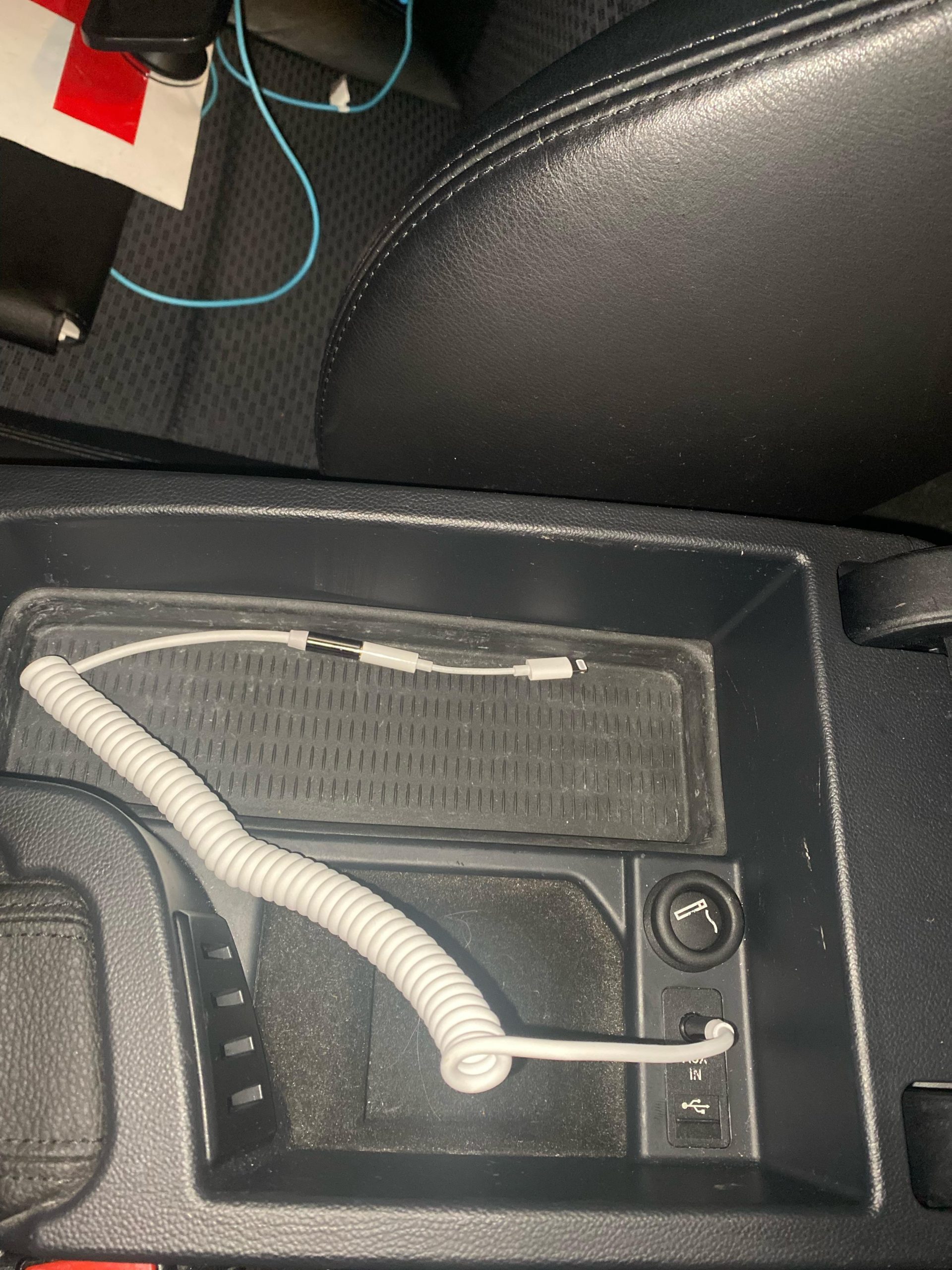
Your car’s aux cord almost always fails for one of four reasons: a loose or dirty 3.5mm connection, the wrong input source selected on the stereo, a worn cable that no longer carries a full signal, or a damaged aux port.
Most of these take under five minutes to rule out with a flashlight and a spare cable. Work through the checks below in order, starting with the one that catches the most real-world cases first. If the port and cable both check out, the fault is usually deeper in your car’s audio system rather than the cord itself.
Common Reasons an Aux Cord Stops Working
The plug not sitting fully in the port is the single most common cause. A 3.5mm connector has to seat all the way down for both channels to make contact; even a millimeter of gap can cut out one channel or the whole signal, and it usually feels loose or wiggly when it’s the problem. Dirt and pocket lint packed into the port cause the same symptom by physically blocking the plug from going in flush.
A damaged cable is the second-biggest cause. The rubber jacket right behind the plug takes the most stress every time you unplug it by pulling the cord instead of the connector, and that’s exactly where the thin copper wires inside eventually snap while the outer jacket still looks intact. Sharp bends, being run over by a seat track, or getting yanked out repeatedly all shorten a cable’s life. Store it loosely coiled instead of wrapped tight, and grab it by the plug body when you disconnect it.
Check the Input Source and Volume First
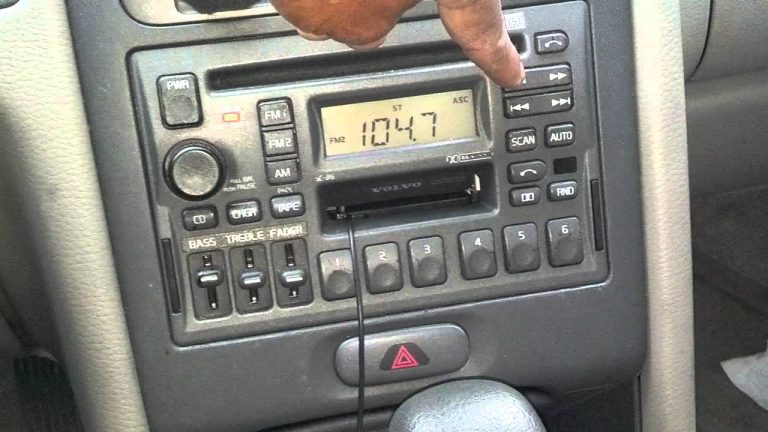
Confirm your stereo’s input is actually set to AUX before you touch the cable. Head units default back to FM radio, Bluetooth, or the last USB source after a restart, so if you drove somewhere yesterday with the radio on, that’s still the active source today. Cycle through the “Source” or “Mode” button until the display shows AUX, and glance at the screen to confirm rather than assuming.
Next, rule out volume. Many stereos keep a separate volume level for each input, so a phone that was quiet the last time you used Bluetooth can carry that same low level over to AUX. Turn the car stereo volume up, then check that your phone or player itself isn’t muted or turned all the way down. If both are up and you still hear nothing, move on to the physical connection.
A Cable Mismatch Most Guides Skip: TRS vs. TRRS
Not every 3.5mm cable is wired the same way, and this is the reason a cord can work perfectly with a laptop or a set of headphones but go silent in your car. A standard aux cable is TRS (three metal bands on the plug: tip, ring, sleeve) and only carries left and right audio. Many phone headsets and some phones themselves ship with a TRRS cable (four bands, with the extra segment used for a microphone), and the added contact can sit in a slightly different spot on the plug.
Plug a TRRS headset cable into a car aux port built for TRS, and you’ll sometimes get one channel of audio, a faint or distorted signal, or nothing at all, even though the same cable sounds fine in headphones. If your original cable came bundled with a phone or headset rather than sold as a standalone “car aux cable,” try swapping in a plain TRS cable before assuming the port itself is broken.
Inspect and Clean the Aux Port
Point a flashlight into the port and look for lint, dust, or debris packed around the metal contacts inside. This builds up naturally from pocket lint riding in on the cable every time you plug it in. A can of compressed air or a dry, soft-bristled brush clears loose debris without pushing it deeper.
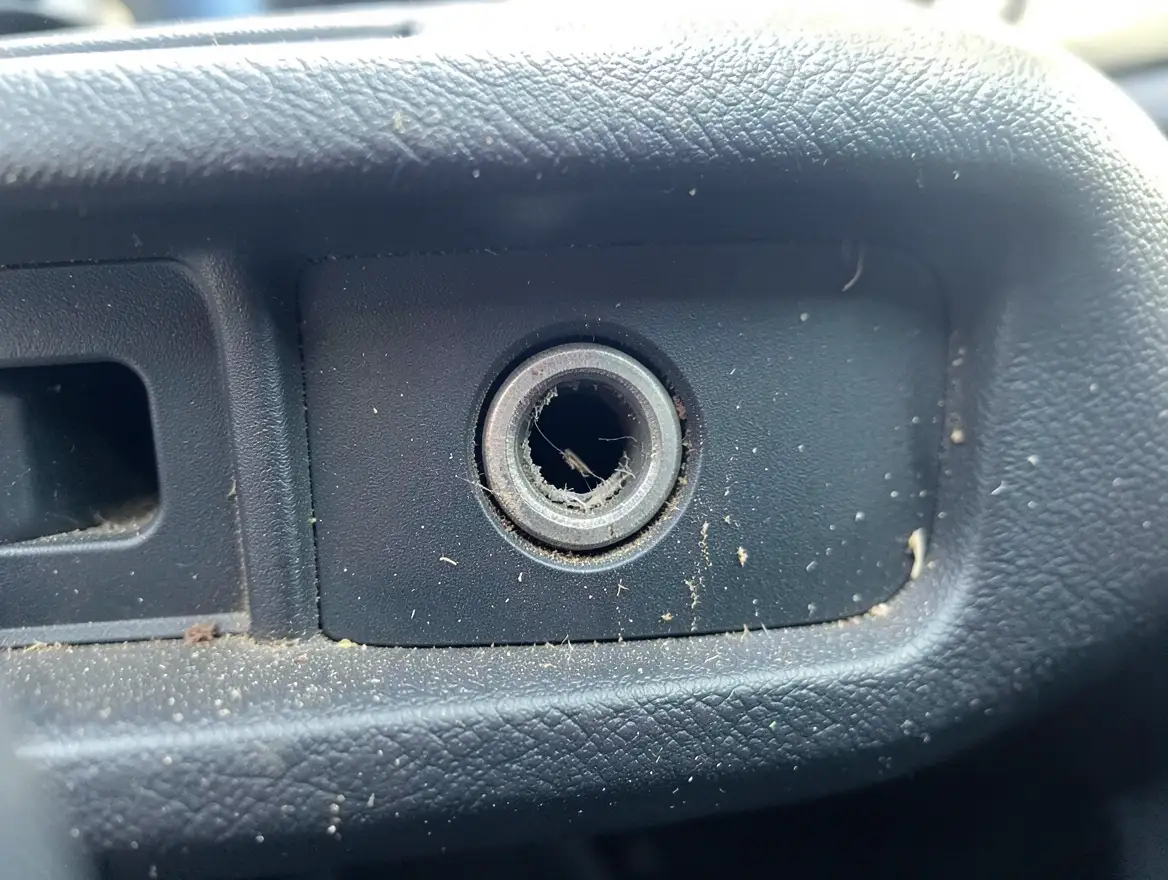
For the metal contacts themselves, dip a cotton swab in isopropyl alcohol, squeeze out the excess so it’s just damp, and gently wipe around the inside rim. Alcohol dissolves the thin layer of oxidation that builds up on the contacts over time without leaving residue behind, which plain water or a dry cloth won’t do. Let the port air-dry for a minute before you test it again.
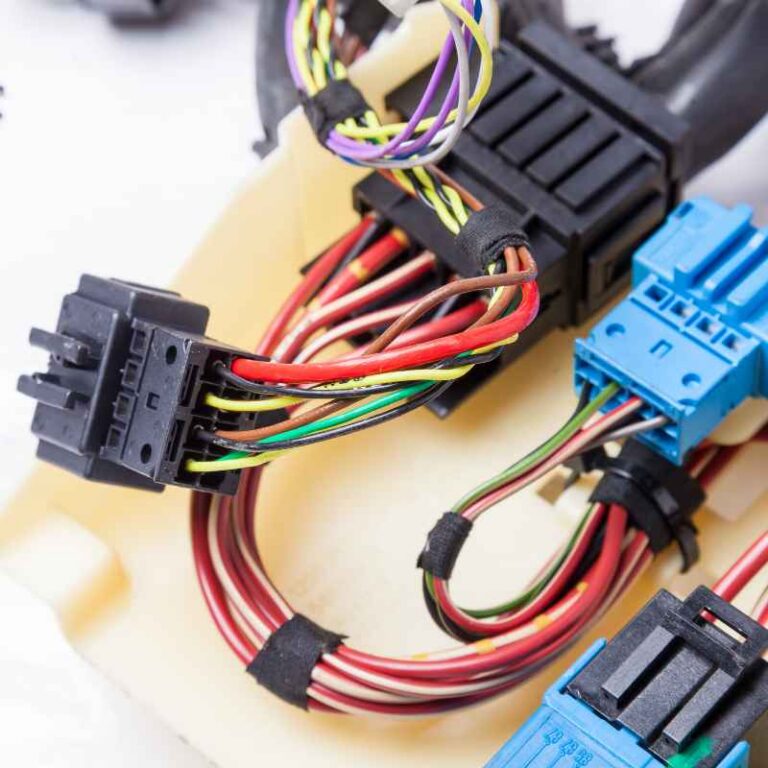
If the port feels loose, or the sound cuts in and out when you wiggle the plug, the internal contacts may be bent or a solder joint behind the dash may have failed. Don’t force the cable in further to compensate; that usually bends the contacts worse. At that point you’re looking at a head unit repair rather than a cleaning job, which is covered further down.
Test With a Different Device
The fastest way to tell whether the problem is your phone, your cable, or your car is a simple swap test. First, plug headphones straight into your phone. If you hear music clearly through the headphones, your phone’s headphone jack and its audio output are both fine, which points the problem at the cable or the car. If the headphones are also silent, the issue is your phone’s jack, not the aux cord or the car at all.
Next, try a completely different device, such as a tablet, an old mp3 player, or another phone, with the same cable in the same car. If a second device plays fine, your original phone’s port or software is the culprit. If nothing plays through that cable in that car no matter what you plug in, move on to testing the cable and the port directly.
Evaluate the Cord Itself
Run your fingers along the full length of the cable, feeling for kinks, flat spots, or any point where the rubber jacket has split. Pay closest attention to the last inch or two behind each plug; that’s where nearly all aux cable failures happen because it flexes every time you plug and unplug it. A cable that plays audio only when you hold it at a certain angle has a broken internal wire at that stress point, even if nothing looks wrong from the outside.
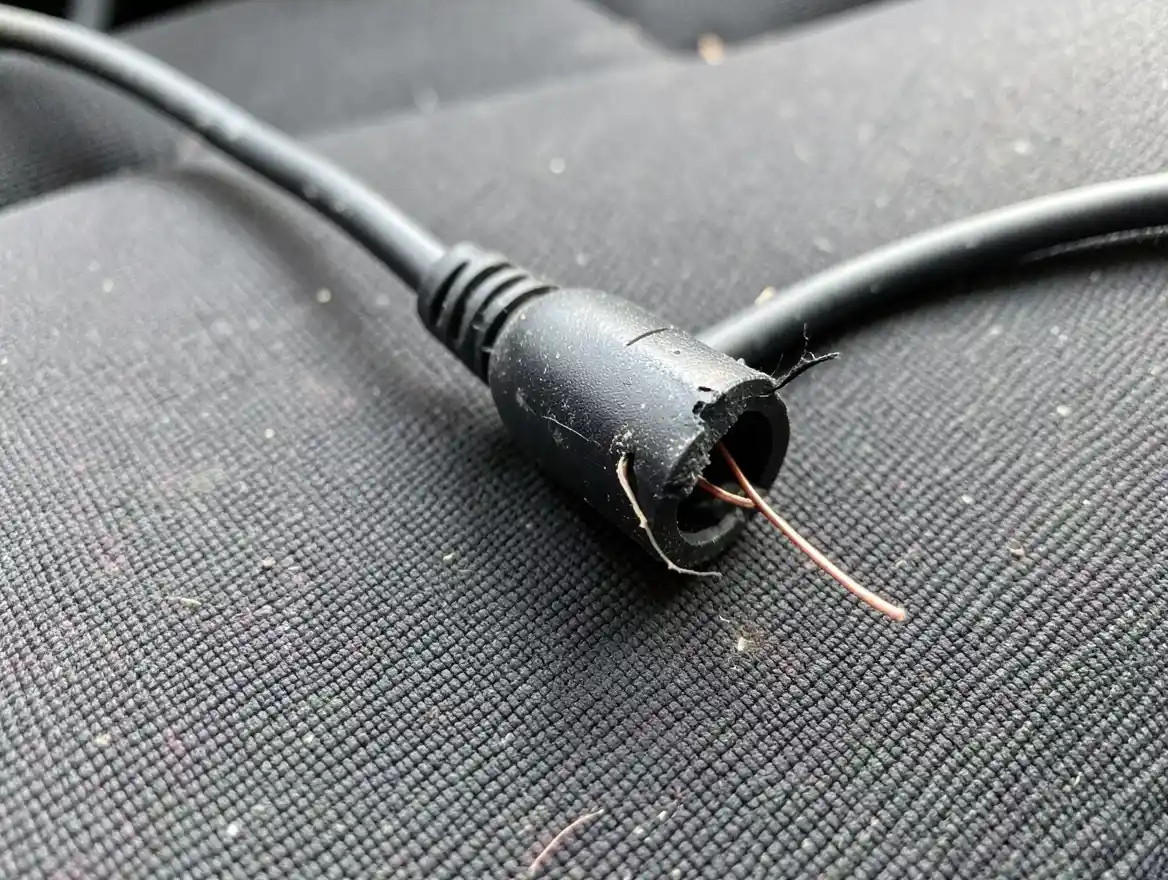
Also check both connectors for a bent tip, corrosion, or a loose sleeve, since a worn plug won’t seat as tightly as a new one even in a perfectly clean port. Wipe each plug with a dry cloth and make sure it’s free of dust and grime before you rule it out. A cable that fails any of these checks is worth replacing outright; a decent car aux cable costs less than a fast-food meal and is cheaper than diagnosing the same intermittent fault twice.
If a piece of the connector has actually snapped off and is still lodged inside the port, stop trying to plug in a new cable until it’s out, since the fragment can short the pins. That’s a separate problem from the troubleshooting on this page; we cover it step by step in how to get a broken aux cord out of your car.
BEST FOR A DEAD OR FRAYED AUX CORD
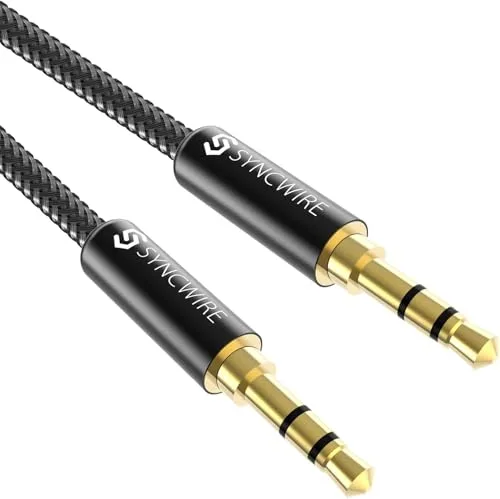 |
Syncwire 3.5mm Nylon Braided Aux Cable – $7.99 If your current cable failed the fray or wiggle test above, this is a straightforward like-for-like replacement built to resist the exact stress point that kills most car aux cords.
|
Try a Bluetooth or USB Workaround
If you’ve ruled out the cable, the port, and the source setting and still get nothing, a small Bluetooth receiver is a reliable way to sidestep the aux connection entirely. It plugs into the same aux port, pairs with your phone in about ten seconds, and streams audio wirelessly from that point on, with no cord left to fray, get lost, or work loose. Most also include a built-in microphone, so hands-free calls come through the car speakers instead of your phone’s speaker.
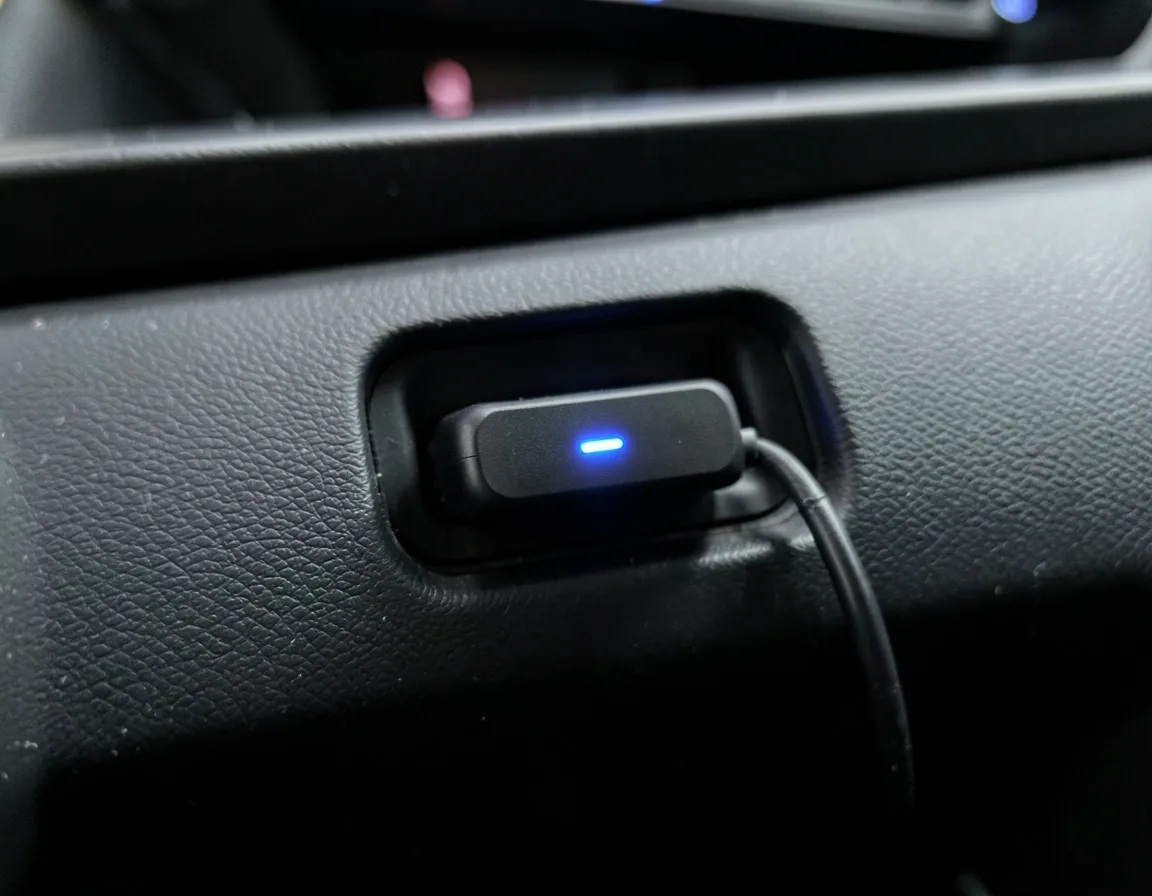
A USB connection is the other common workaround, and it’s often the better one if your stereo supports it. Plugging in over USB instead of the aux port usually delivers a cleaner digital signal, lets your phone charge at the same time, and skips the aux port altogether, so a dirty or worn port stops being a factor. If your car doesn’t have a working aux port at all, rather than one that’s simply acting up, our separate guide on how to add aux to a car that doesn’t have it covers the options in more depth.
When to Call a Professional
If you’ve swapped cables, cleaned the port, confirmed the source and volume, and tried a second device, and the aux still cuts out or stays silent, the fault is most likely inside the head unit or the wiring behind the dash rather than anything you can reach from the front. A car audio shop can bench-test the head unit’s aux input directly and tell you within minutes whether it’s a failed internal jack, a cracked solder joint, or a wiring fault.
Treat a burning smell, a blown fuse tied to the stereo, or other electronics in the car acting up at the same time as the aux failure as a sign of a wiring problem, not a cable problem, and get it looked at sooner rather than later. Chasing an electrical fault with cable swaps alone just wastes time.
Preventing Future Aux Cord Problems
Most aux failures are avoidable with a couple of small habits. Unplug the cable by gripping the plug itself, never by pulling the cord, since that’s what stresses the wires right behind the connector. Coil it loosely rather than wrapping it tightly around your hand or a charger brick, and keep it out of direct sunlight and off the floor where it gets stepped on.
Give the port itself a quick look every month or two, especially if you keep the cable plugged in and dangling loose in the console, since that’s exactly where lint collects fastest. A cheap spare cable kept in the glovebox turns most aux failures into a thirty-second fix instead of a roadside troubleshooting session.
Frequently Asked Questions
Why won’t my aux cord play music in my car?
The most common cause is the plug not seated all the way in the port, followed by the stereo’s input source not actually being set to AUX. Check both first, then look for dirt in the port or damage to the cable, and test with a second device to confirm which part is at fault.
How do I get my aux to work in my car?
Plug the cable fully into both the car’s aux port and your device, then select AUX as the input source on the stereo display. Turn up both the stereo volume and your device’s volume, and confirm the device isn’t muted. If it still doesn’t play, swap in a different cable before assuming the port is broken.
Why did my aux cord randomly stop working?
A sudden failure usually means a loose connection, a wire that has finally broken at a stress point near the plug, or debris that has built up in the port over time. Test the cord in another device first; if it works elsewhere, the problem is your car’s port rather than the cable itself.
How do I clean the aux port in my car?
Use a can of compressed air or a dry, soft-bristled brush to clear loose dust and lint first. For the metal contacts, lightly dampen a cotton swab with isopropyl alcohol and gently wipe around the inside rim to dissolve oxidation, then let the port air-dry for a minute before testing it.
Why does my aux cable work with headphones but not in my car?
Some phone and headset cables are wired as TRRS (four contact bands, for a microphone) instead of the plain TRS (three bands) wiring most car aux ports expect. That mismatch can produce one working channel, distorted sound, or silence in a car even though the same cable sounds fine with headphones. Try a cable sold specifically as a car aux cable to rule this out.
Conclusion
Most aux cord failures come down to four things: a plug that isn’t fully seated, the wrong input source selected, a worn cable, or a dirty port, and each one takes a couple of minutes to check. Work through the source and volume first, then the port, then the cable, and swap in a second cable or device at each step to narrow down the cause.
If everything checks out and the aux still won’t play, a Bluetooth receiver or USB connection gets your music working again without relying on that port at all. And if a burning smell or other electrical symptoms show up alongside the aux failure, skip the DIY troubleshooting and have a professional check the wiring.
Products related to this article
Sponsored / affiliate links. As an Amazon Associate I earn from qualifying purchases. I may earn additional commission from eligible campaigns.