Wired CarPlay vs Wireless CarPlay
Choose Wired CarPlay if you drive often, need the phone to charge on the move, or want the fewest connection problems. Choose Wireless CarPlay only if you want a cable-free cabin and can live with slower charging plus the odd adapter glitch. Pick wrong, and you can end up with a dead phone, a flaky connection, or a setup that feels worse than the cable you removed. This guide compares wired and wireless CarPlay by driving pattern, charging needs, and adapter risk.
| Decision factor | Wired CarPlay | Wireless CarPlay | Winner |
|---|---|---|---|
| Charging | Charges the iPhone while CarPlay is running | Usually drains the iPhone battery faster because the phone is not charging by cable | Wired CarPlay |
| Connection stability | Uses a USB cable connection, which is the most stable connection method | Uses Bluetooth for the handshake and Wi-Fi for the active data stream, which adds more failure points | Wired CarPlay |
| Setup friction | Plug in and go | No cable to plug in each trip, but factory wireless support or an adapter is needed | Wireless CarPlay |
| Adapter risk | No adapter needed | Adapter-based wireless conversion can fail, adds firmware upkeep, and only works with existing wired CarPlay | Wired CarPlay |
| Best fit use case | Long drives, navigation-heavy use, shared charging needs | Short trips, multiple drivers, quick in-and-out use | Tie |
How the two setups differ in stability and convenience
The main trade-off is straightforward. Wired CarPlay puts charging, stability, and low upkeep first, while Wireless CarPlay puts convenience and a cleaner cabin first. The better pick depends on one question: do you care more about keeping the iPhone topped up, or skipping a cable every time you start the car?
Wired CarPlay is the safer default for long drives, repeated navigation use, and older head units that already support it. Wireless CarPlay fits short commutes, quick errands, and shared cars where different drivers want fast access without plugging in.
What wired CarPlay is and how it works
Wired CarPlay uses a USB cable connection between the iPhone and the car’s factory head unit. That cable carries the CarPlay data path and charges the phone while you use navigation, music, calls, and messages.
Because the phone is physically connected, wired CarPlay is usually the most stable option. It also avoids the extra battery drain that comes with keeping wireless radio links active during the drive.
How to connect wired CarPlay
- Use a USB cable that fits your iPhone and the car’s CarPlay port.
- Start the car and unlock the iPhone.
- Plug the phone into the USB port that supports CarPlay, not just any charge-only port.
- Follow the on-screen prompt on the head unit if it appears.
What wireless CarPlay is and how it works
Wireless CarPlay connects the iPhone to the car without a cable. Bluetooth handles the initial handshake, then Wi-Fi carries the active data stream. In newer systems, that Wi-Fi link is often described as Wi-Fi 5 or Wi-Fi 6.
Wireless CarPlay is more convenient, but convenience has a cost. The phone usually loses battery faster, and some setups add about a 1-second tap delay, which is more noticeable when tapping menus than when following navigation prompts.
Say your commute is 18 minutes each way and you hop in and out twice a day. Wireless CarPlay fits that pattern well. Say the same car gets used for a five-hour trip with maps open the whole time, and the lack of cable charging becomes a much bigger problem.
CarPlay comparison matrix
This matrix uses six common driving situations and separates factory wireless CarPlay from adapter-based wireless CarPlay, because those two setups fail in different ways. The adapter column matters most for cars that already have wired CarPlay and need a wireless conversion.
| Scenario | Reliability | Charging | Setup friction | Adapter risk | Better pick |
|---|---|---|---|---|---|
| Daily commute | Wired CarPlay | Wired CarPlay | Wireless CarPlay | Wireless CarPlay | Wireless CarPlay |
| Long road trip | Wired CarPlay | Wired CarPlay | Wired CarPlay | Wired CarPlay | Wired CarPlay |
| Rideshare use | Wired CarPlay | Wired CarPlay | Wireless CarPlay | Wired CarPlay | Wired CarPlay |
| Short errands | Wireless CarPlay | Wireless CarPlay | Wireless CarPlay | Wireless CarPlay | Wireless CarPlay |
| Shared-family car | Wireless CarPlay | Wired CarPlay | Wireless CarPlay | Wireless CarPlay | Wireless CarPlay |
| Older wired-only head unit | Wired CarPlay | Wired CarPlay | Wired CarPlay | Wired CarPlay | Wired CarPlay |
Daily commute
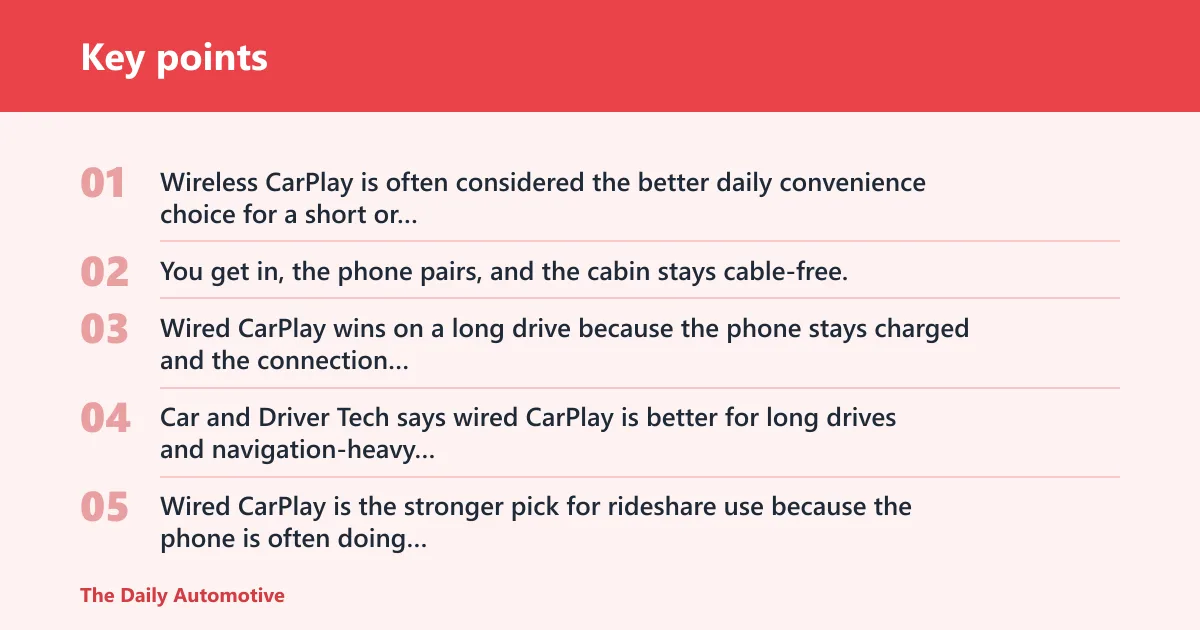
Wireless CarPlay is often considered the better daily convenience choice for a short or medium commute. You get in, the phone pairs, and the cabin stays cable-free, which matters more when the drive is routine and battery loss can be handled with charging at work or at home.
Long road trip
Wired CarPlay wins on a long drive because the phone stays charged and the connection stays simple. Car and Driver Tech says wired CarPlay is better for long drives and navigation-heavy use, which matches the basic physics of a phone that should not be running down for hours.
Rideshare use
Wired CarPlay is the stronger pick for rideshare use because the phone is often doing double duty with maps, calls, and passenger apps. That workload makes charging more important, and the cable also lowers the chance of a mid-shift dropout.
Short errands
Wireless CarPlay fits short errands well because the convenience payoff is immediate and battery drain stays manageable. A few minutes of wireless use is easier to accept than a cable routine you repeat many times a day.
Shared-family car
Wireless CarPlay works well in a shared-family car because different drivers can connect quickly without hunting for a cable. That said, if one driver relies on the phone for all-day navigation, wired may still be the better pick for that user’s trips.
Older wired-only head unit
Wired CarPlay wins when the car has an older factory head unit that only supports wired CarPlay. A wireless adapter can add convenience, but it does not change the underlying hardware limits or the need for wired CarPlay support in the first place.
Is wired CarPlay better than wireless?
For reliability, charging, and low maintenance, wired CarPlay is often considered the better choice. Wired CarPlay is the better default for people who drive a lot, use maps for long stretches, or want the phone to leave every trip with more battery than it started with.
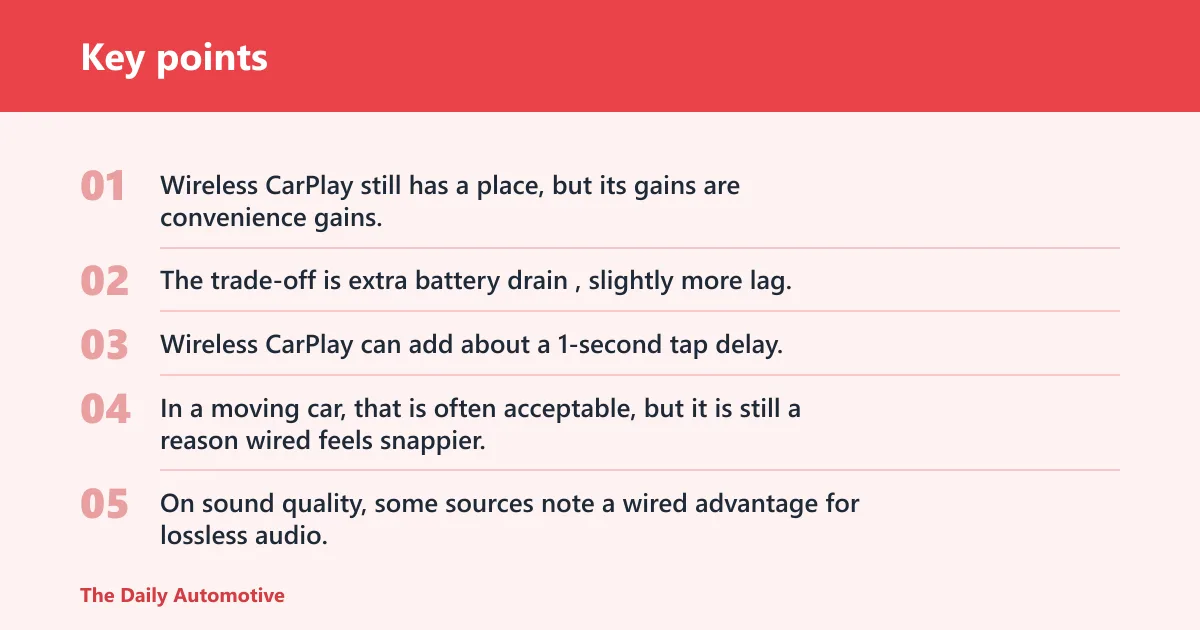
Wireless CarPlay still has a place, but its gains are convenience gains. The trade-off is extra battery drain, slightly more lag, and a larger chance of setup annoyance if you depend on an adapter rather than factory wireless support.
Audio quality and lag
Wireless CarPlay can add about a 1-second tap delay, and that delay is usually more noticeable in menu taps than in turn-by-turn guidance. In a moving car, that is often acceptable, but it is still a reason wired feels snappier.
On sound quality, some sources note a wired advantage for lossless audio. That difference is most likely to matter when the rest of the audio chain is strong enough for listeners to notice, which is less common in a noisy cabin than in a parked car with a good system.
A common first-timer mistake is blaming the CarPlay standard for every audio or lag issue. Cheap adapters can add their own hiccups, so a rough wireless experience does not automatically mean wireless CarPlay itself is the problem.
Battery and maintenance
Wireless CarPlay usually drains the iPhone battery faster, and some wireless setups use about 15–20% more battery per hour. Over a long drive, that becomes the real downside, not the small convenience of skipping the cable.
Wired CarPlay also has maintenance costs, just in a different form. USB cables wear out, and the car’s USB port can loosen over time. Wireless shifts some of that wear away from the port, but it adds firmware updates and adapter troubleshooting if you go that route.
Can CarPlay be wireless in your car?
Yes, but only if the car already supports wireless CarPlay from the factory or if it already has wired CarPlay and you add a compatible adapter. A car with no CarPlay support cannot be turned into CarPlay just by adding a wireless adapter.
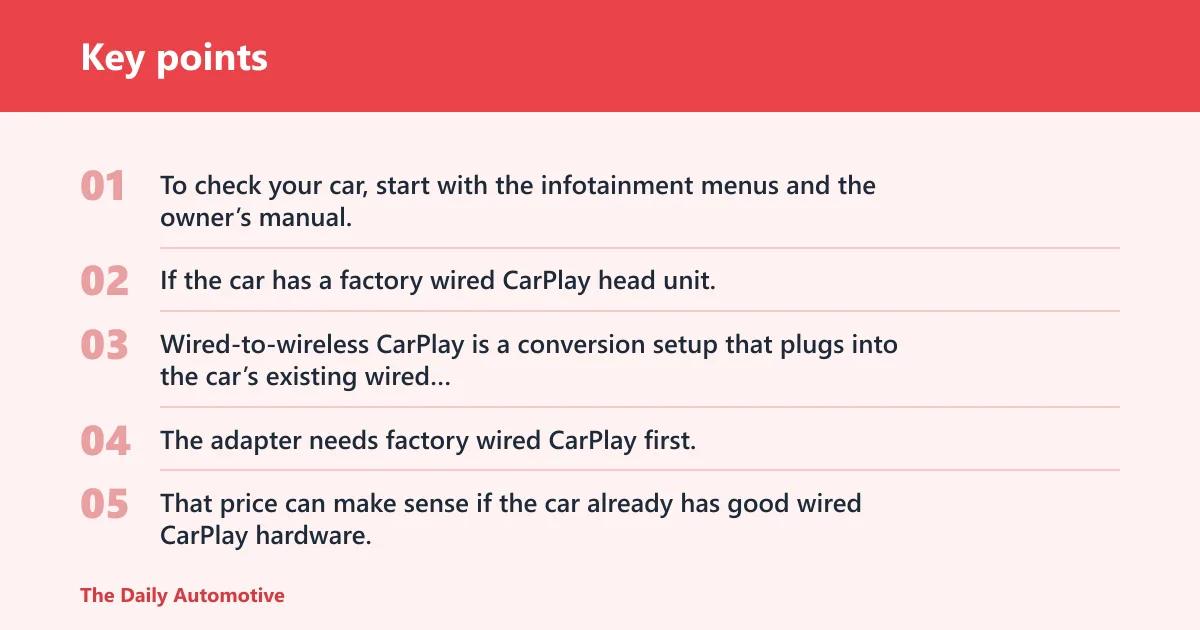
To check your car, start with the infotainment menus and the owner’s manual. If the car has a factory wired CarPlay head unit, look for wireless CarPlay support specifically; if it does not list wireless support, an adapter may be the only wireless path, and only if wired CarPlay already exists.
What wired-to-wireless CarPlay
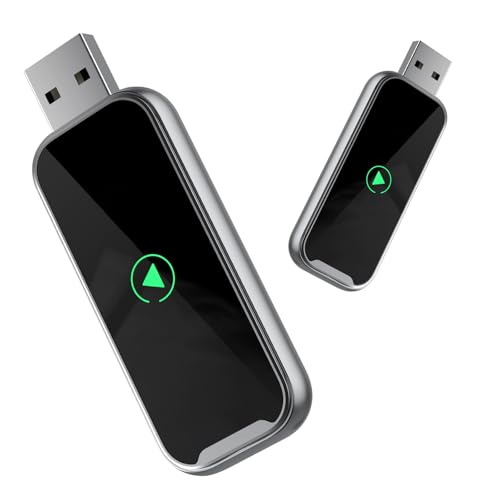
Wired-to-wireless CarPlay is a conversion setup that plugs into the car’s existing wired CarPlay USB port and makes the iPhone connect without a cable. It is not a universal upgrade. The adapter needs factory wired CarPlay first.
Most adapters cost about $60–$150. That price can make sense if the car already has good wired CarPlay hardware, but it is money spent on top of an existing system rather than a full replacement.
Adapter risk and failure points
Adapter-based wireless CarPlay can fail because of the adapter itself, not because the car or iPhone is incompatible with CarPlay. Common pain points are delayed pairing, firmware quirks, and random disconnects after software updates.
That is why a wireless adapter is best treated as a convenience add-on, not a fix for every head unit problem. If the factory wired setup is already flaky, an adapter often adds another layer of uncertainty.
Choose Wired CarPlay if… / Choose Wireless CarPlay if…
Choose Wired CarPlay if you drive long distances, rely on navigation for extended periods, want the iPhone charged on the road, or are working with an older factory wired-only head unit. It is also the safer choice if you want the fewest failure points.
Choose Wireless CarPlay if you take short trips, share the car with multiple drivers, value a cable-free cabin, or can tolerate some battery drain and a possible adapter if your car does not have factory wireless support. If you use the phone heavily on long drives, wired still fits better.
Choose an adapter only if your car already has wired CarPlay, you are happy with the factory system, and you mainly want the convenience of walking in and driving off. Skip the adapter if your USB port is already unreliable or if you need the most predictable connection every day.
Frequently asked questions
How do I know if my car supports wireless CarPlay?
Check the owner’s manual, the infotainment menus, or the carmaker’s specification sheet for your trim level. If the system only lists wired CarPlay, then wireless support is not guaranteed. A wireless adapter will only help if wired CarPlay is already present.
What is wired to wireless CarPlay?
It is an adapter setup that plugs into a car’s existing wired CarPlay USB port and lets the iPhone connect without a cable. The key limitation is simple: the car must already support wired CarPlay for the adapter to work.
Does wireless CarPlay use Wi-Fi?
Yes. Wireless CarPlay uses Bluetooth for the initial handshake, then Wi-Fi for the active data stream. That two-step setup is why it feels more convenient than a cable but also why it can be a little more sensitive to glitches.
Does wireless CarPlay drain battery faster?
Yes, usually. Wireless CarPlay keeps the phone connected without cable charging, and some wireless setups use about 15–20% more battery per hour. That matters most on long drives, where a full map session can turn into a low-battery warning.
Wireless CarPlay audio quality vs wired: is there a real difference?
Sometimes, but it is often subtle in a moving car. Wired CarPlay has a cited advantage for lossless audio, while wireless can be limited by the car’s radio link and the rest of the system. In daily driving, lag and battery drain usually matter more than sound differences.
Are wireless CarPlay adapters worth it?
They can be, if your car already has wired CarPlay and you mainly want the convenience of going cable-free. They are less attractive if you need rock-solid behavior every day, because adapter risk, firmware updates, and occasional disconnects can cancel out the convenience.
Products related to this article
Sponsored / affiliate links. As an Amazon Associate I earn from qualifying purchases. I may earn additional commission from eligible campaigns.