Bluetooth Car Stereo vs CarPlay Stereo: Which Fits You?
Choose a Bluetooth stereo if you mainly stream music and take calls; pay for CarPlay if you use navigation daily, want safer on-screen phone control, or share the car with different phones. Buy the wrong unit, and you waste money on features you never touch or keep fighting poor maps, cable clutter, and awkward phone handling. I break this down by daily use, phone mix, and older-car install cost.
This guide is part of our Car audio systems guide series.
| Decision factor | Bluetooth Car Stereo | CarPlay Stereo | Winner |
|---|---|---|---|
| Phone compatibility | Works with iPhone and Android for audio and calls | CarPlay is iPhone-only | Bluetooth Car Stereo |
| Daily use fit | Best for music, podcasts, and hands-free calling | Best for maps, messages, calls, and app control on the dash | Tie |
| Install complexity | Usually lower if replacing a basic factory radio | Higher, especially with an aftermarket head unit and fitment checks | Bluetooth Car Stereo |
| Reliability risk | Fewer moving parts, but pairing issues can still happen | More layers: Bluetooth plus Wi‑Fi, plus firmware dependence | Bluetooth Car Stereo |
| Upgrade cost tier | Lowest-cost path for basic audio | Higher cost because CarPlay needs compatible hardware | Bluetooth Car Stereo |
| Interface quality | Audio-first, limited screen control | Dashboard UI built for phone-style interaction | CarPlay Stereo |
What Bluetooth does in a car


Bluetooth is a short-range wireless standard that uses the 2.4 GHz ISM band. In cars, I use it for audio and calls, with pairing and device discovery handling the handshake between phone and stereo. Typical range is less than 10 m, though some setups can reach up to 100 m in open conditions. (en.wikipedia.org)
How pairing and device discovery work
The phone and head unit have to see each other in discoverable mode before they pair. That matters because many connection failures come from stale pairings, old phone entries, or a setting that never got turned back on after a reset. Turning Bluetooth off and on again often clears a bad state.
What Bluetooth handles well
Bluetooth is the easy answer for calls and music. It works with many phones, including iPhone and Android, and it keeps the dash simple if the driver does not need the car screen to mirror phone apps.
Where Bluetooth falls short
Bluetooth stereo control is narrow. It does not give the driver a true phone interface on the dash, so maps, messages, and app switching stay on the phone or inside a separate head unit menu. Audio latency can also show up as a slight lag in streaming or a small delay when call audio first connects.
📊 CarPlay is iPhone-only, according to the 2026 comparison page. Source: Bluetooth Vs. Apple CarPlay: What’s the Difference in 2026?.
What Apple CarPlay does in a car
Apple CarPlay is an iPhone-only dashboard interface that turns the car radio or head unit into a display and controller for phone functions. It brings maps, messages, phone calls, and supported audio apps onto the car screen, which changes how much the driver has to touch the handset.
Wired CarPlay versus wireless CarPlay
Wired CarPlay is the simpler path and usually feels more responsive. Wireless CarPlay depends on Bluetooth and dual-band 5 GHz Wi‑Fi, so it adds more points of failure, especially if the phone firmware or head unit firmware falls behind.
Why the daily experience changes
CarPlay matters most when the driver lives in maps and messages. A proper CarPlay screen keeps navigation visible and voice control close at hand, which is why it feels less distracting than handling a phone directly, especially in traffic or on longer drives.
Bluetooth car stereo vs CarPlay stereo: which one is better for me?
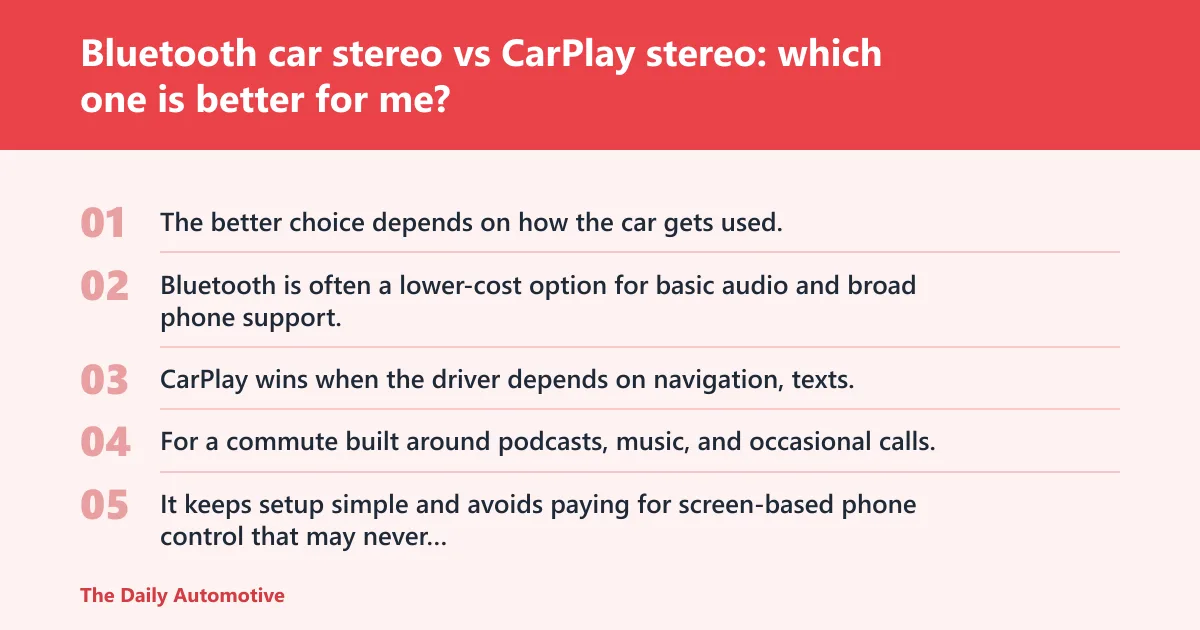
The better choice depends on how the car gets used, not on which feature list looks longer. Bluetooth is often a lower-cost option for basic audio and broad phone support. CarPlay wins when the driver depends on navigation, texts, and a cleaner in-dash interface.
Short trips, music, and hands-free calls
For a commute built around podcasts, music, and occasional calls, Bluetooth is usually enough. It keeps setup simple and avoids paying for screen-based phone control that may never get used.
Navigation-heavy commutes and road trips
If maps drive the daily routine, CarPlay earns its keep fast. The screen is easier to read than a phone mount, voice prompts are integrated with the car audio, and the driver does not need to keep shifting attention to a handheld device.
Mixed-phone households and shared vehicles
This is where the split becomes sharp. Bluetooth works with both iPhone and Android, while CarPlay is iPhone-only, so a shared car in a mixed household often points toward Bluetooth unless every regular driver carries an iPhone.
Do I need wired CarPlay or wireless CarPlay?
Wired CarPlay is the safer choice if reliability and responsiveness matter most. Wireless CarPlay is more convenient once it is stable, but it depends on Bluetooth plus Wi‑Fi, so it can be less forgiving when devices, firmware, or radio conditions are messy.
When wired makes more sense
Wired CarPlay fits drivers who want the least fuss. Plug in, connect, and go. It also tends to feel quicker when launching apps or recovering from a reboot because the data path is simpler.
When wireless is worth the extra layer
Wireless CarPlay suits drivers who hate cables and get in and out of the car often. The convenience is real, but the phone and head unit both need to stay current, and connection stability can dip if pairing records get stale.
Is wireless CarPlay more reliable than Bluetooth?
No. Wireless CarPlay is usually less simple than Bluetooth because it depends on Bluetooth for setup and Wi‑Fi for the active session. Bluetooth alone has fewer moving parts, so it often survives older hardware and rougher firmware combinations with less drama.
Common failure cases
Interference can interrupt either system, but wireless CarPlay has more chances to fail. Stale pairings, a phone update, an outdated head unit firmware, or a Wi‑Fi handshake problem can all break the session even when Bluetooth audio still works.
Why the safer choice is often wired
When a driver needs CarPlay every day, wired is the lower-risk version. It removes one wireless link from the chain, which reduces dropouts and makes troubleshooting much easier if the system stops reconnecting after a reset.
Will a Bluetooth stereo work with both iPhone and Android?
Yes. Bluetooth is the broader compatibility play, and that is one reason it remains the default for simple car audio. It connects to phones from both ecosystems for streaming and calls, while CarPlay is limited to iPhone.
Mixed-household reality
In a car shared by different drivers, Bluetooth is usually the least argumentative choice. One person can pair an iPhone, another can pair Android, and the stereo does not care which ecosystem is in the seat that day.
What you give up by staying Bluetooth-only
You lose the dashboard app experience. That means no CarPlay map view, no integrated message interface, and no same-level voice-first control of supported apps on the screen.
Does CarPlay sound better than Bluetooth in a car?
Sometimes, but “better” is usually about connection path and latency, not raw magic. Bluetooth can sound perfectly acceptable for music and calls, while wired CarPlay often feels more immediate and can avoid some of the timing lag that shows up during app switching or call pickup.
Audio latency and call behavior
Bluetooth streaming lag is a common complaint because the audio path is wireless from end to end. Wired CarPlay generally feels tighter for voice prompts and call start-up, which is part of why many drivers describe it as more responsive.
Why call quality is not the same as music quality
Call quality depends on microphone placement, head unit processing, and the phone link. A Bluetooth stereo can do calls well enough for daily use, but a better CarPlay setup often gives the driver a cleaner interface for initiating and managing those calls.
Can I add CarPlay to an older car without replacing everything?
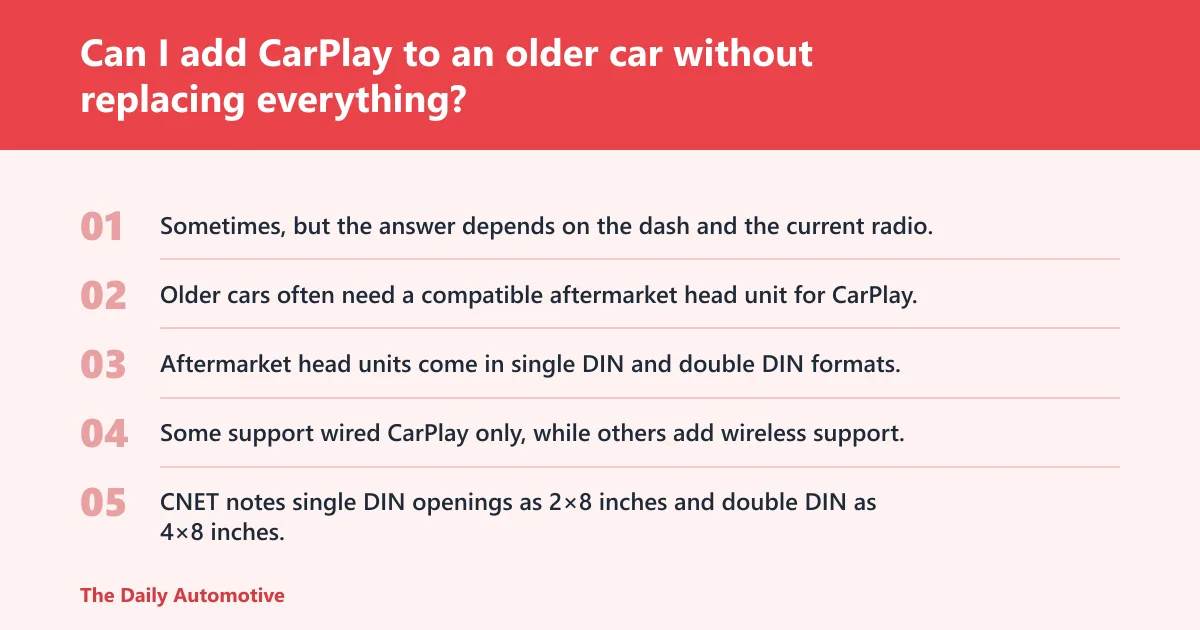
Sometimes, but the answer depends on the dash and the current radio. Older cars often need a compatible aftermarket head unit for CarPlay, and that usually means replacing the radio rather than simply adding a small box behind the factory screen.
Aftermarket CarPlay head unit options
Aftermarket head units come in single DIN and double DIN formats, with touchscreen sizes that vary by model. Some support wired CarPlay only, while others add wireless support, but the unit still has to fit the dash and communicate with the car correctly.
Single DIN versus double DIN fitment
CNET notes single DIN openings as 2×8 inches and double DIN as 4×8 inches. That matters because a compact older dash may only take a single DIN chassis without custom trim, while a larger opening can accept a double DIN screen with fewer compromises.
What installation difficulty really looks like
Replacing a factory radio is not hard in every car, but it is rarely just a plug-and-play swap. The installer may need dash kits, wiring adapters, antenna adapters, and time to confirm steering-wheel controls, camera inputs, or amplifier integration.
How hard is it to install a CarPlay head unit?
Installation ranges from straightforward to annoying, depending on the vehicle and the dash layout. In a roomy double DIN opening, the job can be manageable. In a tight single DIN dash, it can turn into a trim-and-adapter exercise that takes more planning than the owner expects.
What makes the job harder
Factory amps, unusual dash shapes, and vehicle-specific wiring all raise the workload. Compatibility with the vehicle matters as much as compatibility with the phone, because an excellent CarPlay unit is still the wrong buy if it does not physically fit.
- Check whether the car has a single DIN or double DIN opening.
- Confirm whether the factory radio is part of climate controls or vehicle settings.
- Choose a head unit that supports the needed CarPlay type.
- Plan for wiring, trim, antenna, and camera adapters before buying.
- Reset old pairings after installation and test both audio and phone reconnect.
What features do I lose if I choose a Bluetooth-only stereo?
You lose the CarPlay screen experience. That means no dashboard maps, no Messages integration, no supported app view, and no Apple-centric phone control from the head unit itself. For drivers who rarely use those tools, that trade may be fine.
What still works well
A Bluetooth-only stereo still handles music and calls, which is enough for many drivers. It can be a smart choice when cost matters more than screen features, or when the car is old and the owner wants minimal installation drama.
What you should think about before buying
If the phone does the heavy lifting anyway, Bluetooth is often the simpler purchase. If the goal is to stop touching the phone while driving, Bluetooth alone may feel like a half-step rather than a solution.
Bluetooth car stereo vs CarPlay stereo: the real trade-off
The split is simple. Bluetooth is the low-friction, low-cost answer for audio and calls. CarPlay is the in-dash phone interface for drivers who need maps, messages, and better screen control every day. The right pick depends on the phone you carry, the car you drive, and how much installation pain you can tolerate.
Decision table: choose Bluetooth or CarPlay for your car
This is the practical decision tree. Match the scenario first, then buy the head unit that fits the car and the phone habits, rather than chasing the longer feature list.
| Driver scenario | Better choice | Phone type | Daily use | Install complexity | Reliability risk | Upgrade cost tier |
|---|---|---|---|---|---|---|
| Music-first commuter | Bluetooth Car Stereo | iPhone or Android | Streaming and calls | Low | Low | Low |
| Navigation-heavy driver | CarPlay Stereo | iPhone | Maps, messages, calls | Medium to high | Medium | Medium to high |
| Shared family car with mixed phones | Bluetooth Car Stereo | iPhone and Android | Calls, streaming, quick pairing | Low | Low | Low |
| Older car with factory radio in a tight dash | Bluetooth Car Stereo | Any | Basic audio upgrade | Low to medium | Low | Low |
| Older car owner who wants a full phone interface | CarPlay Stereo | iPhone | Maps and app control | High | Medium | Medium to high |
| Driver who hates cables but wants phone integration | CarPlay Stereo | iPhone | Frequent in-and-out use | Medium | Medium | Medium to high |
Choose Bluetooth Car Stereo if… / Choose CarPlay Stereo if…
Choose Bluetooth Car Stereo if you want cheap, simple audio; if the car is shared by iPhone and Android users; if you mainly need calls and music; or if the dash is old and you want the easiest install path. Choose CarPlay Stereo if the driver depends on maps, messages, and a cleaner in-dash phone interface; if the household is all-in on iPhone; or if the car is worth the extra hardware and fitment work.
Choose Bluetooth Car Stereo if…
Choose it when cost comes first. Choose it when the stereo’s main job is to connect the phone, play audio, and handle hands-free calls without turning the dash into a project.
Choose CarPlay Stereo if…
Choose it when the car is a mobile workspace and the screen matters. Choose it when the driver wants a phone-like interface on the dash and is willing to pay for compatible hardware, wiring, and a cleaner daily workflow.
Frequently asked questions
What size stereo do I need for my car, single DIN or double DIN?
It depends on the dash opening. CNET describes single DIN as 2×8 inches and double DIN as 4×8 inches. Measure carefully before buying, because a CarPlay screen that does not match the opening can add cost and delay fast.
Products related to this article
Sponsored / affiliate links. As an Amazon Associate I earn from qualifying purchases. I may earn additional commission from eligible campaigns.