BlueDriver Scan Tool Review: Is It Worth the Price?
BlueDriver is worth the price if you want better fault-code context and live data than a $30 reader, but not if you need bidirectional controls; that cutoff usually lands around $100 to $150 in value terms. Buy the wrong tool and you can replace a sensor, chase a false code, or still miss the function needed to confirm the fix. This guide weighs BlueDriver’s repair payoff against cheap OBD2 readers and bidirectional scan tools.
Verdict

For a DIY owner who wants a clearer yes-or-no on common checks, BlueDriver’s appeal is specific: it reads and clears codes, adds vehicle-specific Repair Reports, shows freeze frame and live sensor data, supports Mode 6, and can check smog-readiness monitors. That is enough to avoid some bad parts buys. It is generally not enough to command actuators, run relearns, or stand in for a full bidirectional scanner.
Specs at a glance
| Item | BlueDriver Pro OBD2 Scanner |
|---|---|
| Price | $99.95 on the official site |
| Connection | Bluetooth wireless connection |
| App workflow | Phone or tablet app-based operation |
| Core functions | Reads and clears trouble codes, repair reports, Mode 6, freeze frame, smog check readiness |
| Enhanced diagnostics | ABS, airbag, transmission, manufacturer-specific fault codes; coverage varies by make, model, and year |
| Live data | Streams live sensor data in real time |
| Platform support | BlueDriver app works with iPhone and iPad |
The OBD-II standard is the baseline here. Cars built since 1996 generally have the diagnostic port that supports basic code reading and clearing, which is the basis for common emissions and powertrain diagnostics. BlueDriver builds on that with app-based reporting and extra system coverage on supported vehicles.
Who it
BlueDriver fits the DIY driver who wants to read a check-engine light, inspect freeze frame data, check readiness monitors, and get a narrower list of likely repairs before buying a part. It is a good match if you do driveway work and want more context than a bare code reader without paying for bidirectional-tool money.
It is a weaker fit if you expect active testing, output control, or guided service functions. If you need to cycle a solenoid, command a fan, open an ABS bleed routine, or perform a relearn that requires the tool to tell the car what to do, a handheld bidirectional scanner is the better buy.
Say your sedan throws a P0455 EVAP code on Friday night. A basic reader tells you the code; BlueDriver can add freeze frame, readiness status, and a Repair Report that points you toward a cap seal, purge issue, or leak test before you spend on the wrong hose.
Suppose a truck shows an intermittent misfire only after highway driving. The stored code alone may not settle the question. Freeze frame and live data can help narrow whether the issue tracks with load, coolant temperature, or fuel trim movement.
Pros and cons
- Pros: stronger fault-code context than a cheap reader; Repair Reports tied to the fault code; live data, graphing, freeze frame, Mode 6, and readiness checks; phone-based workflow keeps the tool compact.
- Cons: phone dependency can be awkward in a driveway; enhanced coverage varies by vehicle; it does not replace bidirectional control; the app workflow is only useful if your phone or tablet stays charged and connected.
What works
BlueDriver’s main value is repair payoff, not a long feature list. If the code, freeze frame, and live data together help you avoid buying the wrong sensor, the tool has paid for itself faster than a cheap reader that only names the fault and stops there.
Repair reports and code context
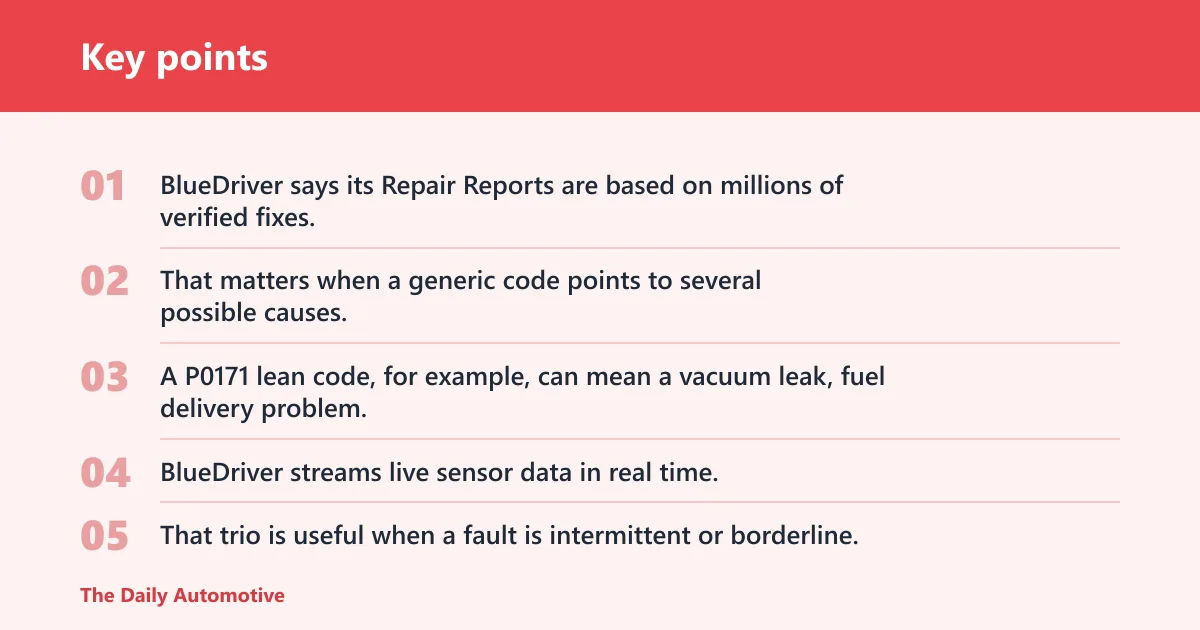
BlueDriver says its Repair Reports are based on millions of verified fixes. That matters when a generic code points to several possible causes. A P0171 lean code, for example, can mean a vacuum leak, fuel delivery problem, or sensor data issue; a vehicle-specific report narrows the first checks.
Live data, freeze frame, and Mode 6

BlueDriver streams live sensor data in real time, shows freeze frame snapshots at the moment a fault occurred, and supports Mode 6 advanced diagnostics. That trio is useful when a fault is intermittent or borderline, because you can compare what the engine was doing when the code set with what it is doing now.
Mode 6 is especially useful when a problem has not yet become a hard failure. It gives advanced on-board monitoring test results, which can help catch an issue before it turns into a larger repair. Freeze frame gives the matching moment-in-time context.
Smog check readiness
BlueDriver includes Smog Check readiness monitoring. That helps when the fix is done but the inspection clock is still ticking. Readiness status can tell you whether the emissions monitors have completed, which is often the difference between a clean inspection and a wasted trip.
App workflow and preview feature
The BlueDriver app works with the BlueDriver Bluetooth Sensor on iPhone and iPad. It also lets you preview a Repair Report by VIN and code without a sensor, which is useful if you want to check likely repair paths before buying.
That phone-first workflow is a benefit and a tradeoff. The benefit is that the tool stays compact. The tradeoff is that the driveway repair now depends on the phone battery, Bluetooth pairing, and app navigation. A handheld scanner can be simpler when you want one device with buttons and a screen.
What does not?
BlueDriver does not erase the line between a consumer scanner and a bidirectional tool. It reads a lot more than a cheap code reader, but it still cannot cover every advanced job. If your repair plan depends on commanding parts or running active tests, you will outgrow it.
Vehicle coverage is not universal
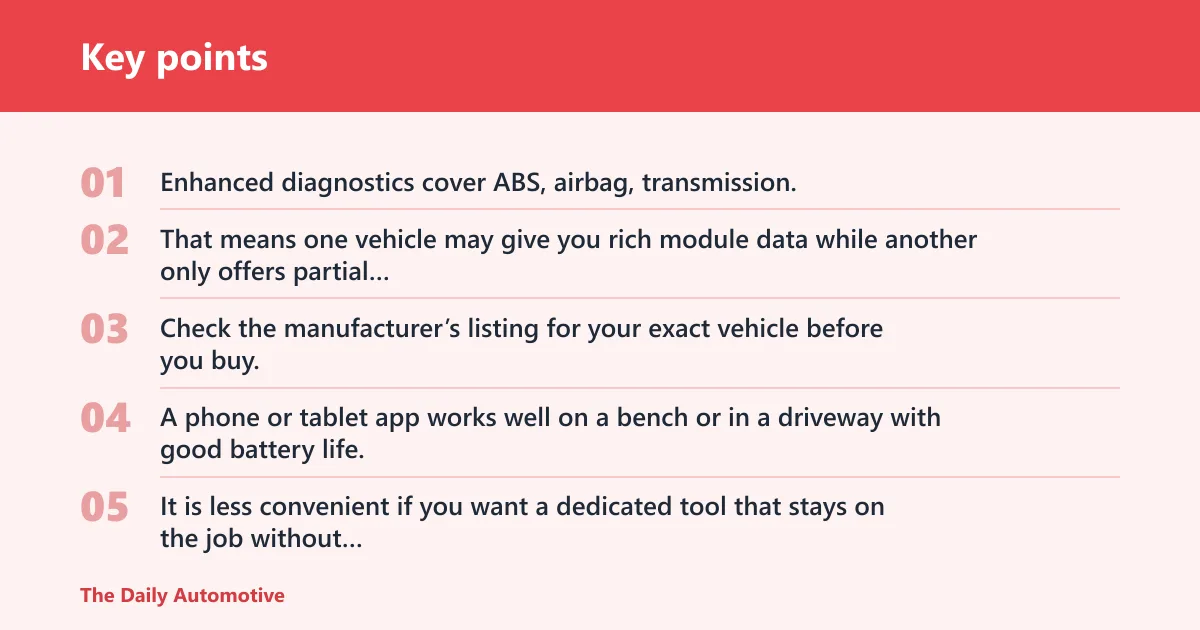
Enhanced diagnostics cover ABS, airbag, transmission, and manufacturer-specific fault codes, but coverage varies by make, model, and year. That means one vehicle may give you rich module data while another only offers partial support. Check the manufacturer’s listing for your exact vehicle before you buy.
Phone dependency matters in real repairs
A phone or tablet app works well on a bench or in a driveway with good battery life. It is less convenient if you want a dedicated tool that stays on the job without notifications, app updates, or pairing issues. If you do frequent repairs, that friction matters.
What BlueDriver cannot do
It does not belong in the same lane as a bidirectional scanner for jobs that require actuator control. If the next step after reading the code is to command a component on or off, BlueDriver is not the right tool. It can point you in the right direction, but it does not take over the diagnosis.
BlueDriver worth-It test
| DIY scenario | Best fit | Why | Likely next diagnostic step |
|---|---|---|---|
| Check-engine light | BlueDriver helps | It reads the code, adds freeze frame, and gives a vehicle-specific repair report that can keep you from buying the wrong part first. | Read the code, inspect freeze frame, then compare the report with visible hose, cap, or connector checks. |
| Intermittent misfire | BlueDriver partly helps | Live data and freeze frame can point to load, temperature, or fuel trim patterns, but a repeatable misfire may still need deeper testing. | Watch misfire counts, trims, and coolant temp, then inspect plugs, coils, and fuel delivery. |
| EVAP code | BlueDriver helps | EVAP faults often have several plausible causes, and a code reader with readiness and report data can narrow the first checks. | Check gas cap seal, purge valve behavior, and leak clues before replacing an expensive canister part. |
| ABS light | BlueDriver partly helps | ABS code access is useful, but the value depends on your exact vehicle coverage and may stop short of active testing. | Pull the ABS code, inspect wheel speed sensor wiring, and verify live sensor data if available. |
| No-start | Upgrade to a bidirectional scanner | A no-start can require command checks, fuel pump control, or module interaction that BlueDriver cannot provide. | Use a scanner with active tests, then verify spark, fuel pressure, and immobilizer clues. |
| Fuel trim issue | BlueDriver helps | Fuel trim data is one of the clearest ways to see whether the engine is lean, rich, or drifting under specific conditions. | Review trims at idle and cruise, then inspect for vacuum leaks, MAF issues, or fuel delivery faults. |
| Emissions test prep | BlueDriver helps | Readiness monitors and code clearing are exactly the kind of prep work a DIY owner can use before an inspection. | Confirm all monitors are set, then drive the vehicle through the necessary drive cycle if needed. |
| Temp sensor suspicion | BlueDriver partly helps | Live coolant temperature data can confirm whether the sensor reading is plausible, but you may still need a meter for a wiring check. | Compare scan data with engine warm-up behavior and a physical temperature check. |
| Wheel speed sensor suspicion | BlueDriver partly helps | ABS support can reveal a fault on supported vehicles, but intermittent wheel-speed faults often need road testing and wiring inspection. | Read ABS codes, inspect tone rings and harnesses, then verify live wheel-speed data if available. |
| Transmission code | BlueDriver partly helps | Transmission code access is useful, but many transmission repairs need deeper bidirectional commands and adaptation functions. | Read the code, check fluid condition, and move to a scan tool with active test support if the fault persists. |
What does BlueDriver do better than a cheap OBD2 scanner?
BlueDriver does more than a $20 to $40 reader because it adds repair context, live data, Freeze Frame, Mode 6, readiness checks, and some enhanced module coverage. That difference matters when the goal is to avoid the wrong sensor or part purchase, not just clear a light.
Repair reports tied to fault codes
A cheap scanner gives you a code. BlueDriver tries to tell you what that code usually leads to on your exact vehicle. That extra layer can shorten the list of likely causes, which is the whole reason to buy up from a basic reader.
Live data and graphing
Live sensor data matters when a fault only appears under load, in traffic, or after warm-up. Graphing can show trends instead of isolated numbers. That makes it easier to judge whether the sensor is lying, the engine is running lean, or the fault is coming from elsewhere.
Freeze frame and Mode 6
Freeze Frame is useful because it records the snapshot at the moment a fault occurred. Mode 6 adds advanced on-board test results. Together, they can separate a random code from a pattern that points to a component that is drifting before failure.
Smog check readiness help
Readiness monitors are not glamorous, but they save time. If you are trying to pass an emissions inspection, BlueDriver’s readiness view can tell you whether the vehicle is even ready to be tested yet. That is real value for a DIY owner.
Alternatives: when to buy a handheld scanner instead
Buy a handheld scanner instead when the repair needs active control, not just diagnosis. A bidirectional unit makes more sense for functions like command tests, output checks, and some service procedures. If that is the kind of work you do, BlueDriver will feel limited.
BlueDriver can be enough
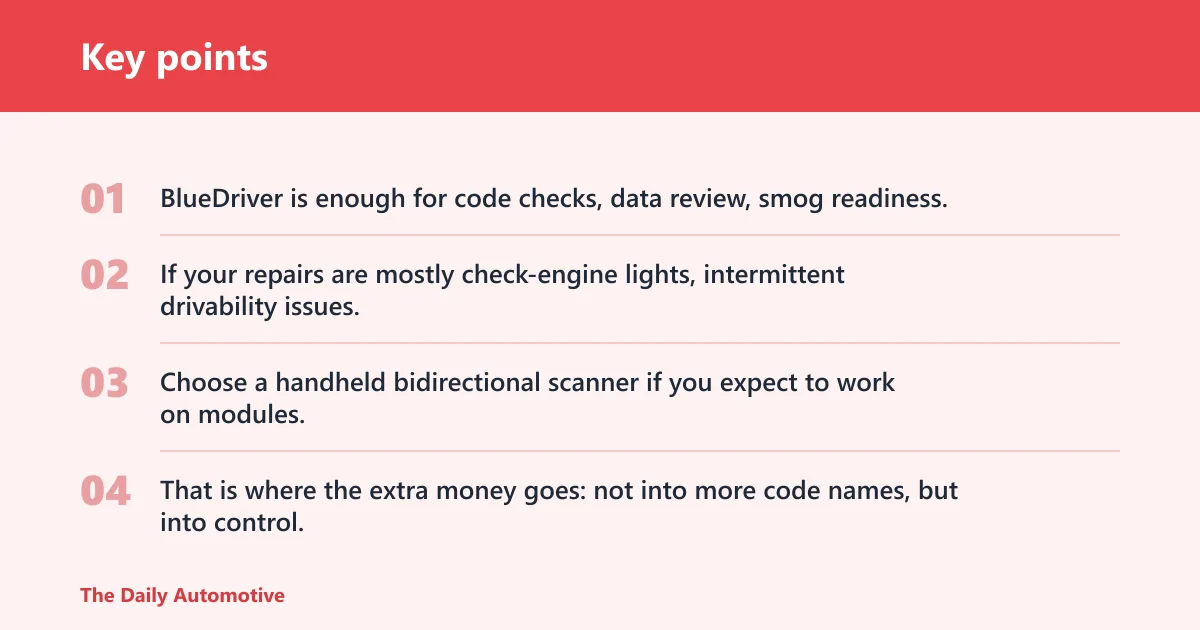
BlueDriver is enough for code checks, data review, smog readiness, and many common parts-decision jobs. If your repairs are mostly check-engine lights, intermittent drivability issues, and emissions prep, it gives more than a cheap reader without jumping straight to a pro-level tool.
A handheld tool is better for active work
Choose a handheld bidirectional scanner if you expect to work on modules, command components, or follow procedures that require the scanner to interact with the vehicle. That is where the extra money goes: not into more code names, but into control.
Should you buy it?
Buy BlueDriver if your main goal is better diagnosis for ordinary DIY repairs and you want to avoid guessing on the wrong part. Skip it if your next job needs actuator control or deeper service functions. At $99.95, it sits in the middle: far beyond a basic reader, far short of a bidirectional scan tool.
- Choose BlueDriver if you mostly read engine, emissions, or intermittent drivability faults.
- Choose a cheaper reader if you only want to clear codes and inspect readiness once in a while.
- Choose a bidirectional scanner if the repair plan includes active tests, command functions, or service resets that your current tool cannot do.
Check the vehicle manual and the scanner listing before you buy or diagnose. If a repair involves fuel, coolant, or electrical work, use proper ventilation, keep sparks away, and disconnect the battery when the manual calls for it.
Frequently asked questions
Is BlueDriver worth it for a DIY mechanic?
Yes, if you want more repair context than a cheap reader gives and you work mostly on code-driven problems. BlueDriver is a better value than a basic scanner when live data, freeze frame, readiness monitors, and vehicle-specific reports can help you avoid a bad parts purchase.
What does BlueDriver do that a cheap OBD2 scanner can’t?
It adds Repair Reports, live data, Freeze Frame, Mode 6, smog-readiness checks, and enhanced module coverage on supported vehicles. A cheap OBD2 scanner usually stops at reading and clearing generic engine codes, which is often not enough to narrow the cause confidently.
How much does BlueDriver cost?
The BlueDriver Pro OBD2 Scanner is priced at $99.95 on the official site. That puts it well above a basic code reader and below a bidirectional handheld scanner, so the value question depends on whether those extra diagnostics will save you real repair time.
Does BlueDriver read ABS and transmission codes?
Yes, the App Store listing says it can read and clear ABS, airbag, and transmission codes. Coverage is not universal, though, and it varies by make, model, and year, so you should confirm support for your exact vehicle before buying.
Does BlueDriver work with iPhone and Android?
BlueDriver works with iPhone and iPad, and the product is built around Bluetooth connection to the app. The app details provided here specifically name Apple devices, so check the manufacturer’s listing for current Android support on your model before you buy.
Will BlueDriver show live sensor data and freeze frame?
Yes. BlueDriver streams live sensor data in real time and offers Freeze Frame snapshots when a fault occurred. That combination is useful when a problem comes and goes, because it gives both the current reading and the conditions stored when the code set.
Is BlueDriver better than a handheld scan tool?

Not overall. BlueDriver is better when you want a compact, app-based code reader with more context than a basic scanner. A handheld scan tool is better when you need bidirectional control or a more direct workflow in the driveway without relying on a phone.
Products related to this article
Sponsored / affiliate links. As an Amazon Associate I earn from qualifying purchases. I may earn additional commission from eligible campaigns.