How to Mirror Phone to Car Screen: Every Method Compared
To mirror a phone to a car screen, you first have to decide what you mean by mirroring. Apple CarPlay and Android Auto, the two systems most people use, do not copy your phone’s display: they show a car-friendly set of apps on the car screen. A true copy of the phone screen, such as a video, only comes through special adapters or aftermarket units, and it is meant for a parked car. This guide compares every method, says what each one can and cannot show, and covers the NHTSA video rule that applies to all of them.
Quick Answer
Use Apple CarPlay (iPhone) or Android Auto (Android) for navigation, calls and music, by USB cable or wirelessly if your car supports it. Neither is true screen mirroring. To show phone video on the car screen, you need an HDMI-style adapter or AirPlay video on a car that supports it, and only while parked. MirrorLink was shut down by its consortium in 2023.
What Is Phone-to-Car Screen Mirroring?
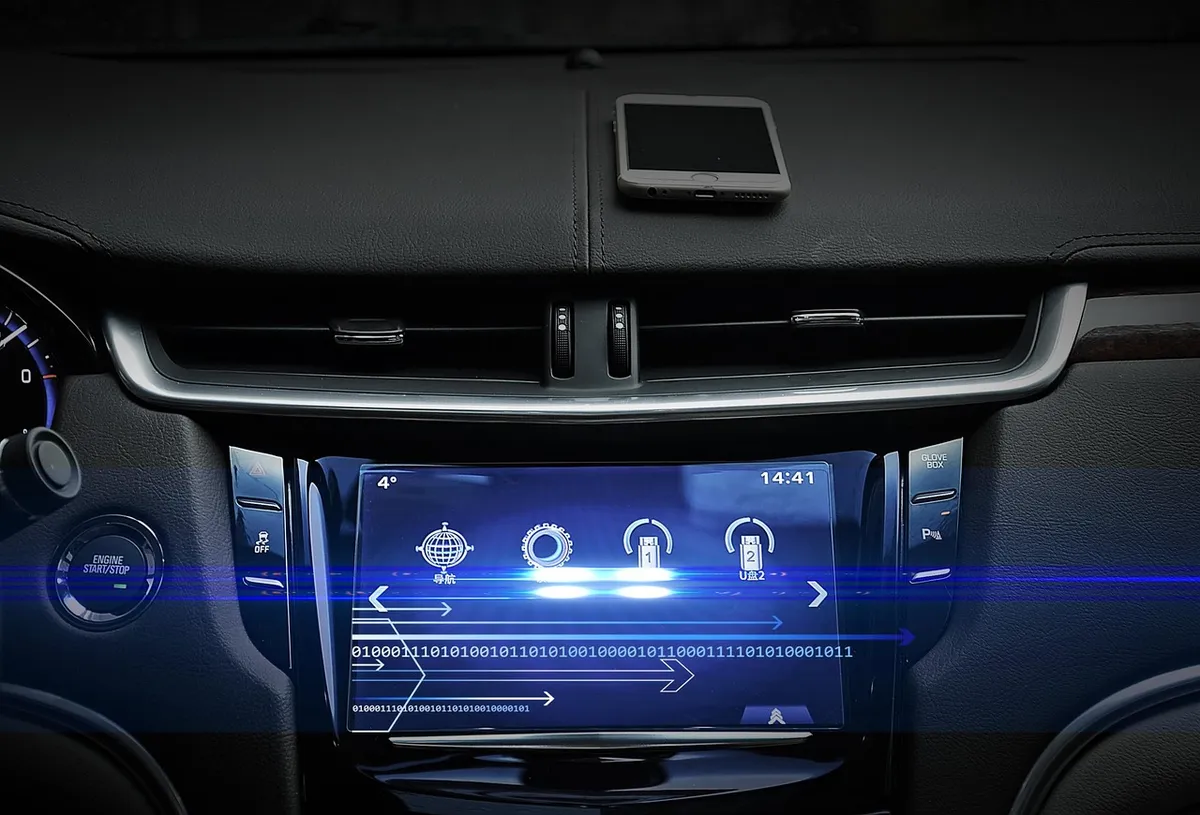
Mirroring means the car screen shows exactly what is on the phone screen. CarPlay and Android Auto work differently: the phone runs the apps, but the car screen shows a separate interface built for driving. That is why you cannot open any app you like, and why a video app does not simply play on the dash.
| Best Pick for Video Mirroring While Parked | |
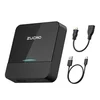 |
ZUCWO Wireless CarPlay Adapter and Car TV Mate with HDMI Input
|
| View Our Pick on Amazon | |
As an Amazon Associate we earn from qualifying purchases. This is a spec-based pick from the product listing, not a hands-on test.
The adapter above is the closest thing to real mirroring for a car that already has factory wired CarPlay. Its listing says the HDMI side shows a phone or streaming stick on the car display while parked, and that wireless CarPlay is a separate mode. Treat it as a parked-car entertainment tool, not a driving aid.
Mirroring Methods Compared
The table groups every common option by what it works with and what it cannot do. Facts come from Apple and Google support pages, the Car Connectivity Consortium and the product listing, as of October 2026. Check your car’s manual before you buy anything.
| Method | Works with | What you see | Limits |
|---|---|---|---|
| Apple CarPlay (USB or wireless) | iPhone and a car with CarPlay | Car-friendly apps such as maps, music, calls | Not a copy of the phone screen. Wireless needs a car or adapter that supports it |
| Android Auto (USB or wireless) | Android phone and a compatible car or stereo | Your own apps adapted for the car display | Wireless needs Android 11 or higher and a compatible car or a supported JVC, Kenwood or Pioneer stereo, per Google |
| AirPlay video to CarPlay | iPhone and a car with video-in-car support | Video from supported apps | Parked only. If the car blocks video, it plays audio only |
| HDMI-input adapter (Car TV Mate type) | Cars with factory wired CarPlay or Android Auto | Phone or streaming stick over HDMI | Parked use. HDMI and CarPlay cannot run together on the listed adapter. Not compatible with every car |
| MirrorLink | Older certified phones and cars | Phone apps on the car screen | Operations ended September 30, 2023. No guarantee it still works |
| Aftermarket head unit | Any car that fits the unit | Depends on the unit | Install is more work. Check what the maker lists before buying |
How to Mirror Phone to Car Screen: Step-by-Step
Pick the section for your phone. All first-time setup should happen while the car is parked.
iPhone: Apple CarPlay
- Start the car and make sure Siri is on.
- If the car supports CarPlay with a cable, plug the iPhone into the car’s USB port, which may be labeled with a CarPlay or smartphone icon. Apple says to use an Apple USB cable.
- If the car supports wireless CarPlay only, press and hold the voice command button on the steering wheel and put the stereo in wireless or Bluetooth mode. On the iPhone, turn Wi-Fi on, tap the CarPlay network and check that Auto-Join is on, then go to Settings, General, CarPlay and select your car.
- If CarPlay Home does not appear, select the CarPlay logo on the car display.
Android: Android Auto
- Make sure the phone meets Google’s minimum requirements and the car is compatible. Android Auto is built into phones, so there is nothing to download.
- Park the car with the infotainment system on. For a wired connection, plug a USB cable into the car’s USB port and the phone, then follow the on-screen setup.
- For wireless, pair the phone and car by Bluetooth the first time, keeping Bluetooth, Wi-Fi and Location on during setup. Android Auto should start within a few seconds of pairing.
- If it does not start, follow the prompts or tap Android Auto on the car display.
Video From the Phone, Parked: AirPlay or an HDMI Adapter
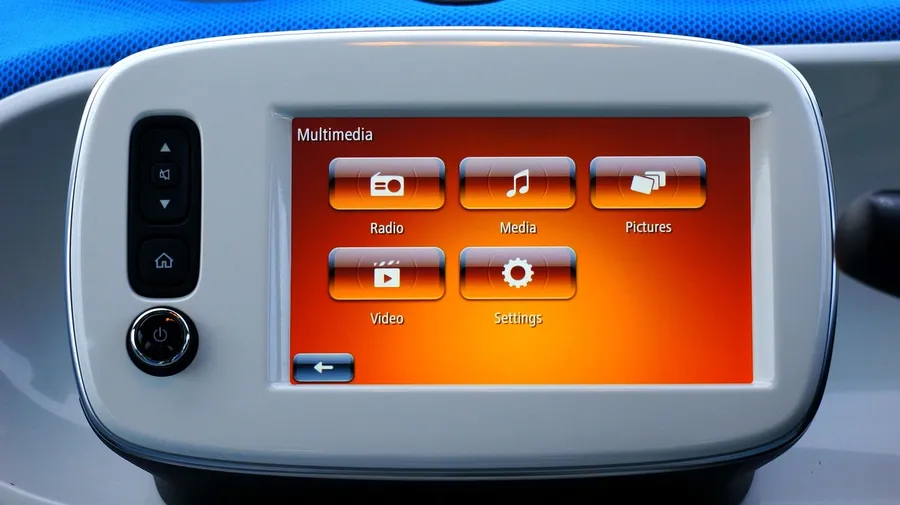
Apple says you can play video from the iPhone on the CarPlay display when you are not driving, and that CarPlay video apps work only in vehicles that support the video-in-car feature. The steps are:
- Connect the iPhone to CarPlay while parked.
- Play a video from a supported CarPlay video app, or any app that supports AirPlay.
- Tap the AirPlay icon and select your CarPlay display. If the vehicle says video playback is not available, the video switches to audio only.
- To stop, reopen the app while parked, tap the AirPlay icon and deselect the CarPlay display.
An HDMI-input adapter is the other route. The listed steps for the adapter above are to plug it into the car’s USB port, plug the HDMI device in, and power any streaming stick separately. The listing says phone mirroring works over HDMI, so check it for the cable your phone needs. Android Auto has no equivalent video feature in the Google pages read for this guide, beyond games on the car display while parked.
Why MirrorLink Is No Longer the Answer
MirrorLink was an open standard that projected phone apps onto the car display. The Car Connectivity Consortium said it would end all MirrorLink operations by September 30, 2023, and gave no promise that certified devices would keep working after that. Our previous version of this page sent readers to MirrorLink as an option for older phones, so if you landed here from an older link, use CarPlay, Android Auto or an adapter instead.
Safety and Legal Limits on Video While Driving
Every method above shares one rule: the driver should not watch video. The NHTSA driver distraction guidelines were issued in April 2013 as nonbinding, voluntary guidance. They list displaying video not related to driving as an activity that in-vehicle devices should be designed to block while the car is moving. For other tasks, they recommend glances away from the road of 2 seconds or less and no more than 12 seconds in total. That notice covered original-equipment devices first, so it is a benchmark, not a ruling on aftermarket adapters.
- Set up while parked: Both Apple and Google say first-time setup should happen with the car stopped.
- Video is for passengers or a stopped car: Apple’s video feature is limited to when you are not driving, and Google lists games on the car display only while parked.
- Check your state’s law: Rules differ by state and country, so confirm what applies where you drive.
- Mount and cable placement: Keep cables and a phone mount away from airbags and controls, and follow your owner’s manual.
Troubleshooting Common Problems
| Problem | Likely cause | Fix to try |
|---|---|---|
| No CarPlay icon on the screen | Siri off, wrong cable or port, unsupported car | Turn Siri on, use an Apple USB cable in the CarPlay-labeled port, check the manual |
| Wireless CarPlay will not connect | Stereo not in wireless or Bluetooth mode, Wi-Fi off | Put the stereo in wireless mode, turn Wi-Fi on and check Auto-Join on the CarPlay network |
| Android Auto does not start | Cable or compatibility issue | Use a high-quality USB cable and confirm phone and car support it. See our guide on when Android Auto has stopped working |
| Video plays as audio only | Vehicle does not allow video | This is a car setting, not a fault. Apple says playback falls back to audio only |
| Adapter works but video does not | HDMI mode and CarPlay mode are separate | Per the listing, they cannot be used at the same time, so switch modes |
Which Method Should You Use?
- Navigation, calls and music: CarPlay or Android Auto. If pairing is the problem, see how to sync your phone to your car.
- No wireless in your car: A wireless CarPlay or Android Auto adapter, if the car has the wired version.
- Video while parked or for passengers: AirPlay to CarPlay on a supported car, or an HDMI-input adapter.
- Older car with no screen support: An aftermarket head unit, after checking what the maker lists.
Frequently Asked Questions
Can you mirror an iPhone to a car screen?
Not as a full copy of the phone. Apple CarPlay shows a car-friendly set of apps on the car display, and Apple says its video support works only in vehicles that offer video-in-car and only when you are not driving. For video from the phone, Apple points to AirPlay to a CarPlay display, which falls back to audio only if the vehicle does not allow video. An HDMI-input adapter is the other route on cars with factory wired CarPlay.
Is Android Auto the same as screen mirroring?
No. Google describes Android Auto as a way to use your own apps on the car display, with apps adapted for the car, not a copy of the phone screen. Google’s own page mentions games on the car display only while parked, which shows the rule: anything beyond driving apps is for a stopped car.
Does MirrorLink still work?
Do not count on it. The Car Connectivity Consortium announced it would end all MirrorLink operations by September 30, 2023, and said it makes no promise that certified devices and apps will keep working after that date. Some adapters still list MirrorLink as a feature, so check what the seller actually supports before you buy.
Is it legal to watch video on a car screen?
Rules vary by state and country, and this page cannot tell you yours, so check your state’s law. The federal NHTSA guidelines are voluntary, but they list displaying video not related to driving as something in-vehicle devices should block while the car is moving. Apple and Google both frame video and games as parked-only features.
Why does my car show no mirroring option?
Most factory screens only offer CarPlay or Android Auto, not true mirroring. If neither icon appears, check that the phone is connected with a good USB cable, that Siri is on for an iPhone, and that the car actually supports the system. Your owner’s manual or the maker is the authority on what your head unit supports.
Can I mirror my phone wirelessly?
Yes for CarPlay and Android Auto if the car supports wireless. Apple says wireless CarPlay needs the stereo in wireless or Bluetooth mode and Wi-Fi on, and Google needs Android 11 or higher for wireless connections. A wireless adapter can add wireless CarPlay or Android Auto to a car that only has the wired version.
Conclusion
Mirroring a phone to a car screen is really three separate things: CarPlay or Android Auto for driving, AirPlay or HDMI for parked video, and an old standard, MirrorLink, that has ended. Match the method to what your car supports, set up while parked, and leave video for when the car is stopped.
Products related to this article
Sponsored / affiliate links. As an Amazon Associate I earn from qualifying purchases. I may earn additional commission from eligible campaigns.