How to Play Music in Your Car: Bluetooth, USB, AUX & CarPlay
The best way to play music in your car depends on what the dashboard offers: a Bluetooth audio mode, a USB port that carries audio, a 3.5 mm AUX jack, or Apple CarPlay and Android Auto. Pick the one your car supports, then check the cable and port, because the most common failures are a charge-only USB port and a poor cable. This guide compares each method, what it needs, and a fix order for when it fails.
How Do You Play Music in the Car? Start With What the Car Has
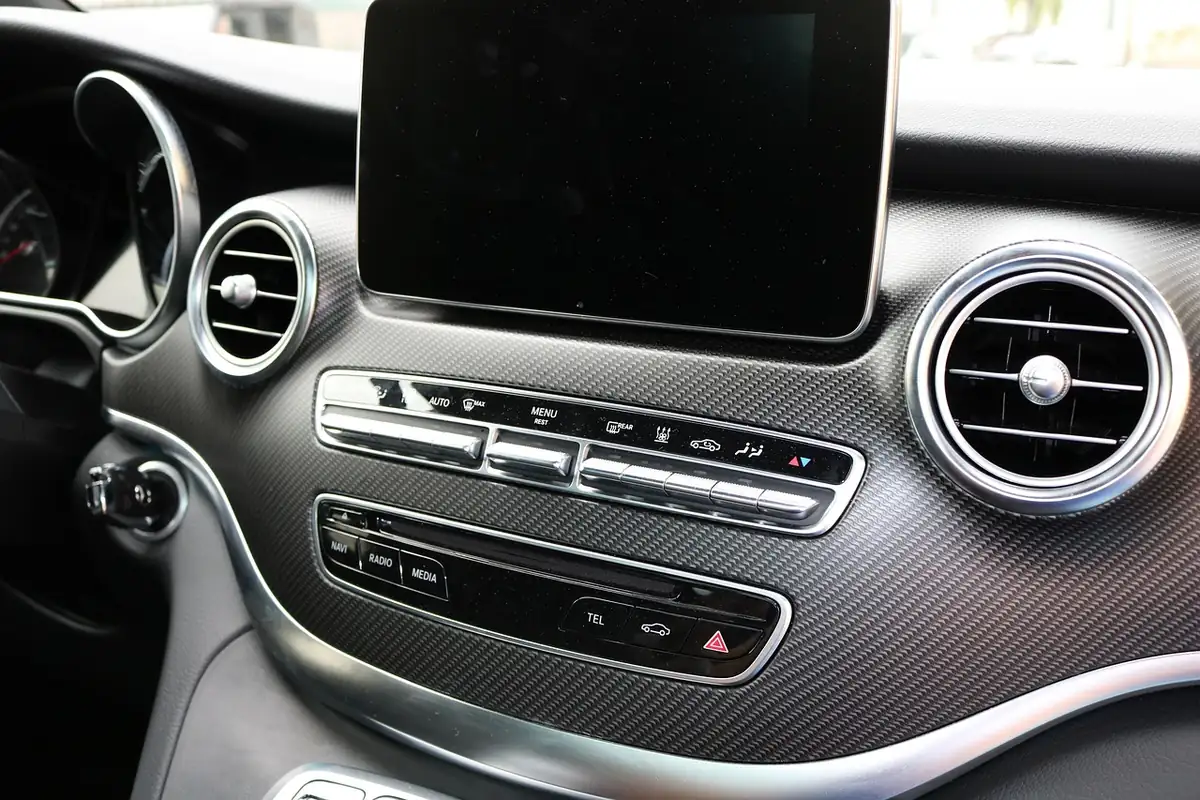
Look at the dashboard, console and audio source screen before you buy anything. Each method below needs something from the car and something from your phone, and the manuals we read say those details vary by model, year and trim. Where a source gave a model or date, we name it.
| Best Plain AUX Cable Pick | |
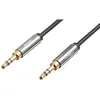 |
Amazon Basics 3.5mm Male-to-Male Stereo Audio Cable, 4 Foot
|
As an Amazon Associate we earn from qualifying purchases. Spec-based pick from the listing, not a hands-on test.
Comparing Music Playback Methods
The table puts the methods side by side with what each needs and where each fact comes from. Rows contain only statements we read on the named page.
| Method | What the car needs | What you need | Source read |
|---|---|---|---|
| Bluetooth audio | A Bluetooth audio mode; Honda lists Bluetooth Audio among its audio modes | A phone paired with the car, within about 33 feet (10 meters) per Apple | Apple iPhone User Guide; 2023 Honda Passport audio guide |
| AUX cable | A jack for a 1/8 inch (3.5 mm) stereo miniplug; Honda switches to AUX mode automatically | A 3.5 mm stereo cable | 2023 Honda Passport audio guide |
| USB (audio port) | A USB port that plays audio; Honda marks some ports as charge only | A USB cable; a flash drive with MP3, WMA or AAC files on that Honda unit | 2023 Honda Passport audio guide |
| Apple CarPlay | USB port (sometimes marked with a CarPlay or smartphone icon) or wireless CarPlay support | An iPhone; an Apple USB cable per Apple; for wireless, Wi-Fi on and the car selected in Settings > General > CarPlay | Apple iPhone User Guide |
| Android Auto | A compatible car or stereo; not every car with a USB port works | Android 11.0 or higher, active data plan, high-quality USB cable; wireless adds 5 GHz Wi-Fi | Google Android Auto Help |
| Cassette adapter, CD, SD, FM transmitter | Varies | Not covered by the pages we read, apart from the FCC range note below | See the unverified list |
For the iPhone-specific wired route, our guide to connecting an iPhone to a car stereo covers connector types and USB settings.
Using Bluetooth to Play Music
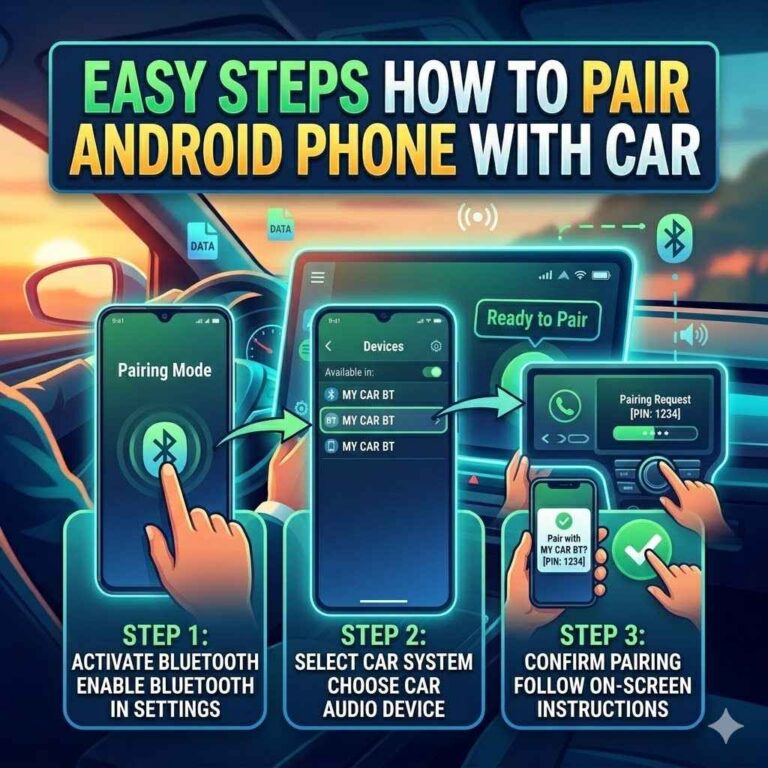
Apple’s steps for any Bluetooth accessory apply to a car stereo: put the accessory in discovery mode, open Settings > Bluetooth on the iPhone with Bluetooth on, then tap the accessory’s name when it appears. You might need a PIN or passcode from the accessory’s instructions. Honda’s 2023 Passport guide lists Bluetooth Audio as an audio mode and warns that depending on the Bluetooth device you connect, some functions may not be available.
Apple adds that Airplane Mode may eliminate audio interference between the iPhone and an accessory. To start over, go to Settings > Bluetooth, tap the button next to the accessory, then Forget This Device. To add Bluetooth to a car that lacks it, see our guide to adding Bluetooth to your car.
Connecting with an Auxiliary Cable
Honda’s guide says to open the cover, connect a device to the input jack with a 1/8 inch (3.5 mm) stereo miniplug, and the audio system automatically switches to AUX mode. To change modes or return to AUX, select the audio source icon.
Two limits matter before you buy a cable. Honda marks the console jack as not available on all models, and says you cannot use the auxiliary input jack if you replace the audio system. No jack? See how to get AUX in a car without an AUX port.
Playing Music via USB
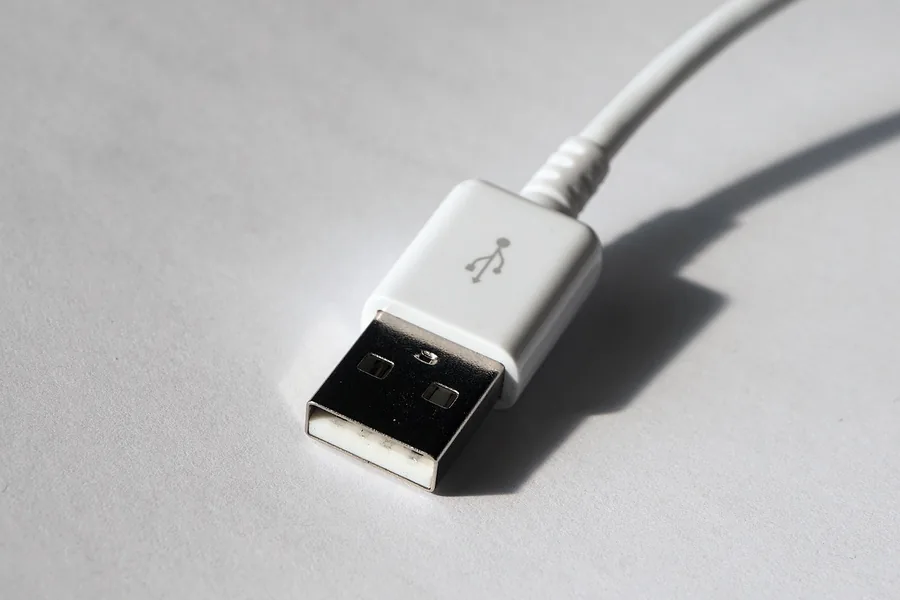
USB can mean a charge-only port, an audio port for a flash drive, or a projection port for CarPlay or Android Auto. On the Honda in our source, the console panel port charges devices, plays audio files and connects compatible phones with CarPlay or Android Auto, while the console compartment port only charges.
For a flash drive, Honda says the system plays MP3, WMA or AAC files (AAC only if recorded with iTunes), and you connect the drive and select USB mode. It recommends a USB cable, no hub, and no card reader or hard disk drive, because the device or files may be damaged. It also says not to leave the drive in the vehicle, since sunlight and heat may damage it.
If a drive is not detected, our fix for a car stereo not detecting USB audio covers common causes.
FM Transmitters for Older Cars
An FM transmitter sends phone audio to a short-range FM signal that the car radio tunes to. We could not read a maker’s manual or test that covers sound quality or setup, so we do not rate these devices. The FCC’s low-power radio page says unlicensed Part 15 FM devices are limited to an effective service range of approximately 200 feet (61 meters) and must accept any interference caused by other operation. That page does not name car transmitters, so treat it as background only. Our guide to using a car FM Bluetooth player covers that gadget type.
Streaming Apps and Services
Streaming runs through your phone, so the connection method decides how audio reaches the speakers. For Android Auto, Google says apps must be compatible, you should be signed in on your phone before starting, and some apps may need a subscription or premium account. You can ask by voice (“Hey Google” or the microphone icon) or tap the app launcher on the display and pick a media app.
Using a Car’s Built-in Infotainment System
This is the CarPlay and Android Auto route. Apple’s Connect iPhone to CarPlay page gives three cases. With USB, plug into the port and use an Apple USB cable. If the car supports both, plug in first and the next attempt offers a wireless alert. If it supports only wireless CarPlay, press and hold the steering wheel voice command button, make sure the stereo is in wireless or Bluetooth mode, turn on iPhone Wi-Fi, tap the CarPlay network with Auto-Join on, then choose the car in Settings > General > CarPlay. Start the car and make sure Siri is on first.
Google’s Get started with Android Auto page lists what the USB route needs: Android 11.0 or higher, an active data plan, a compatible car and a high-quality USB cable. Wireless adds 5 GHz Wi-Fi, and the first wireless connection needs Bluetooth pairing. Android Auto is integrated into phones, so there is nothing to download. No CarPlay? Apple says the car might have Siri Eyes Free, which connects Siri over Bluetooth. See how wireless CarPlay works and whether your car supports it.
Troubleshooting Common Issues
Work from the cheapest check to the most involved. Each row names its source, and menus vary by model and year.
| Order | Check | What to do | Source read |
|---|---|---|---|
| 1 | Source and mode | Select the right audio source; Honda says to use the audio source icon to switch modes | 2023 Honda Passport audio guide |
| 2 | Port type | Use a USB port that plays audio; a charge-only port cannot play music | 2023 Honda Passport audio guide |
| 3 | Cable | Replace the cable; Google says that will likely fix a setup that worked before. Under 3 feet (1 meter), no hubs or extensions | Google Android Auto Help (My Android Auto app isn’t working) |
| 4 | Car settings | Check Android Auto is on in the infotainment system, then restart the system | Google Android Auto Help |
| 5 | Bluetooth | Confirm Bluetooth is on and the accessory is discoverable; forget the device and pair again if needed | Apple iPhone User Guide |
| 6 | Second car (Android Auto) | Unplug, then Settings > Connected devices > Connection preferences > Android Auto > Previously connected cars > Forget all cars | Google Android Auto Help |
| 7 | Still failing | Contact the vehicle maker; Google says to check the vehicle manual or maker | Google Android Auto Help |
For a phone that connected before and then stopped, see our Android Auto connection fix.
Myths and Mistakes That Waste Time
| Common belief | What the page we read says | Source |
|---|---|---|
| Any USB port will play my music | Some ports are charge only and cannot play music | 2023 Honda Passport audio guide |
| Any cable works for CarPlay or Android Auto | Honda says to use an MFi Certified Lightning connector for CarPlay and a USB-IF certified cable for Android Auto; Google says not all cables work with all cars | Honda guide; Google Android Auto Help |
| A hub or card reader is fine for a music drive | Honda says not to use a hub, card reader or hard disk drive | 2023 Honda Passport audio guide |
| Android Auto needs a download | Google says it is integrated into phones; it won’t work on all cars with a USB port | Google Android Auto Help |
Playing Music in the Car Without Taking Attention Off the Road
Set up while parked. Per NHTSA, distracted driving is any activity that diverts attention from driving, and its definition includes fiddling with the stereo, entertainment or navigation system. NHTSA states that distracted driving claimed 3,208 lives in 2024, and that sending or reading a text takes your eyes off the road for 5 seconds, which at 55 mph is like driving the length of a football field with your eyes closed.
Google says to have the car in park with the infotainment system on while setting up Android Auto, and to allow time before you drive. Apple’s guide describes the steering wheel voice command button for reaching Siri on CarPlay. NHTSA says your state sets distracted driving laws, so check your own state’s rules.
What This Guide Does Not Confirm
- Steps for cassette adapters, CDs or SD card slots, and FM transmitter sound quality: no source read.
- Whether your car has a Bluetooth mode, AUX jack or audio USB port: check your owner’s manual.
- Built-in apps in specific Toyota, Ford, Hyundai, Kia, Chevrolet or BMW models: those manuals were not read.
Frequently Asked Questions
How do I play music in my car without Bluetooth or AUX?
If the car has an audio-capable USB port, Honda’s guide says to connect a flash drive and select USB mode. If it supports CarPlay or Android Auto, use a USB cable per Apple and Google. We read no source for adapters, so check your owner’s manual.
Can I play music from a USB flash drive in any car?
No. Honda says some USB ports are for charging only, and its unit plays MP3, WMA and AAC files, with AAC only if recorded with iTunes. Ports and formats vary by car.
Why does my Bluetooth music cut out or not connect?
Apple says to stay within about 33 feet (10 meters) to pair, notes Airplane Mode may eliminate audio interference with an accessory, and gives Forget This Device in Settings > Bluetooth to start over.
Is it safe to use my phone for music while driving?
NHTSA says fiddling with the stereo is a distraction and any non-driving activity increases crash risk. Set up the music while parked and use steering wheel voice controls where your car supports them.
Do I need to download Android Auto?
No. Google says Android Auto is integrated into phones; you need Android 11.0 or higher and an active data plan for the USB route.
Bottom Line
To play music in your car, match the method to what the dashboard offers, confirm the USB port is an audio port, use a good short cable, and set up while parked. This page reads Apple, Google, NHTSA, FCC and one Honda manual, and is not a hands-on test.
Flagged for human review. Sources read on 2026-10-14: Apple iPhone User Guide (Connect iPhone to CarPlay, Intro to CarPlay, Connect Bluetooth accessories, Use Siri in your car), Google Android Auto Help (Get started, Set up Android Auto, My Android Auto app isn’t working, Listen to media), NHTSA distracted driving page, FCC low power radio page, 2023 Honda Passport audio guide. Settings vary by model and year.
Products related to this article
Sponsored / affiliate links. As an Amazon Associate I earn from qualifying purchases. I may earn additional commission from eligible campaigns.